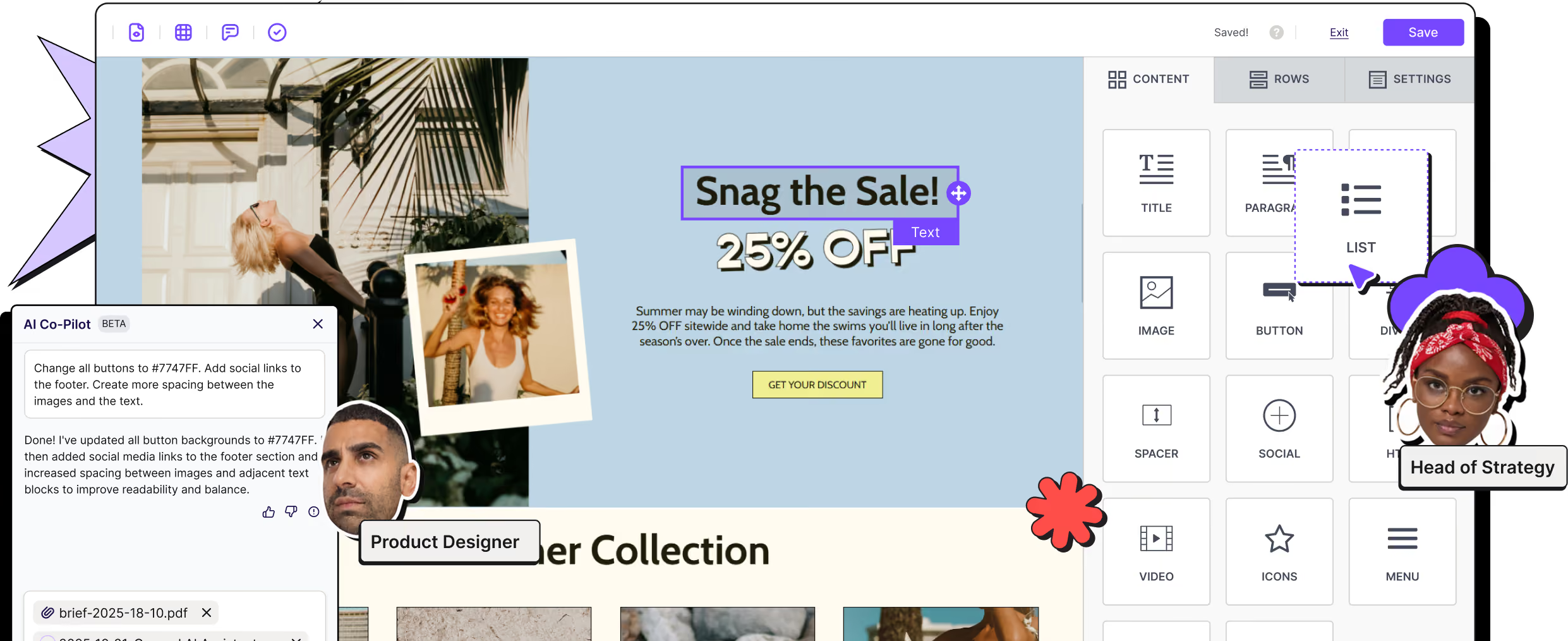
Connect your AI tools to RGE Studio's email MCP server.
Use Claude, ChatGPT, n8n, or other AI tools to work with your existing RGE Studio designs, create new emails, save them to the right workspace, and export the HTML.
Works with




AI platforms don't understand your email complexity
AI platforms can spit out an email pretty quickly. But is it ready to ship? The typical AI-generated email still needs work to be sent out from your ESP.
And it’s not just you. We asked the email community what gets in the way when using AI, and two answers came back the loudest: lack of trust and scattered tools.

of respondents don't fully trust AI-generated email output

want AI built into the tools they already use
Source: RGE Survey 2026, 855 email professionals
Meet RGE Studio MCP
RGE Studio MCP is a remote MCP server that gives compatible AI tools access to the Studio actions your team already uses.
Just ask your AI tool to find, create, update, preview, save, or export an email. No copy-paste, no rebuild required.
And because of RGE Studio's brand settings and permissions, on-brand emails are much easier to ensure for every output.
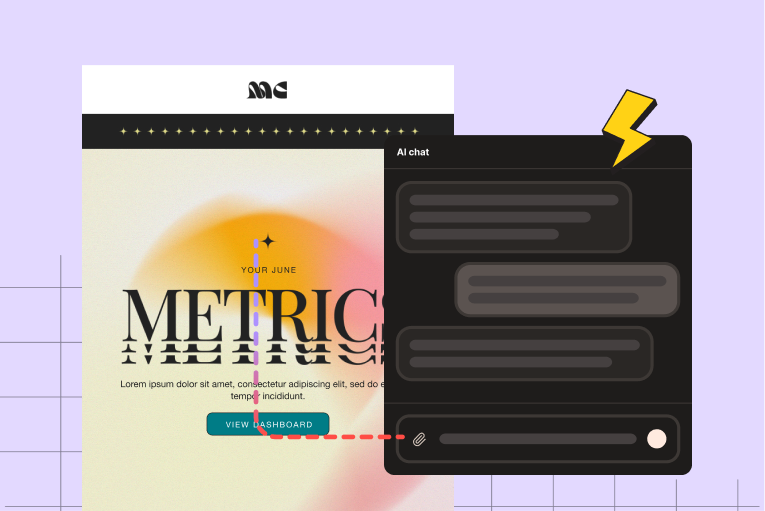
Find an email
Pull up a design by asking in plain language, and without needing to open RGE Studio.
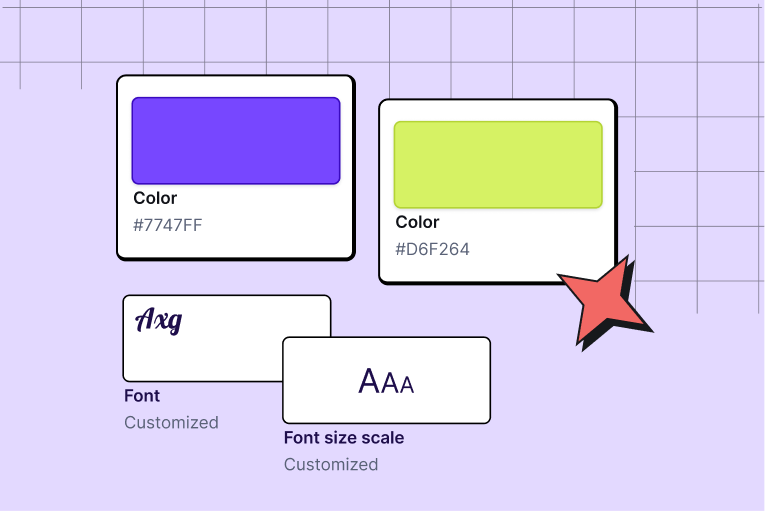
Create from context
Start from an approved email or use your saved workspace styles as a starting point.
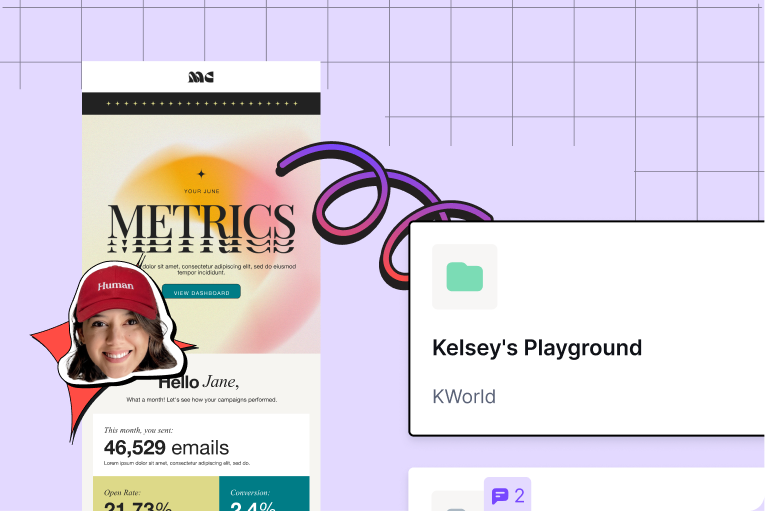
Save & Export
Save the email to the right account, workspace, and folder.
Keep the workflow in one place

Works with your AI tools
Call up RGE Studio inside Claude, ChatGPT, Cursor, n8n, custom agents, or any other AI tool.

Perfect code
Because it relies on your existing designs and brand styles, the MCP creates something that's actually ready to ship - no broken code.

No tool-switching
Find, act on, and distribute designs conversationally, without leaving the AI environment or breaking the workflow.
Here is everything you can do

Find existing designs
Search across workspaces and folders without digging through them manually.

Create from an approved email
Use an existing design as the starting point for a new one.

Use saved workspace styles
Ask the AI to use your workspace's saved styles when creating a new design.

Save to the right place
Choose the account, workspace, and folder conversationally.

Preview without opening the builder
See a saved email preview inside the connected AI tool.

Update an existing email
Replace the content of a saved email with a new version.

Clone and edit
Retrieve an existing email, duplicate it, make changes, and save the new version back to RGE Studio.

Export the HTML
Get the finished HTML when it is time to move the email into your sending platform.
Built for teams already working with AI
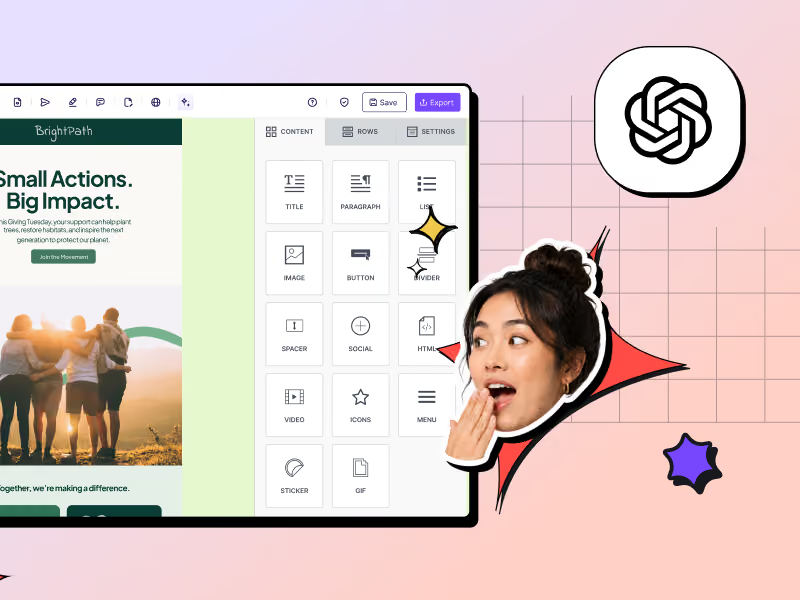
Marketing teams
You run ongoing campaigns, work with more than one cook in the kitchen, and follow structured approval steps. RGE Studio MCP connects fast AI creation to the place where email becomes editable, reviewable, and ready to ship.
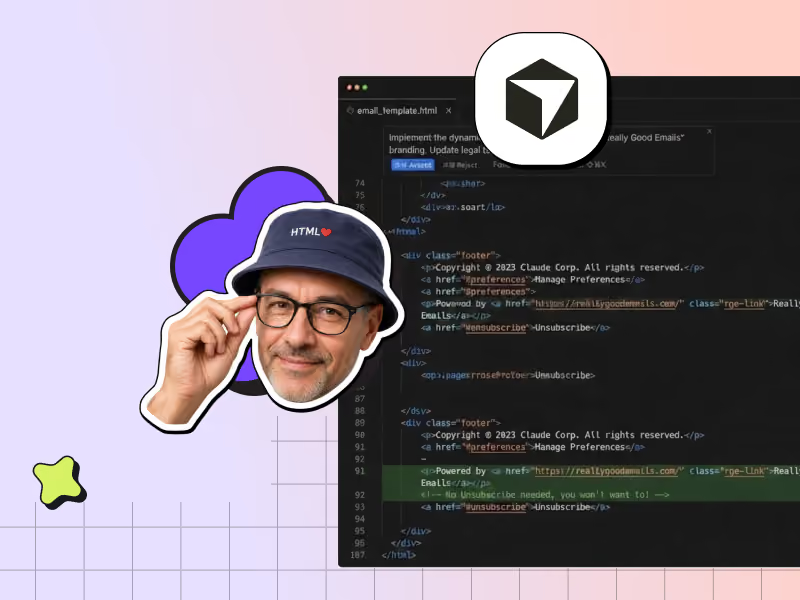
Developers and technical teams
You build email from code or work inside tools like Cursor. Because RGE Studio MCP uses a standard interface, you can connect it to the same AI workflows as the rest of your stack.
Connect once, then just ask
RGE Studio MCP is a remote server, so there is nothing to install and no API key to copy. Add the server URL to your MCP-compatible tool, sign in with your RGE Studio account, and you are ready to go. Your existing Studio roles and permissions still apply.
AI can make the draft. Your team still ships the email.
AI is good at speed. Your team is good at judgment. RGE Studio connects the two: fast creation up front, human review before anything goes out the door ✨

Everything you probably want to know
What is an email MCP server?
Is the RGE Studio MCP Server included with my current plan, or does it cost extra?
Are there usage limits or rate limits?
Which AI tools does the RGE Studio MCP Server work with?
Do I need to install anything?
Does RGE Studio MCP replace my ESP?
Is connecting the RGE Studio MCP server secure?
Are my existing permissions respected?
Can I review or undo changes made to an email design through the MCP Server?
Are exported designs compatible with all major email service providers?
What support is available if the MCP Server connection stops working?
RGE Studio + your AI tool = a better way of making emails.
Want to see what this looks like when tailored to your team, stack and needs? We are here to help.