Meet RGE Studio — and explore it at your own pace. This email builder demo is a self-guided product tour: pick a topic and watch a short, narrated walkthrough of how RGE Studio works.
RGE Studio is an HTML email and landing page builder. All work is organized within workspaces, which serve as central hubs for creating, organizing, and managing designs. Each account includes at least one workspace. Multiple workspaces can be assigned to specific brands, business units, or clients, with separate designs, styles, templates, users, and integrations. Multiple workspaces are available on Business and Enterprise plans.
The Projects tab provides access to email and landing page designs with search and management capabilities. Users can create new emails, landing pages, folders, or import designs from other RGE Studio accounts. The platform includes a template catalog with over 1700 email and landing page templates for various occasions, industries, and seasons.
The HTML email builder uses drag and drop functionality for adding elements, editing text, and uploading media. Users can modify subject lines, preheaders, and UTMs in the Edit Details page. Additional functions include sending test emails, creating templates, exporting to email service providers, and initiating team review processes. Designs can be organized using folders and located using the search function.
The Library tab stores reusable content including templates, saved rows, and uploaded media. Saved rows are reusable content blocks that can be added to multiple designs. Synced rows are saved rows that automatically update across all designs when edited, such as headers or footers used in multiple newsletters.
The Settings tab manages workspace-specific configurations. Each workspace has independent settings, styles, templates, user permissions, and connectors. The Styles feature establishes centralized brand guidelines controlling colors, typography, and overall brand appearance. Connectors enable export of designs to email sending platforms, marketing automation systems, and email applications. Designs can be exported to any platform by copying HTML or creating custom connectors.
User management includes role assignment and access control. Available roles include admin, manager, editor, and contributor. User roles and permissions control editing access and visibility of sensitive information. This feature is available on Professional, Business, and Enterprise plans. Users can be assigned to individual workspaces or multiple workspaces as needed. Advanced permissions control access to specific editing options, allowing restriction of junior team members while granting full access to senior staff.
When creating a new workspace, users can copy settings from existing workspaces including styles, templates, and saved rows, or start from scratch.
The builder interface consists of the Stage (canvas for dragging and dropping content blocks and rows) and the Sidebar (controls for adjusting properties like colors, fonts, and padding). Content blocks include text elements (title, paragraph, list) and media elements (images, videos, gifs). Rows define horizontal layout structure and column arrangement. The Settings tab establishes global design elements that rows and content blocks inherit. If Styles are configured in the workspace, settings apply automatically to new designs.
Brand Styles and Advanced Style Kit lock fonts, colors, buttons, and spacing so projects start on-brand. Advanced User Permissions control who can edit brand settings, templates, and designs.
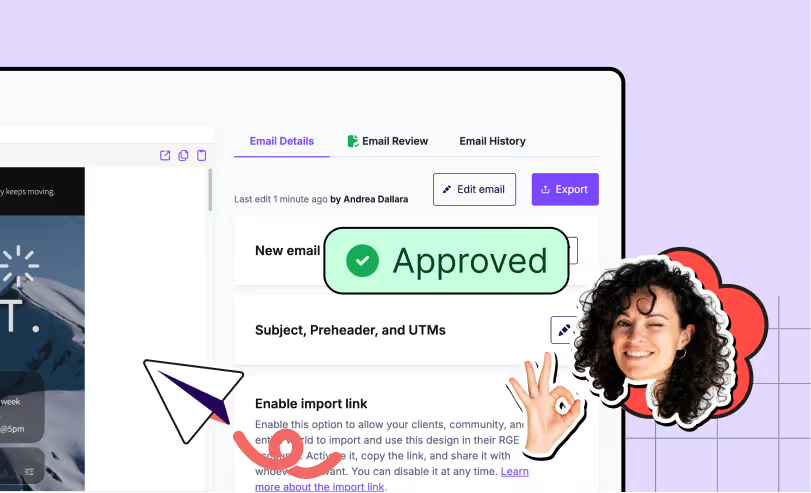
The approval workflow system includes commenting directly on designs. The Activity Dashboard displays project activity including comments and design review updates.
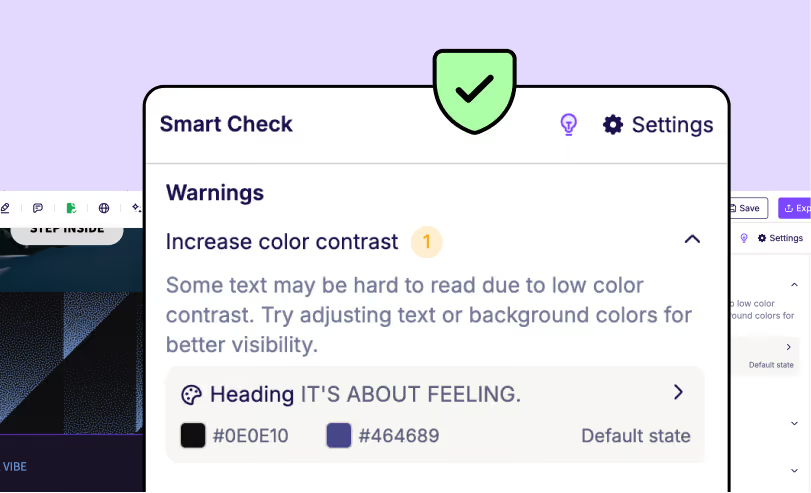
Smart Check identifies issues before export including missing links, missing subject lines, large images, and large HTML files. The AI Assistant adds ALT text to images, identifies typos and grammatical errors, and checks language translations. Once a design is approved through the Approval Flow, it is locked to prevent alterations.
Accessibility features include clean, structured HTML generation with semantic heading levels (H1, H2, H3). Smart Check identifies accessibility issues including missing headings, missing alt text, language attribute problems, small text, and color contrast issues. Mobile design mode adjusts text size, element visibility, stacking, and padding for smaller screens. Bulk alt text addition scans all images and allows adding alt text across multiple images simultaneously. Dark mode preview enables design refinement for dark backgrounds. The editor aligns with WCAG 2.2 accessibility principles.
Tiny name-change footnote: RGE Studio used to be called Beefree. New name. Same product.
What you’ll see in the demo
Pick your path. The tour breaks RGE Studio into bite-sized topics — watch the ones that matter to you, skip the ones that don't. Here's what's inside.
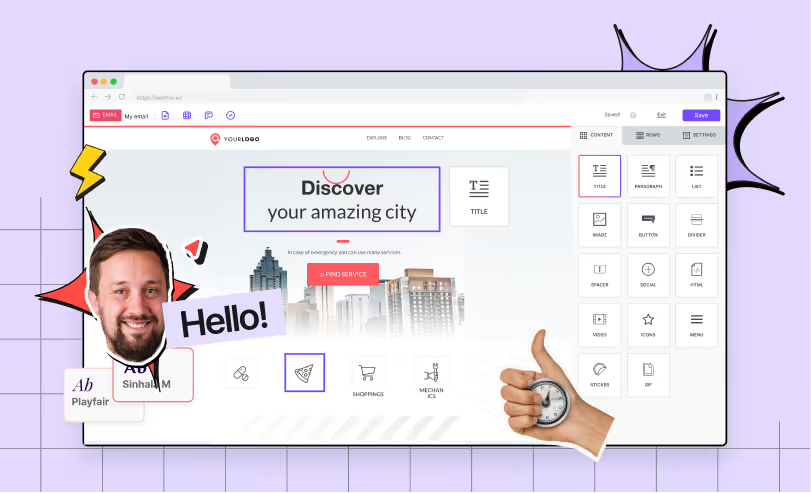
Product Tour
A high-level overview of RGE Studio: the quick lay of the land.
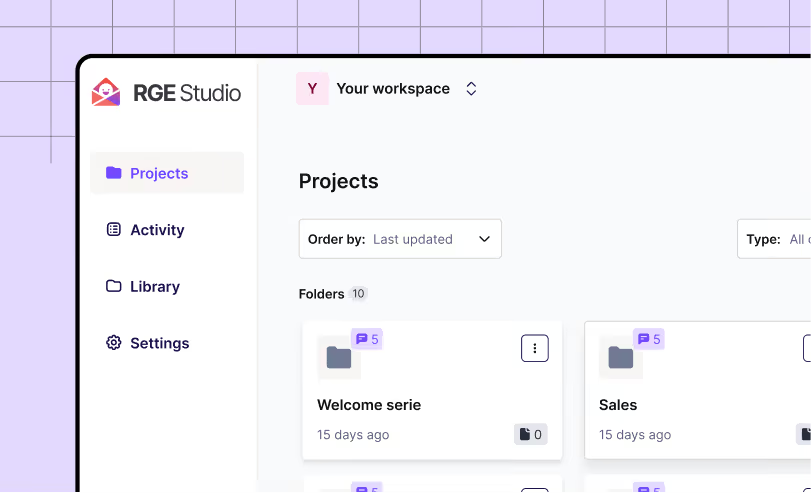
Workspaces
How workspaces keep your projects and client work organized, without the mess.
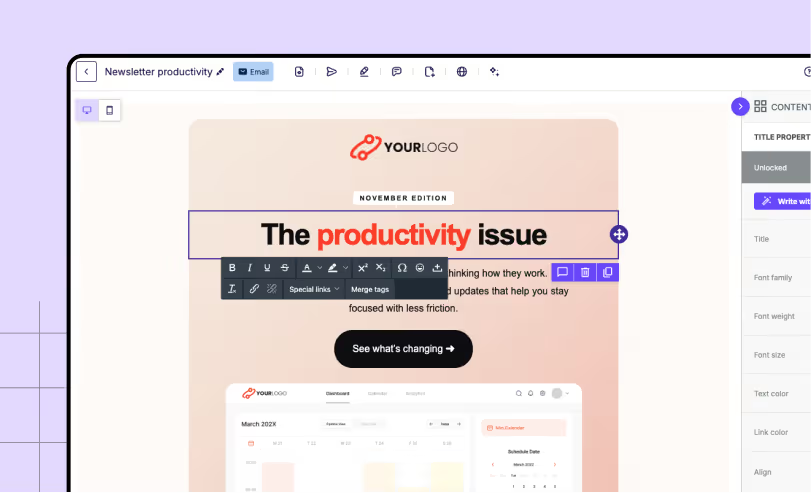
Navigating the Builder
A full look at the email and landing page builder, top to bottom.
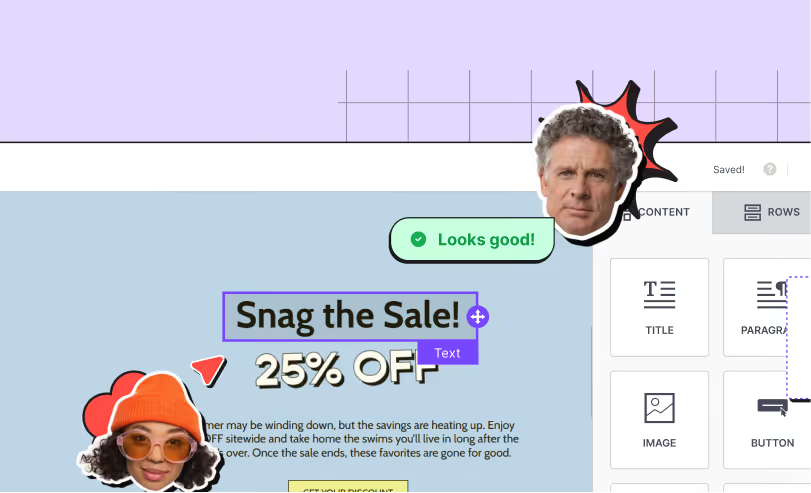
Collaborate with your team
Comments, approvals, and shared work — all in sync.
Catch mistakes early
Spot the issues before your customers do, and send with confidence.
Inclusive design
How to build accessible emails everyone can actually read.
“[RGE Studio] has cut down our time in email development by 66% compared to building emails directly in an ESP, such as Mailchimp."
Aimee Meester
Founder and CEO, Madison Taylor Marketing

“The drag-and-drop editor is incredibly intuitive, allowing you to quickly create content without looking at code, and it seamlessly integrates with our CRM.”
Kyle Snay
CRM Administrator, Minnesota State University, Mankato

"RGE Studio has been great at helping us to easily and quickly share templates, content, and email automation series. The process of sharing has been simple and the platform easy to use for teams across a broad range of skill levels.”
Alyssa Moynihan
UNICEF Marketing Consultant
Built to work with your existing tech stack
RGE Studio is the creation layer that sits on top of the stack you already run — it doesn’t replace your ESP, CRM, or data platform. Build here, send anywhere: no migration, no disruption.
Each topic is a few minutes of guided video in this email template builder demo. Watch one, watch them all, or jump straight to the part you care about. We support strategic skipping.
What should I do after the demo if I want to learn more?
Nope. This email builder demo is sign-up-free — just watch. When you're ready to actually build, we’ll be there for you: just create an RGE Studio account and start your email builder free trial.
Is the demo better for individuals or teams?
Both. Solo builders can see how fast it is to create. Teams can explore how workspaces, comments, and approval workflows keep everyone from creating 17 versions of the same email.
Can I talk to sales after viewing the demo?
Anytime. The form to get in touch is one click away on every screen. Our team is there to answer any questions you might have around the RGE Studio email builder.
Can I share the demo with teammates or stakeholders?
Of course. Just send the link. No login needed for anyone to watch.
Explore RGE Studio further
From inspiration to confident creation — that's the whole idea. You've seen the email builder demo in action; now go build something real, or grab time with our team. Start your email builder free trial whenever you're ready.