

Create with RGE Studio. Send with Slate.
Create better emails for Slate without wrestling with HTML.
Give admissions, advancement, student services, and every other campus team one place to design, review, and export on-brand emails. Then paste the HTML into Slate, preview it, and hit send.

RGE Studio is a Silver Preferred Partner of Slate CRM
A simpler way to create emails for Slate
Managing email across multiple departments can get messy fast. With RGE Studio, your team has one shared place to create, review, and organize emails before sending them through Slate. No custom integration required.

Keep every department on-brand
Create shared templates, reusable content, and brand styles that help every campus team follow the same visual rules, while keeping their personality.

Make accessibility easier
Build mobile-ready emails and use built-in tools that help your team create more accessible communications.
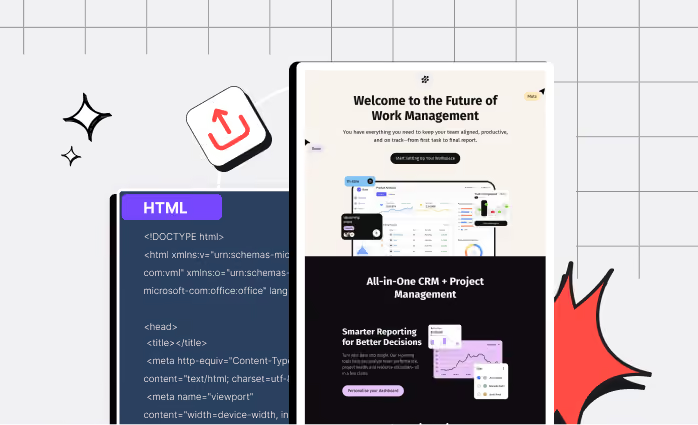
Create without waiting on developers
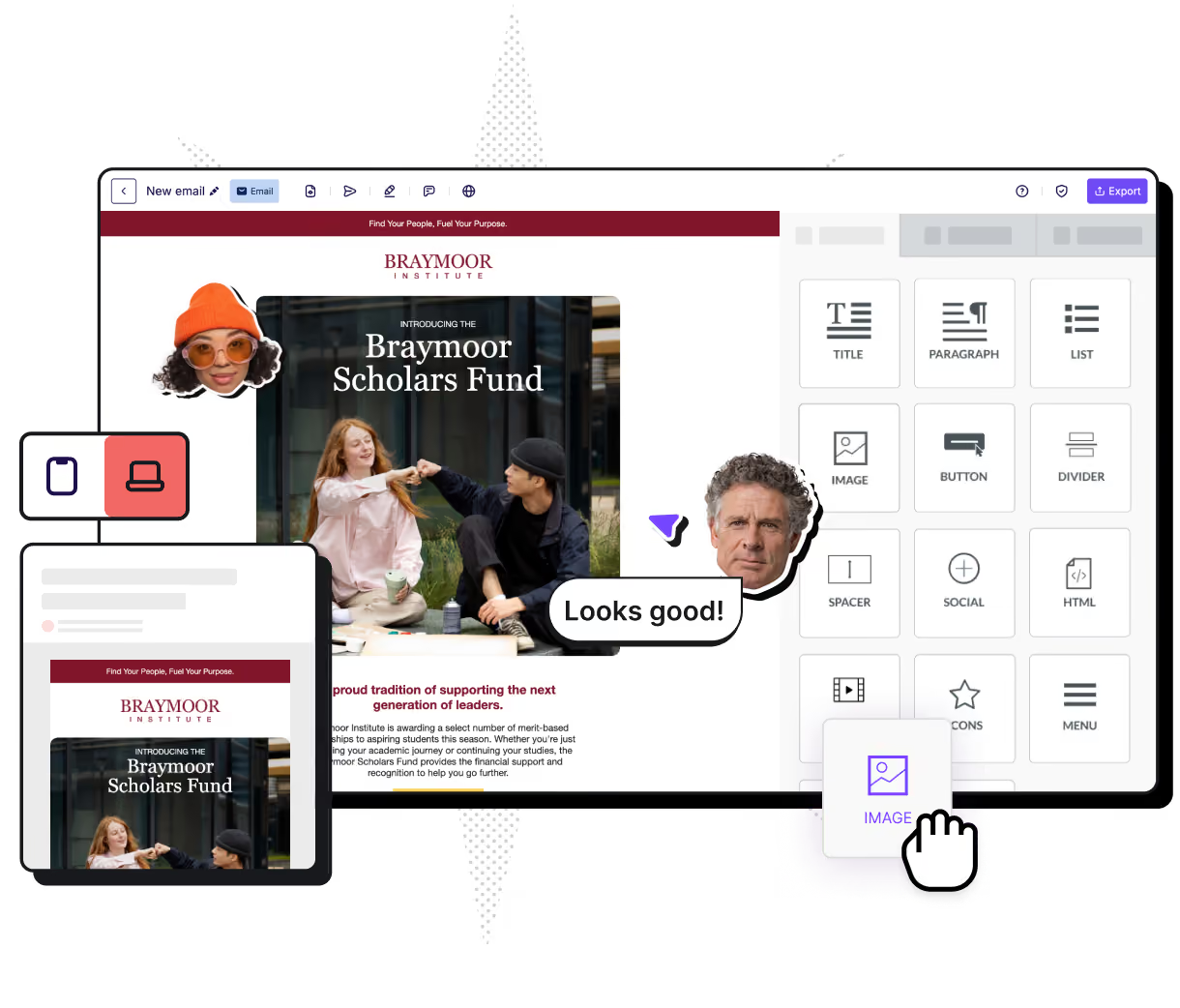
Use drag-and-drop tools to build polished emails, collect feedback, and export clean HTML. No dev call needed.
How to create and export emails for Slate





Start with templates built for actual campus campaigns
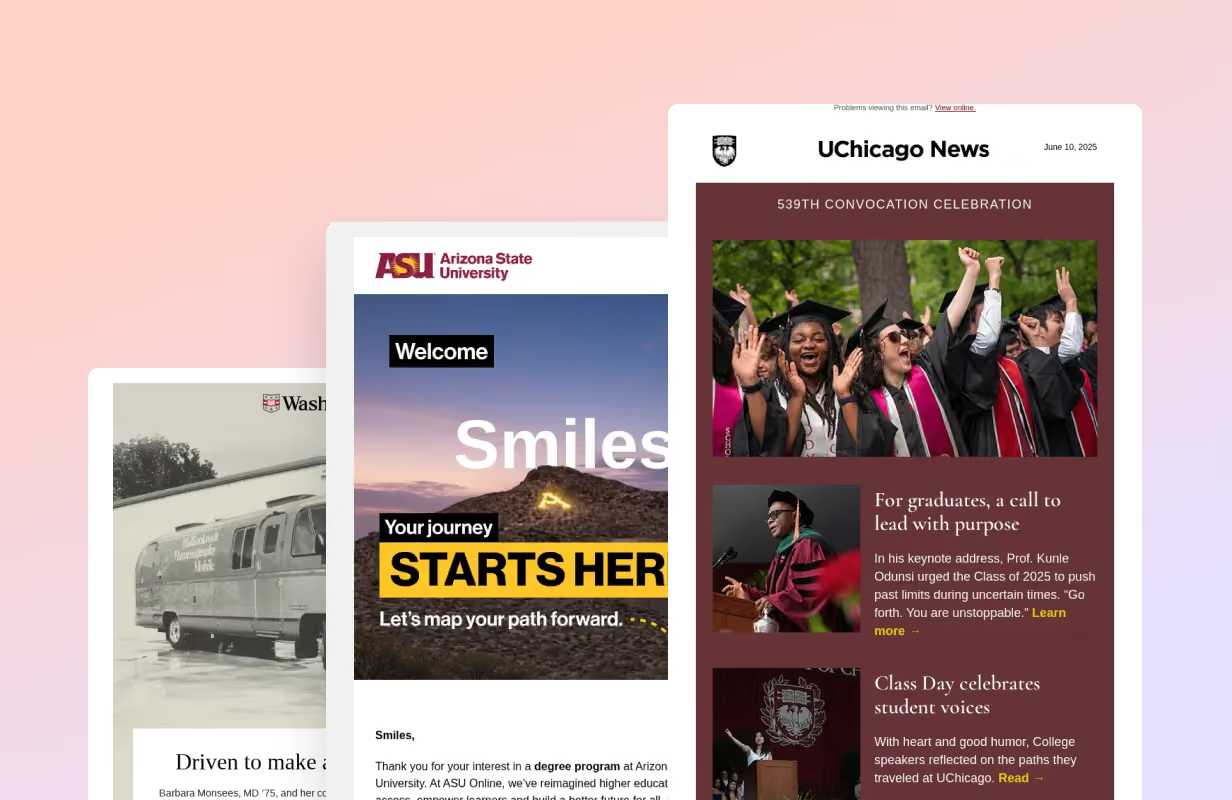
Get ideas from the best
Browse thousands of real emails from the Really Good Emails gallery — the industry mood board, minus the 47 open tabs. Find an approach you like, then build your version in RGE Studio.

Start from ready-to-use templates
Start with templates for admissions nurtures, student onboarding, donor appeals, event invites, and program announcements. Add your brand, swap in your words, save it for next time.
Ready to get started?
RGE Studio helps campus teams move from idea to approved campaign faster — with brand consistency, accessibility support, and workflow control built in. Fewer bottlenecks. Better emails.
See what better Higher Ed emails look like
Grab the Higher Ed Design Report to see how top institutions create emails that connect with students, faculty, and alumni.
Learn how to:
Improve accessibility, from contrast to alt text descriptions
Make messages clearer and easier to act on
Add personality with visual storytelling
Make emails feel more human
Guide action with clear hierarchy and focused CTAs
Questions on using Slate and RGE Studio?
Do I need API access to use RGE Studio with Slate?
No. Design your email in RGE Studio, export the HTML, and paste it directly into Slate. There’s no API setup, custom integration, or ongoing technical maintenance required. For a complete walkthrough, visit our Help Center.
How does RGE Studio help universities maintain consistent branding?
Shared workspaces, reusable templates, approved assets, and brand kits help every department in Higher Education follow the same institutional guidelines. Teams get the flexibility to create their own emails without turning the brand into the Wild West. Learn more about RGE Studio’s brand kits.
Can RGE Studio be used with other CRMs and marketing platforms?
Yes. RGE Studio is platform-agnostic, so teams can create emails in one collaborative workspace and export them to Slate or other supported sending platforms. You can explore all RGE Studio integrations here.
Can different departments use separate workspaces?
Yes. Teams can organize projects, templates, and assets in dedicated workspaces while still following shared brand standards.
Do team members need to know HTML?
No. RGE Studio’s drag-and-drop builder lets teams create and edit emails visually. HTML is generated for you and can be exported when the email is ready for Slate.