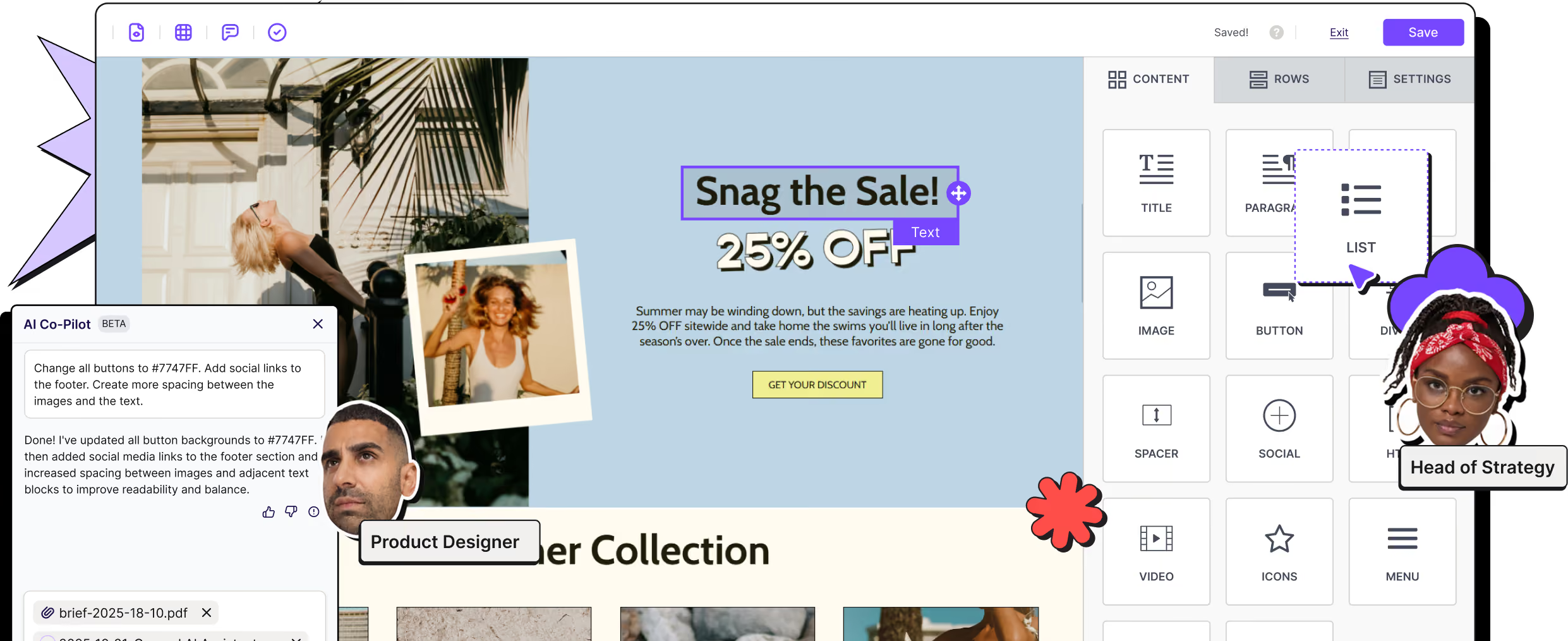
Unlock more mobile design flexibility with RGE Studio
Feeling limited by the design options in HubSpot? Design on-brand emails and landing pages that look great on desktop and mobile in RGE Studio. Collaborate with your team, get feedback, and push finished designs directly to HubSpot.

Save time and resources with an intuitive HubSpot email builder
HubSpot gives your team the CRM, automation, and campaign tools it needs. RGE Studio gives you more control over how those campaigns look.
The result? Better-looking, mobile-optimized campaigns, created faster and with fewer resources.
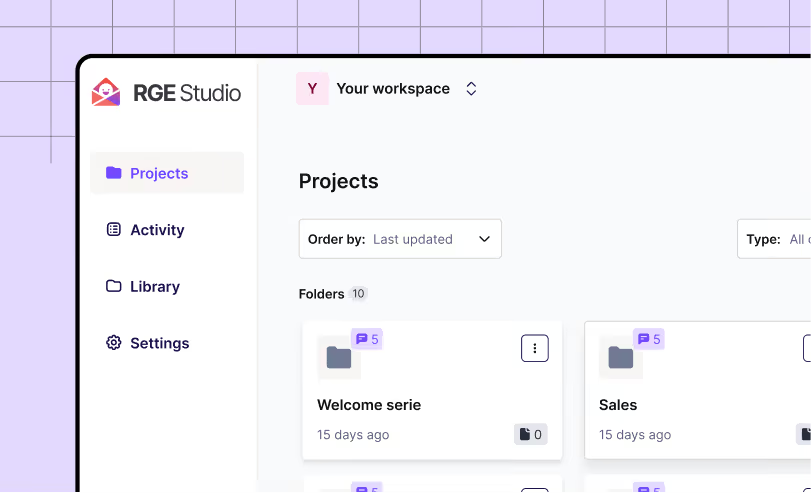
Keep campaign creation organized
Store and manage emails, landing pages, templates, and reusable content in one place. Organize projects by campaign, team, client, or brand.
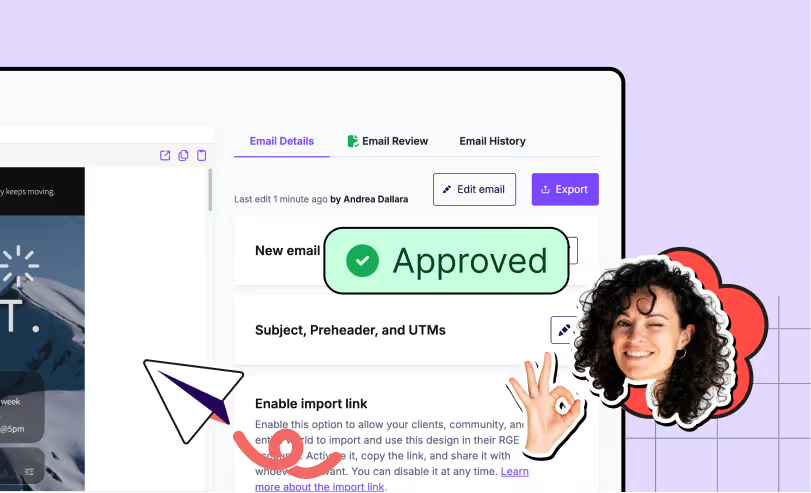
Design and launch faster
Start from your previous campaign or choose from more than 1,700 email and landing page templates. Customize the design, review it with your team, and push it directly to HubSpot when it’s ready.
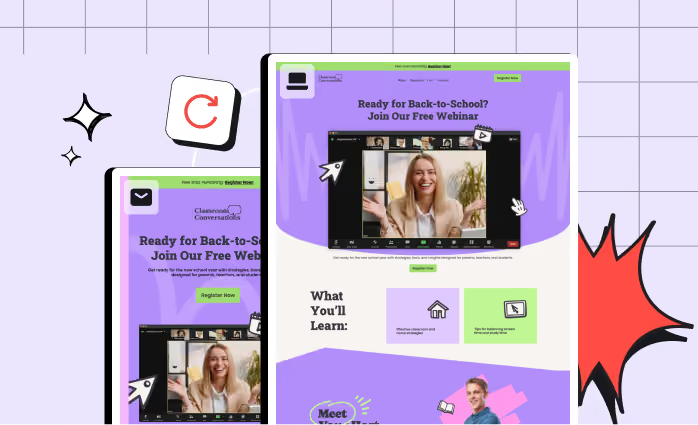
Turn emails into landing pages
Reuse your work instead of rebuilding it. Convert an email into a landing page, or a landing page into an email, then adjust the content for each channel.
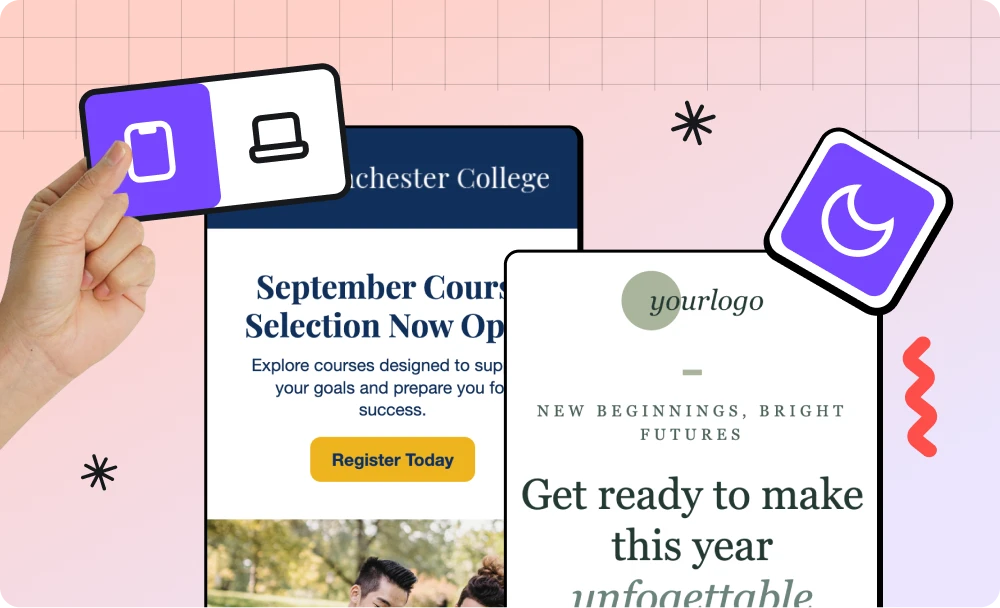
More creative freedom for your HubSpot campaigns
Your email builder should help you create, not get in your way. RGE Studio gives you the flexibility to build custom layouts, follow current design trends, and create campaigns that stay true to the brand.
Pro tip: Design with Mobile Design Mode to customize your email and landing page viewing experience for smaller screen sizes.
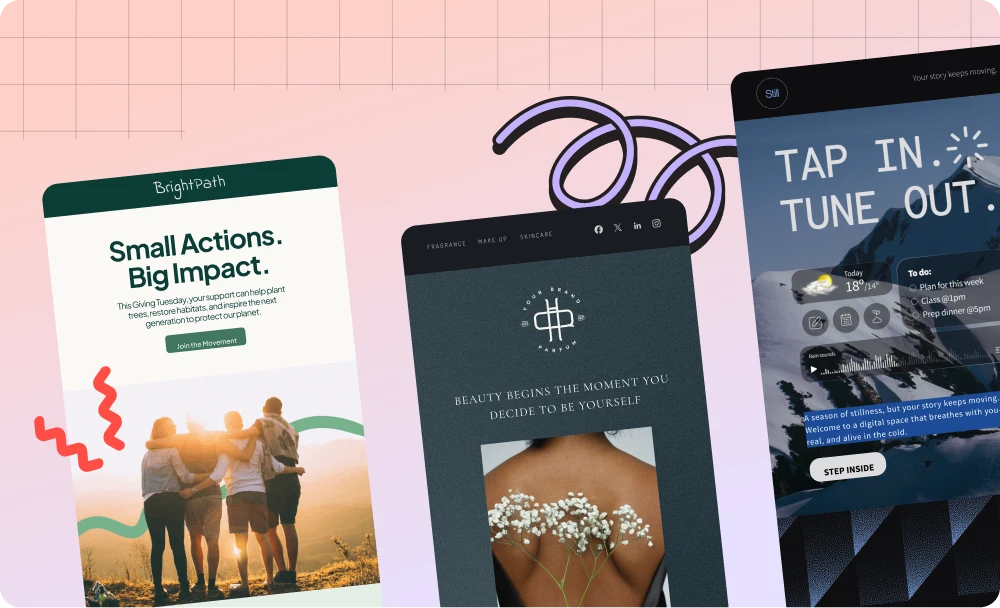
Start with a template.
Make it yours.
Choose from more than 1,700 professionally designed email and landing page templates for different industries, occasions, and stages of the customer journey. Customize any template with your own content and branding, or create reusable templates for recurring campaigns.
Keep every campaign on-brand
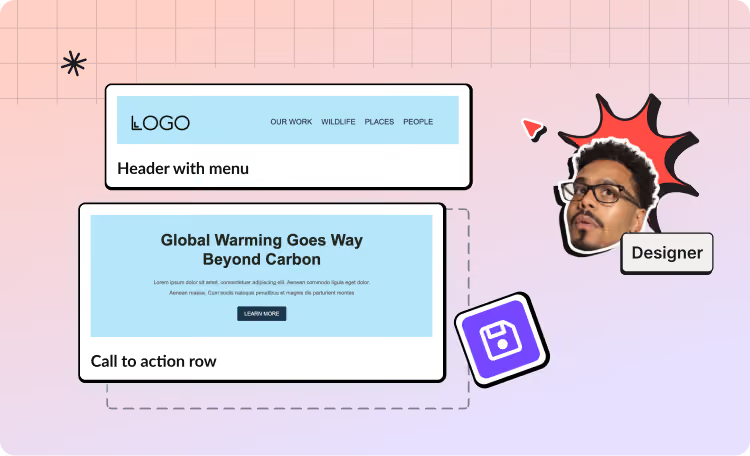
Give teams more freedom to create without letting the brand wander off unsupervised. Use Styles to set approved fonts, colors, icons, and other visual elements.
Pro tip: Create on-brand reusable content blocks. Build templates for headers, footers, CTA buttons, and more. Easily add them to future emails, speeding up production.
Bring marketing and sales together to collaborate all in one place
Why growing companies love RGE Studio & HubSpot

Daniela Ferreira
Media Lead Digital Designer at Reachdesk

Ryan Segal Cantellay
Operations at Vidcruiter
FAQs on using HubSpot and RGE Studio
How does the RGE Studio integration with HubSpot work?
Connect your HubSpot account to RGE Studio, create and review your campaign, and push the finished design directly to HubSpot. You can then configure recipients, personalization, automation, tracking, and sending settings inside HubSpot.
Do I need to copy and paste HTML?
No. The direct integration lets you transfer finished designs from RGE Studio to HubSpot without manually copying the HTML.
Prefer to copy and paste instead? That option is still available and works just as well.
Can I create and export both emails and landing pages?
Yes. RGE Studio supports both email and landing page creation, and you can export either format directly to HubSpot. You can also convert an email into a landing page, or a landing page into an email, to reuse designs and content across the same campaign.
Can my team review campaigns before they go to HubSpot?
Yes. Team members can collaborate, leave comments, review changes, and approve designs inside RGE Studio before the final content is transferred.
Can I use my existing brand styles?
Yes. You can add your fonts, colors, icons, templates, and reusable content blocks to help teams create consistent campaign assets. Some brand management features are available only on selected paid plans.
Are RGE Studio designs mobile-responsive?
Yes. Emails and landing pages are designed to be responsive. Mobile Design Mode also gives you additional control over how content appears on smaller screens.
Does the integration transfer my contacts or CRM data?
RGE Studio is used to create and transfer the campaign design. Contacts, lists, personalization, automations, analytics, and other CRM data remain managed inside HubSpot.
Can I use RGE Studio with platforms other than HubSpot?
Yes. RGE Studio supports multiple sending platforms, so teams can create content in one workspace and transfer or export it to their preferred destination.
See what RGE Studio can do for you.
Want to see what this looks like when tailored to your team, stack and needs? We are here to help.