

The Higher Education email builder that campus teams actually use
Create on-brand emails, no code required. RGE Studio gives campus teams one place to design accessible, mobile-ready emails for prospective & current students, alumni, faculty, and donors — no code, no rogue fonts, no last-minute panic.

Trusted by leading colleges and universities
Build faster, stay on brand, and calm the chaos of an email calendar that never takes sabbatical.





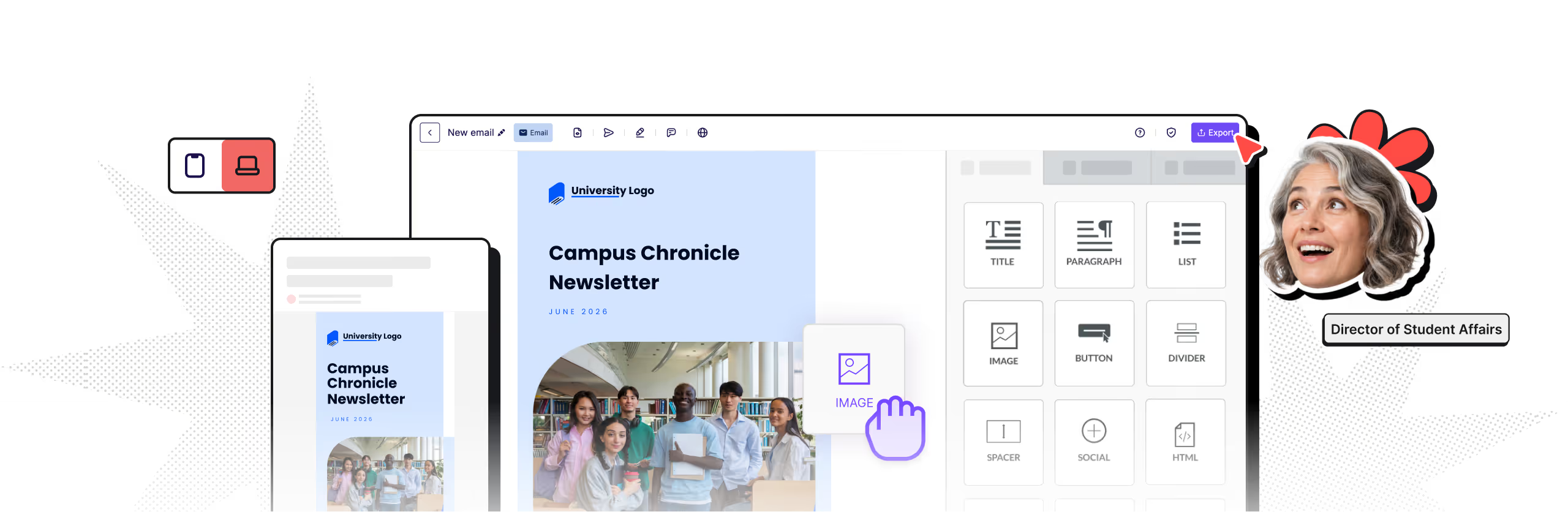
Make every campus email feel like it came from the same place

Design faster than ever
Optimized for mobile

Stay on brand, always

Accessibility Support
Enable every department to move quickly, without breaking the brand
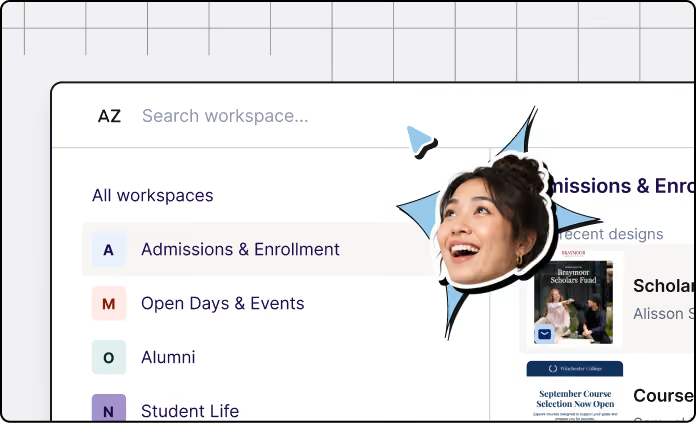
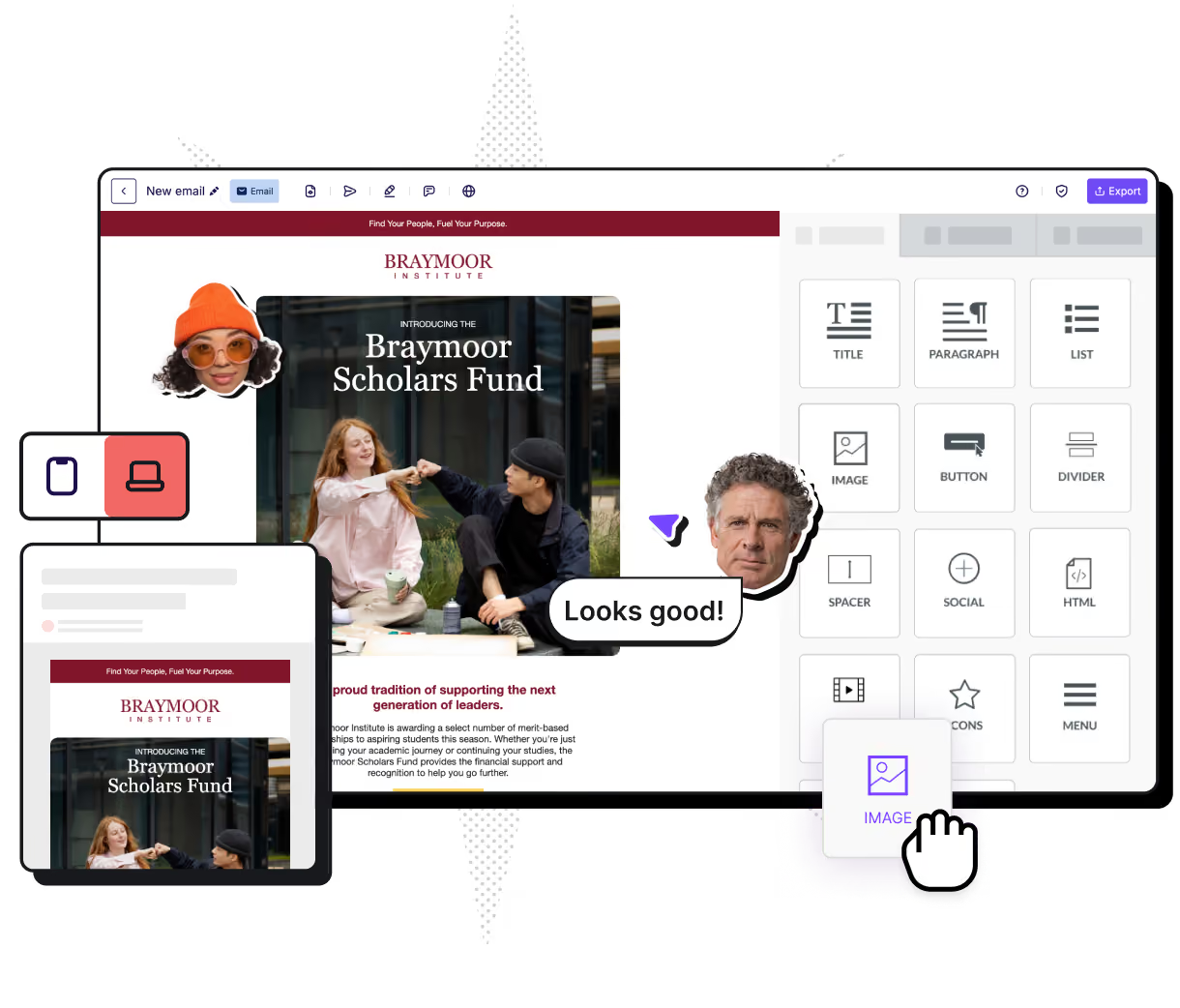
On most campuses, email belongs to everyone and no one. Fun! With RGE Studio, each department has its own workspace, users, assets, and campaigns, all within shared brand styles you define. Teams can move fast and still stay consistent.
Workspaces
Each team manages its own users, assets, and campaigns in a dedicated space.
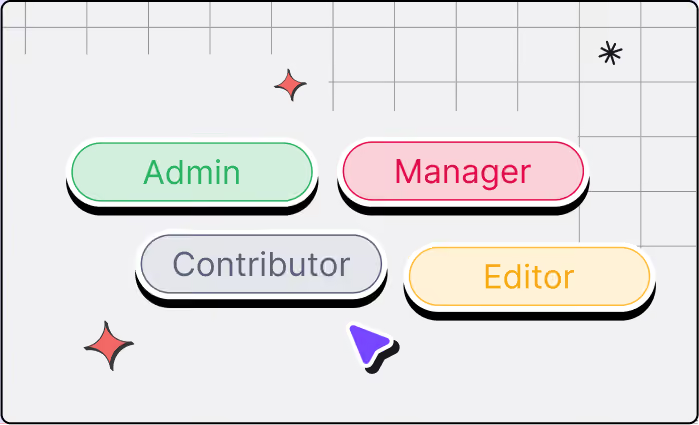
Roles & permissions
Decide exactly who can edit, review, and publish in every workspace.
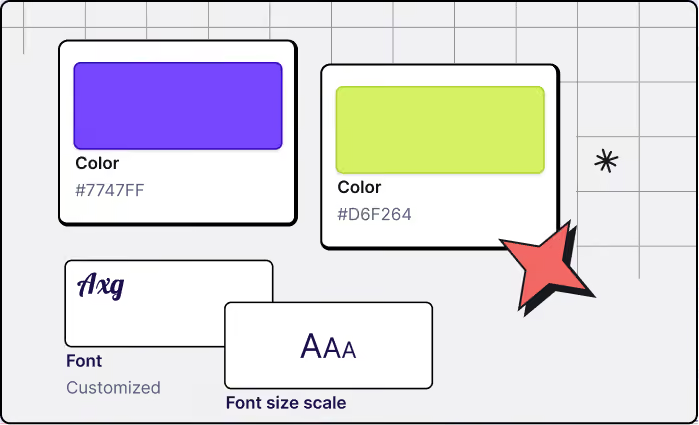
Shared assets
Push approved logos, colors, fonts, and components out to every team at once.
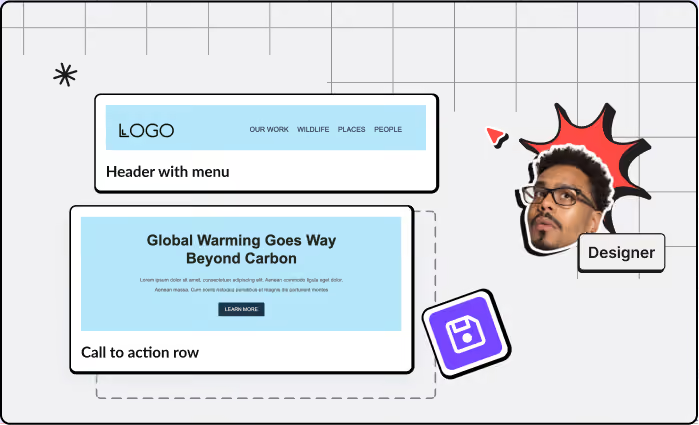
Template management
Save, organize, and reuse templates so nobody rebuilds the same email twice.
Accessible from the start
Accessible email isn't a final-step checklist; it's how the email is built from the start. RGE Studio bakes accessibility into the design process, so your team ships emails that more people can actually read, on any device and in any inbox.
Readable by default
Mobile-ready, dark-mode-friendly layouts that hold up across devices and clients.

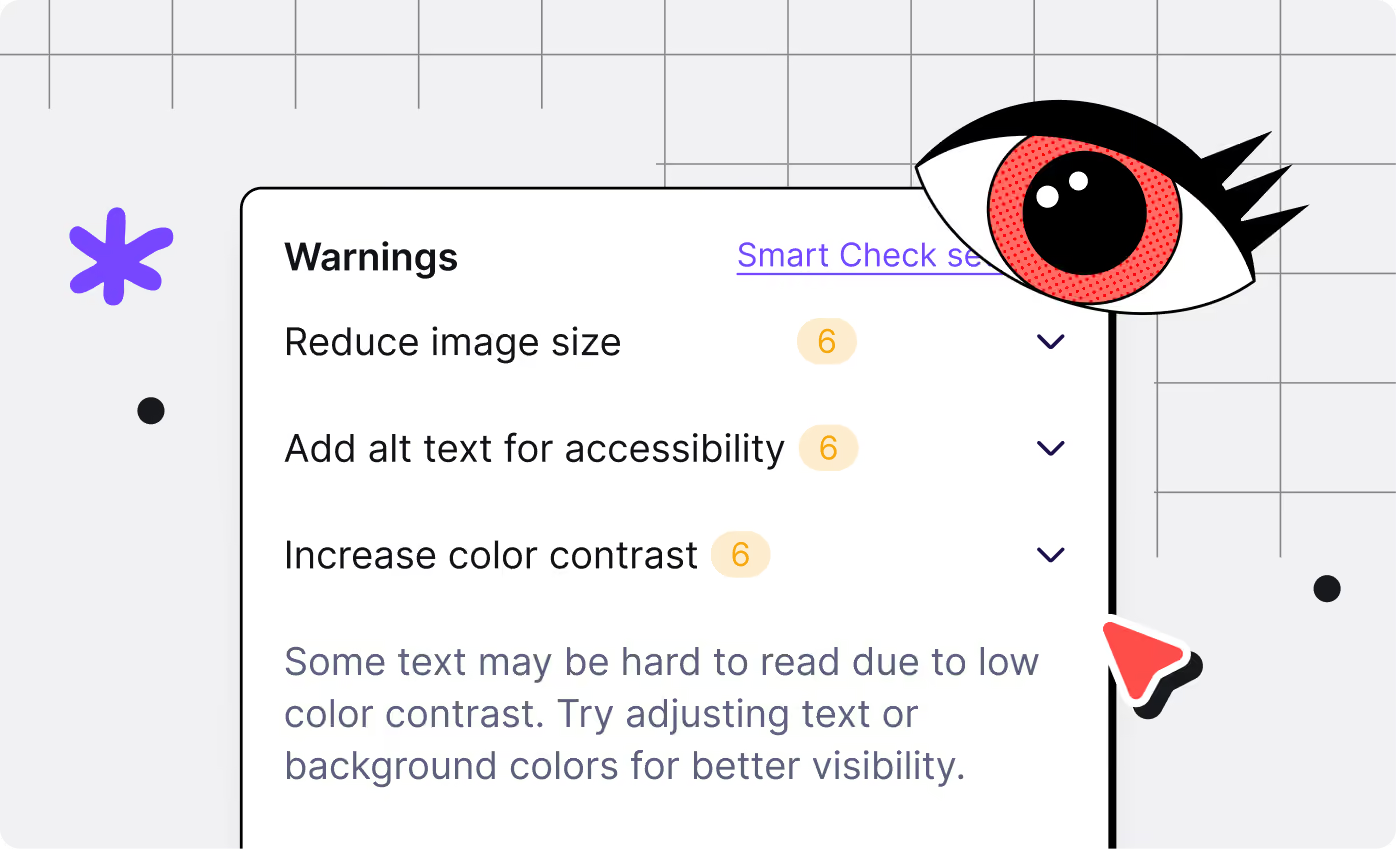
Contrast that works
Color and contrast support that helps text stay legible for every reader.
Structure that makes sense
Alt text and semantic structure so screen readers (and inboxes) interpret your email correctly.
Keep reviews and approvals moving
Higher Ed sign-off is a team sport: enrollment, legal, department leads, accessibility reviewers, and the occasional dean with thoughts.
With RGE Studio, you keep the approval workflow in one place. Set who can edit, review and approve. Leave comments on the design. Export a PDF for the loyalists. All while your brand stays intact.
90% of users report quicker approvals.
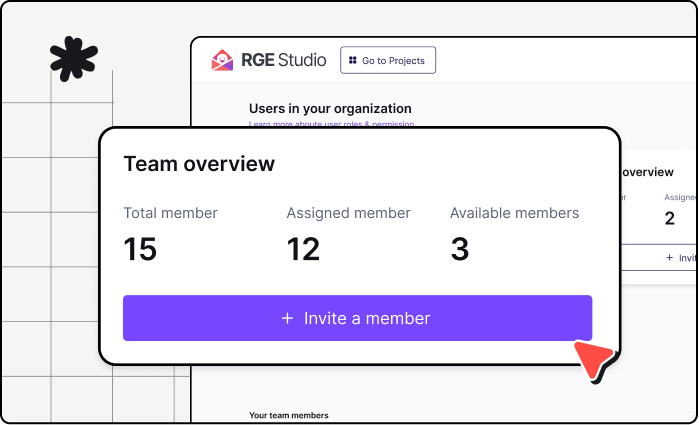
Clear roles
Set edit, review, and approve permissions.
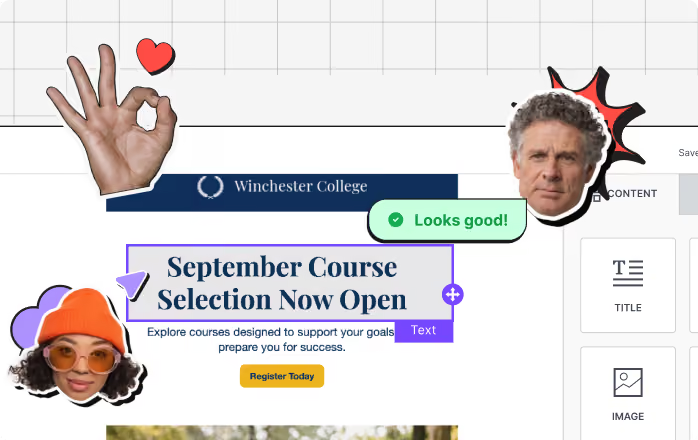
Reviews & comments
Invite reviewers and collect feedback.
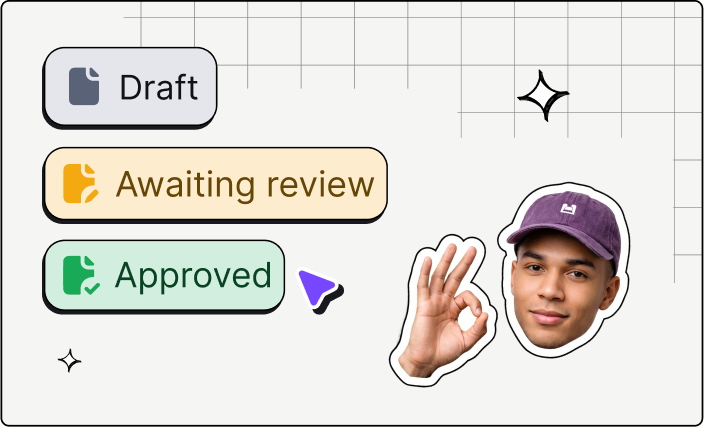
Multi-step approval
Set up multiple review steps, each with its own reviewer.
Connect RGE Studio to your Higher Education marketing ecosystem
RGE Studio fits into the tools your campus already uses. Push designs to your sending platform or copy clean HTML into your existing workflow.
No rip-and-replace. No “new system everyone has to learn by Friday” drama.

Native integrations
Push designs to Salesforce, Pardot, HubSpot, Outlook, Marketo, Mailchimp, Klaviyo, Gmail, and more.
Download or copy HTML
Copy clean HTML into another platform — the route many teams use for Slate.
Custom Connector
Using something else? Leverage webhooks to send your design HTML to the delivery platform of your choice.




Using Slate?
Export clean HTML and paste it in. No native integration required.
Create, save, reuse, repeat
Recurring Higher Ed email campaigns eat the week alive: admissions updates, orientation reminders, event invites, newsletters, fundraising appeals, and alumni notes. That rhythm is the engine of Higher Education email marketing, and it is where teams spend the most time.
RGE Studio turns repeat work into reusable blocks, mobile-ready layouts, and no-code production. Build it once. Reuse it everywhere.
Blank canvas staring back?
AI Co-Pilot turns a rough brief into a first draft, so your team can start by editing instead of summoning creativity from the void.
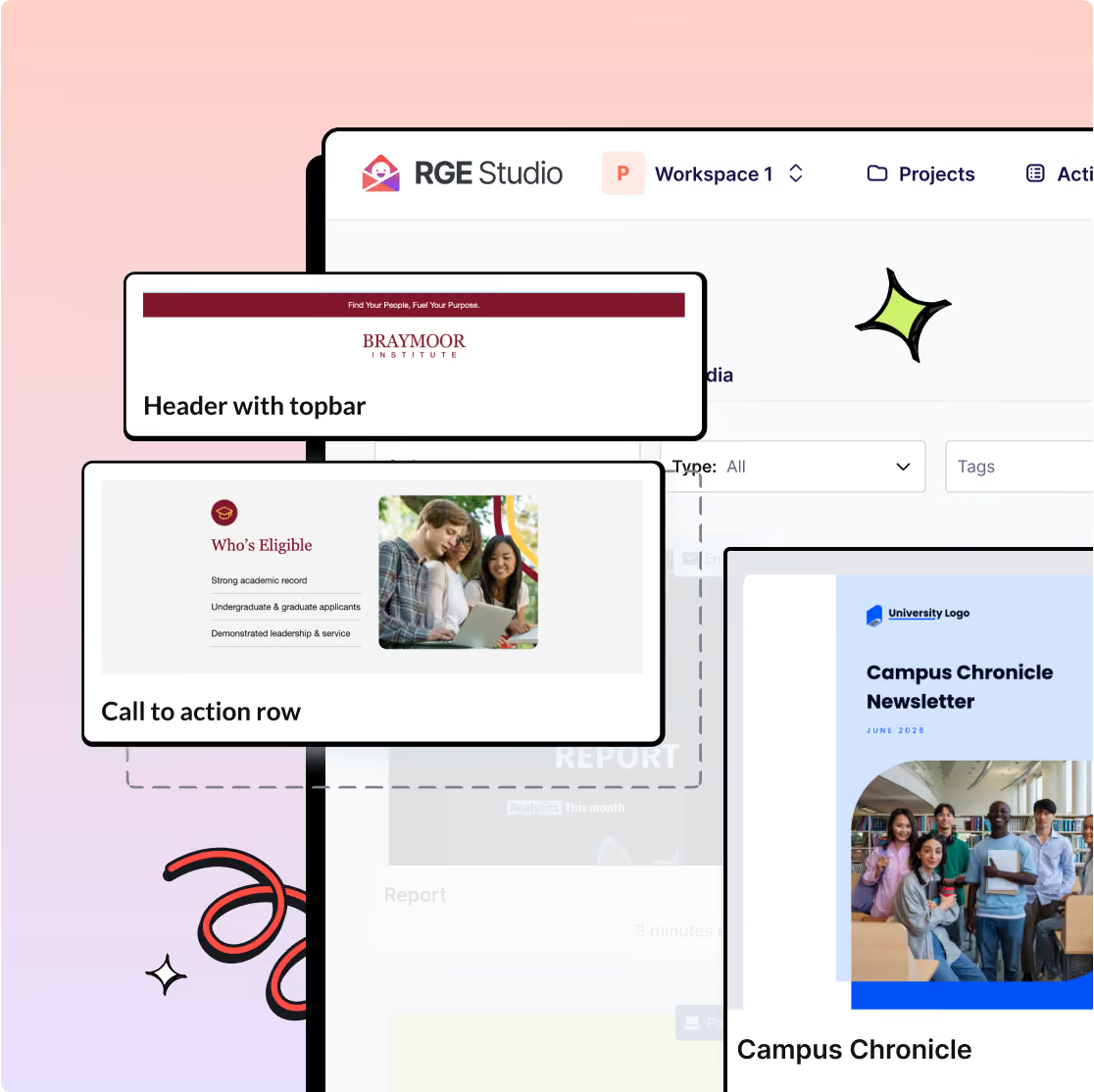
Start with templates built for actual campus campaigns
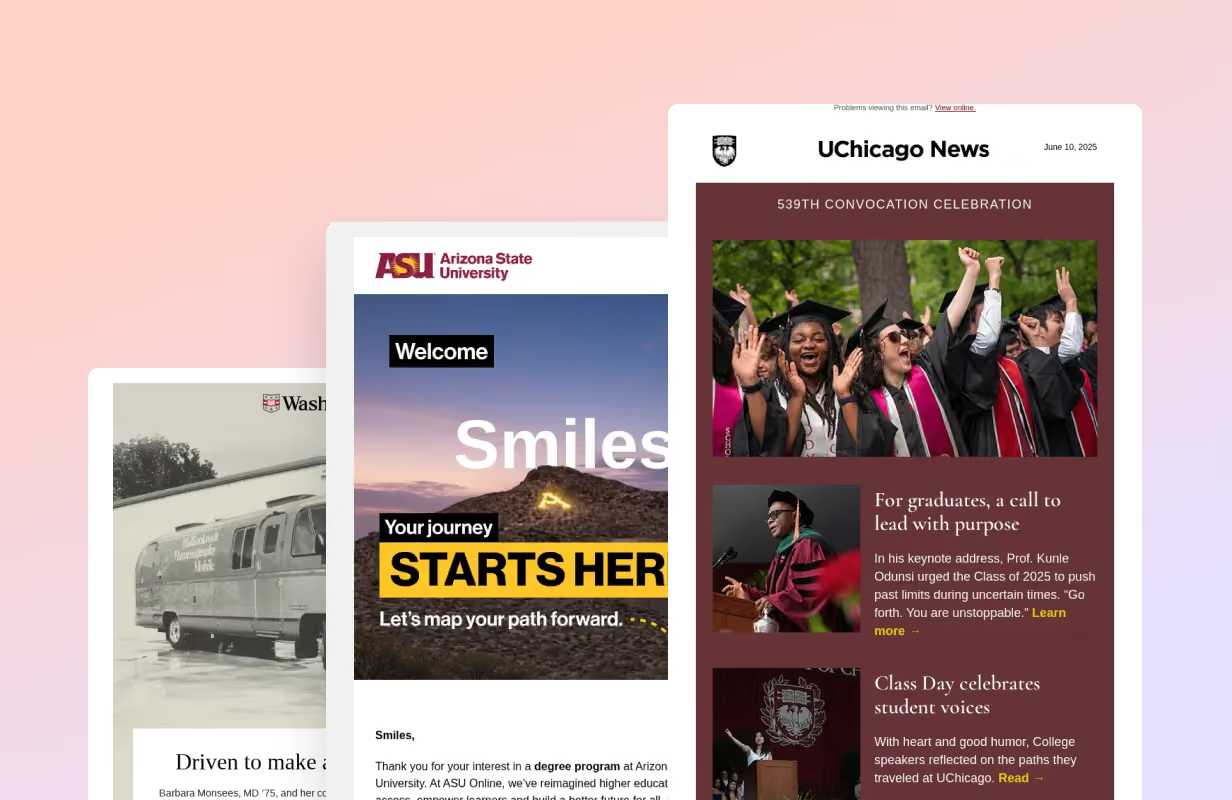
Get ideas from the best
Browse thousands of real emails from the Really Good Emails gallery — the industry mood board, minus the 47 open tabs. Find an approach you like, then build your version in RGE Studio.
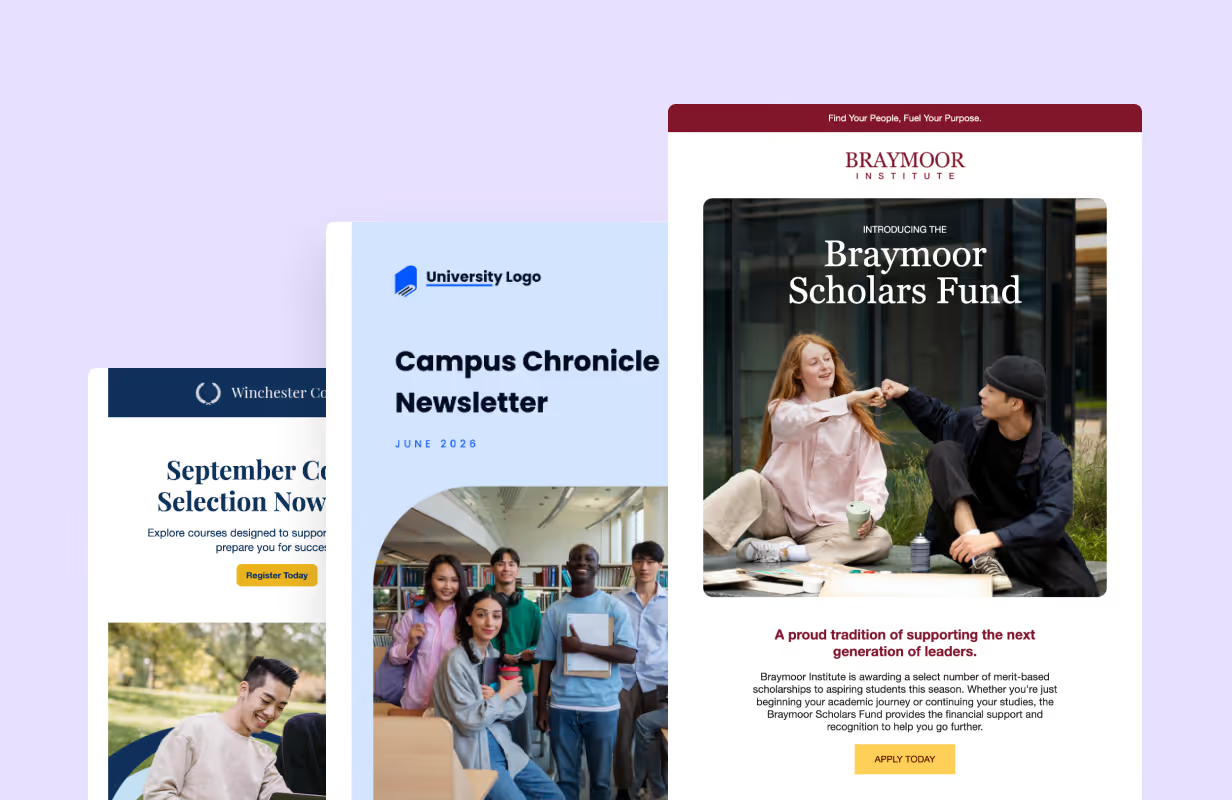
Start from ready-to-use templates
Start with templates for admissions nurtures, student onboarding, donor appeals, event invites, and program announcements. Add your brand, swap in your words, save it for next time.
Real campuses. Real campaigns. Real POVs.

Sonja Fulbright
Owl Connect Business Analyst, Rice University

Kyle Snay
CRM Administrator, Minnesota State University, Mankato

Nathan Willers
Director of Communications, University of Denver
HTML and paste HTML. It's an easy process.”

Dwayne Rice
Senior Associate Director of CRM Management
and Digital Marketing, USC Marshall School of Business
Ready to get started?
RGE Studio helps campus teams move from idea to approved campaign faster — with brand consistency, accessibility support, and workflow control built in. Fewer bottlenecks. Better emails.
See what better Higher Ed emails look like
Grab the Higher Ed Design Report to see how top institutions create emails that connect with students, faculty, and alumni.
Learn how to:
Improve accessibility, from contrast to alt text descriptions
Make messages clearer and easier to act on
Add personality with visual storytelling
Make emails feel more human
Guide action with clear hierarchy and focused CTAs
Frequently Asked Questions
How can RGE Studio help with email marketing for Higher Education?
RGE Studio helps campus teams create accessible, mobile-ready emails faster with templates, reusable blocks, collaboration tools, and brand styles. Teams can start from Higher Education templates or the Really Good Emails gallery, then build without code. The result: less production chaos and more consistent Higher Education email marketing across departments.
Can RGE Studio support multiple departments or campuses?
Yes. RGE Studio is built for decentralized teams, with separate workspaces for departments, campuses, or programs. Fewer bottlenecks. Fewer rogue newsletters.
Does RGE Studio help teams stay on-brand?
Yes. Teams can use locked brand styles, shared templates, approved components, and permissions to keep emails aligned with institutional standards. Campus communicators get the freedom to build, while the brand does not wander off into the woods.
Can teams create accessible emails with RGE Studio?
Yes. RGE Studio is built with accessibility in mind. You start from mobile-ready, dark-mode-friendly templates, get nudges to add alt text so your images make sense to everyone, and send emails that work with screen readers, all without writing code. It helps your team meet the standards Higher Ed has to hit, including WCAG 2.1 AA and Section 508, so you can feel confident that every student can read what you send.
How does RGE Studio support approval workflows?
You decide who can edit, review and approve. Reviewers can leave comments directly on the design, even without an RGE Studio account. Teams can also export PDFs for stakeholders who prefer them.
Does RGE Studio work with tools used by universities?
Yes. RGE Studio works with common campus workflows through native integrations, HTML export, and copy-paste routes. Teams can use it with platforms like Slate, Salesforce, HubSpot, Canva, Gmail, and more without replacing their existing tools.
What can I show my Procurement or IT teams about RGE Studio email accessibility?
RGE Studio guides you toward WCAG-friendly choices by default (semantic HTML, alt text descriptions, contrast-safe settings, readable text sizes), so you don't need to know the spec. Before you export, Smart Check flags common accessibility issues automatically.
When procurement asks for documentation, you're covered: a published VPAT/Accessibility Conformance Report is available through our Trust Center, addressing both the accessibility of the emails you create and the builder itself.
For a full technical breakdown, see our Email Checklist for WCAG Level AA Compliance.