

Nonprofit email marketing, without the production bottlenecks
Give your team one place to build fundraising appeals, donor updates, event invites, and newsletters. All on-brand and accessible, with zero coding required. Nonprofit email marketing, back in your own hands.

Join more than 1,000 nonprofits and NGOs
already building with RGE Studio
From global NGOs to grassroots organizations, teams choose RGE Studio to build accessible, on-brand campaigns faster.
Keep every team aligned, without slowing them down
Chapters, affiliates, regions, programs, and that one local office with very strong opinions — email marketing for nonprofit organizations gets complicated when every team needs freedom and the brand still needs guardrails.
RGE Studio gives each group its own workspace, users, and assets while keeping shared styles under central control. Local teams move faster. Your brand stays recognizable.
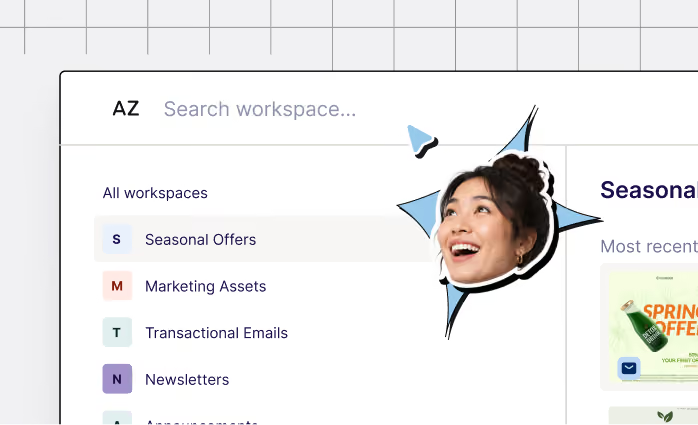
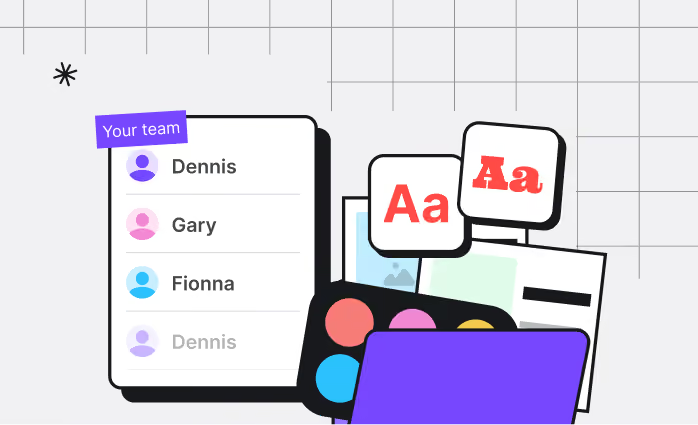
Workspaces
Each chapter, region, or program manages its own users, assets, and campaigns in a dedicated space.
Shared assets
Push approved logos, colors, fonts, and components out to every team at once.
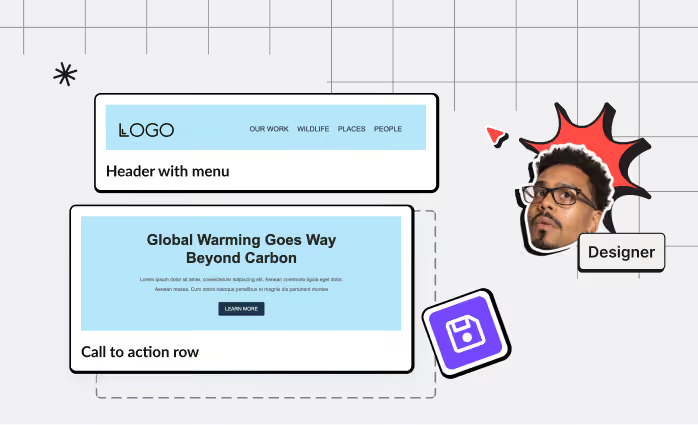
Template management
Save, organize, and reuse templates so nobody rebuilds the same email twice.
Catch problems before your donors do
You only get one shot at a send. RGE Studio helps you check responsive email design, dark mode, contrast, text sizing, alt text, and structure while you build, so fewer surprises make it into your donors' inboxes.
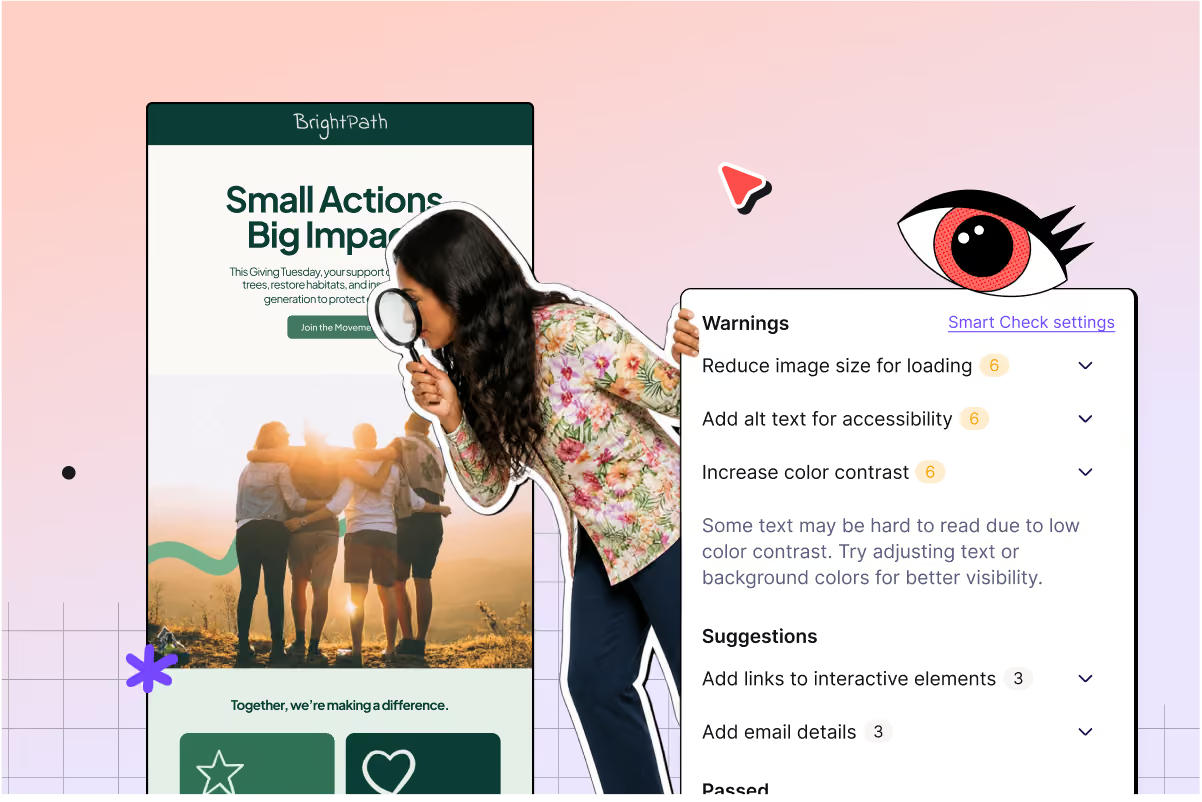

Ready for real inboxes
Build for mobile, dark mode, and the email clients your audience actually uses.
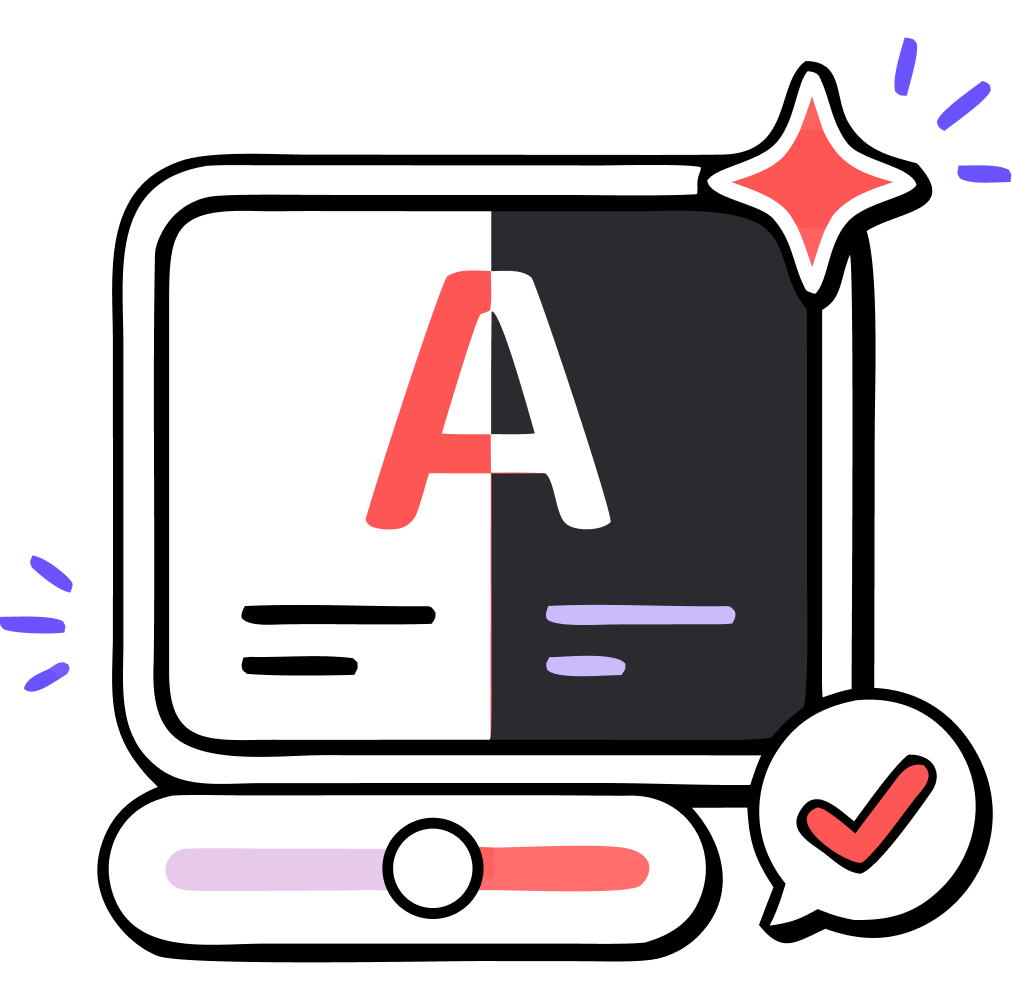
Legible by default
Color and contrast support keep the text legible for every reader.

Screen-reader friendly
Add alt text and semantic structure as you work.

Caught before export
Smart Check flags accessibility and rendering issues while there's still time.
Keep reviews out of approval chaos
Nonprofit sign-off is a group activity: when feedback arrives late, the whole calendar slides. RGE Studio keeps feedback attached to the design itself. Decide who can edit, review, and approve, then manage every round of comments in one place.
No endless chain of email forwards. No feedback arriving five minutes before send time.
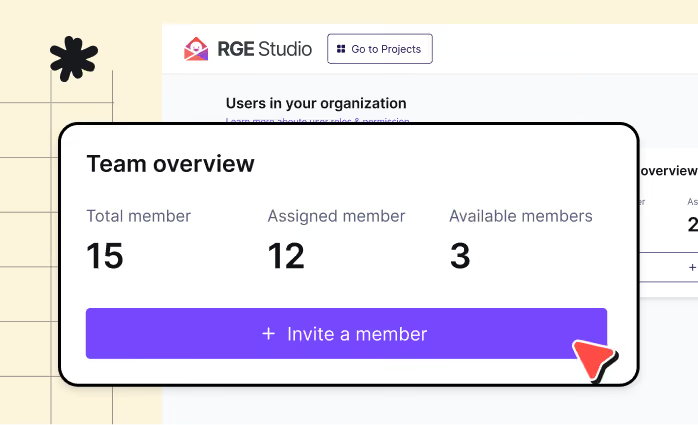
Clear roles
Control who can edit, review, and approve.
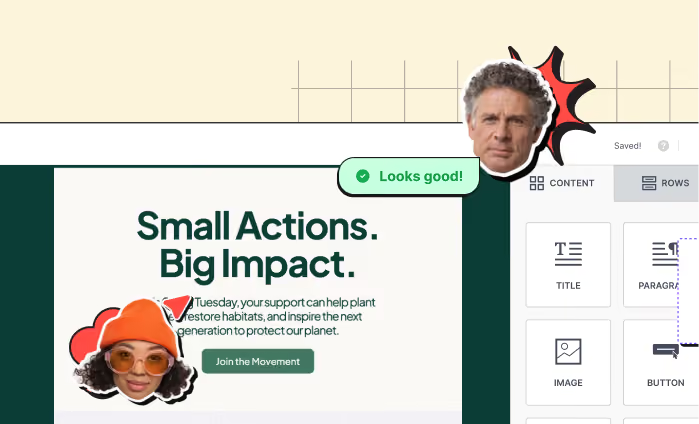
Comments in context
Collect feedback directly on the design.
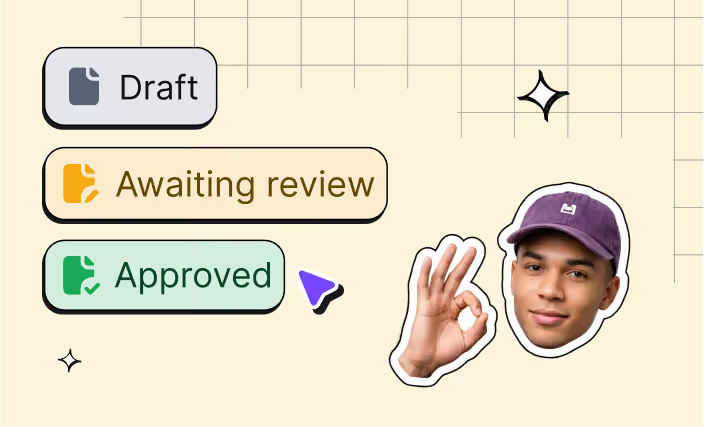
Multi-step approval
Create review stages with different stakeholders at each step.
Build it in RGE Studio. Send from your usual platform.
RGE Studio works alongside your existing nonprofit email marketing software. Build and approve the email in Studio, then push it to the tools you already use, or export clean HTML for whatever comes next.
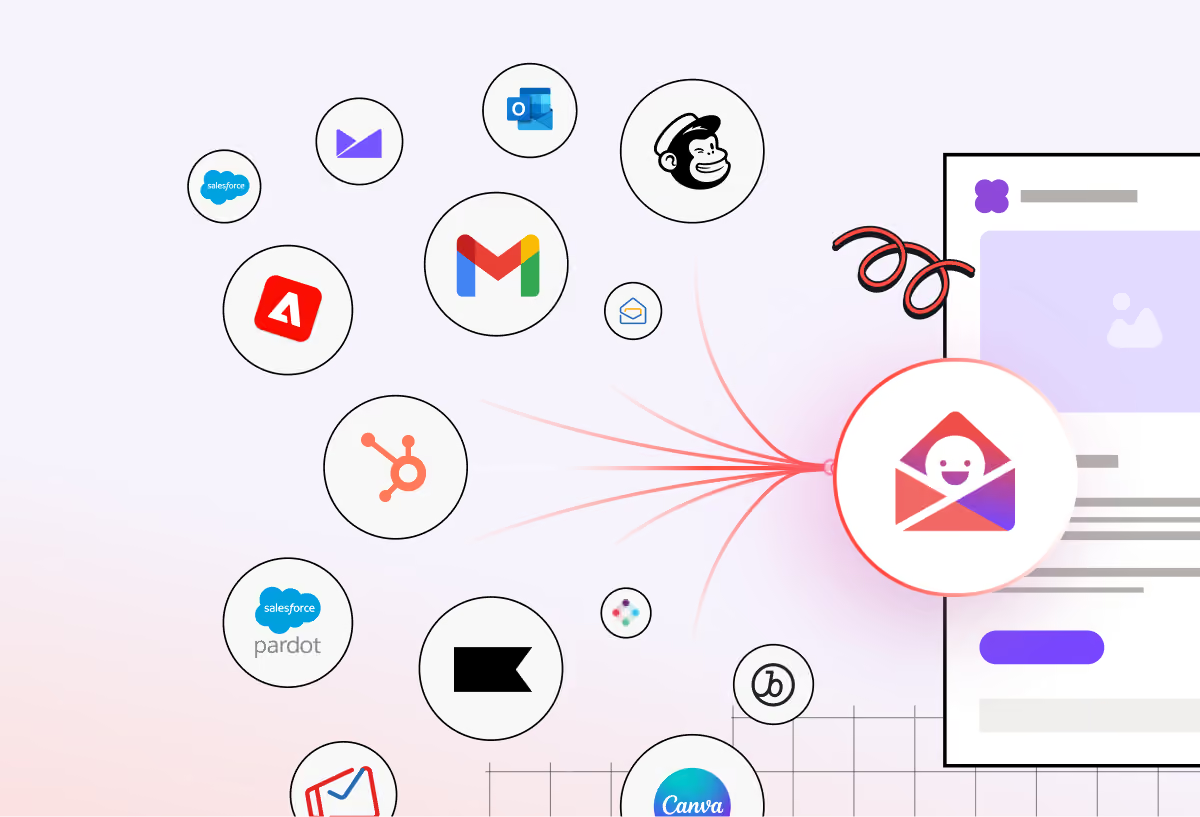
Native integrations
Push designs to Salesforce Marketing Cloud, Pardot, HubSpot, Marketo, Mailchimp, Klaviyo, and more.
Clean HTML export
Copy or download your email for platforms without a native connector.
Custom Connector
Use webhooks to send finished HTML into your delivery platform of choice.
Start with templates built for real nonprofit campaigns
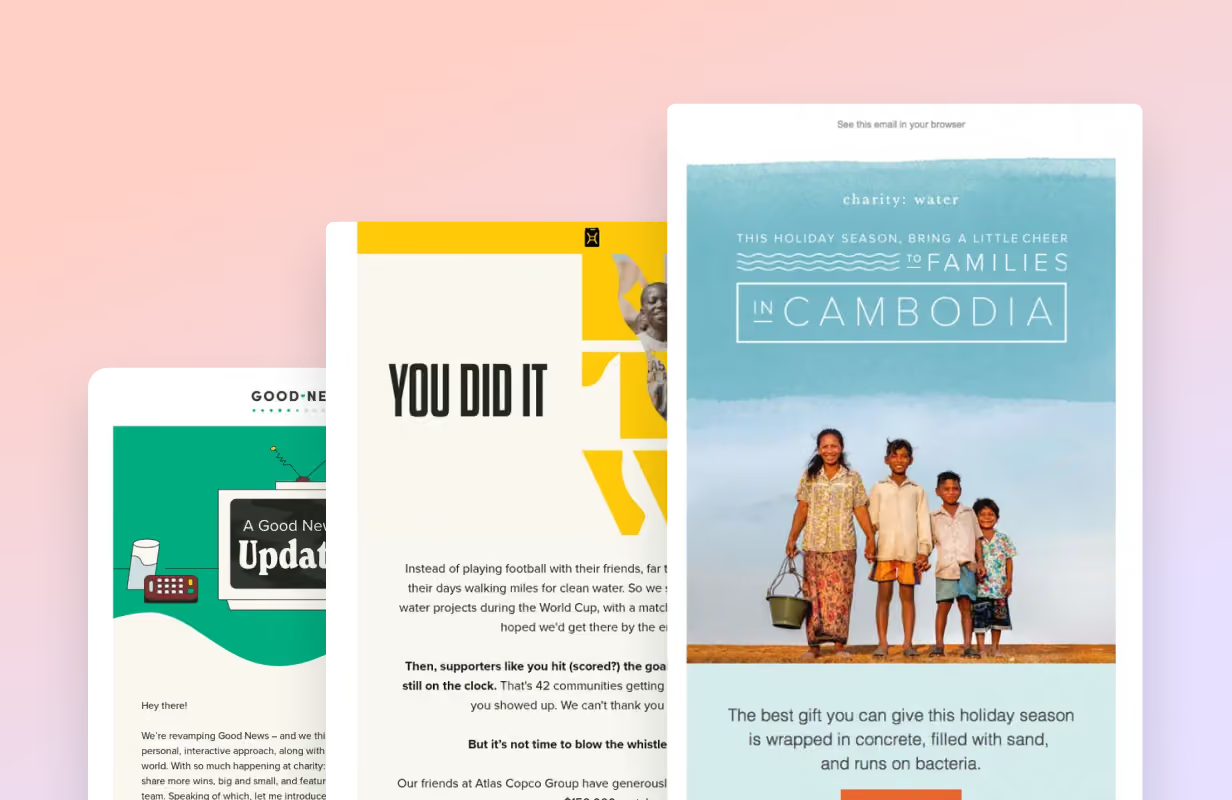
Get ideas from the best
Thousands of real emails in the Really Good Emails gallery, including fundraising email examples from organizations doing it well. Find an approach you like, then build your version in RGE Studio.
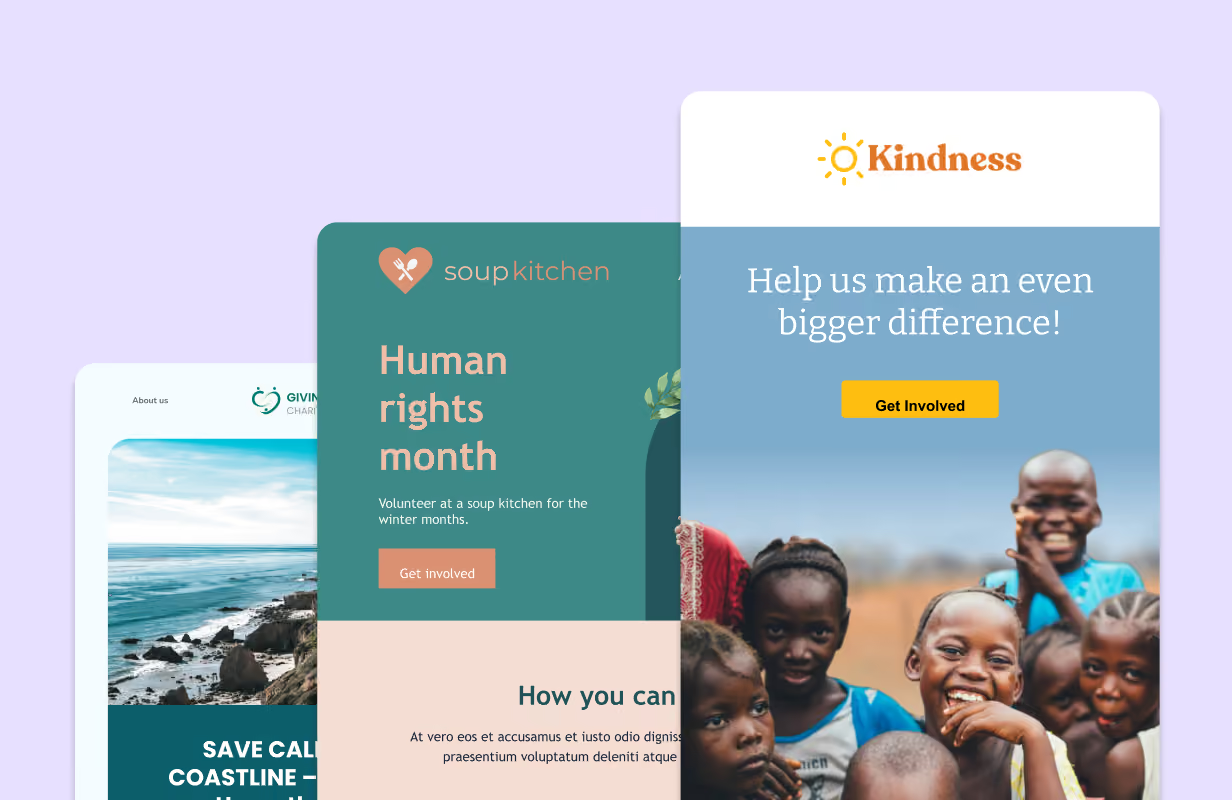
Start from a nonprofit template
1,600+ professionally designed, responsive email designs, ready to be edited for your campaign. Add your brand, swap in your copy, save it for next time.
See how real nonprofit teams use RGE Studio

Alyssa Moynihan
Marketing Consultant, UNICEF

Kyle Snay
CRM Administrator, Minnesota State University, Mankato
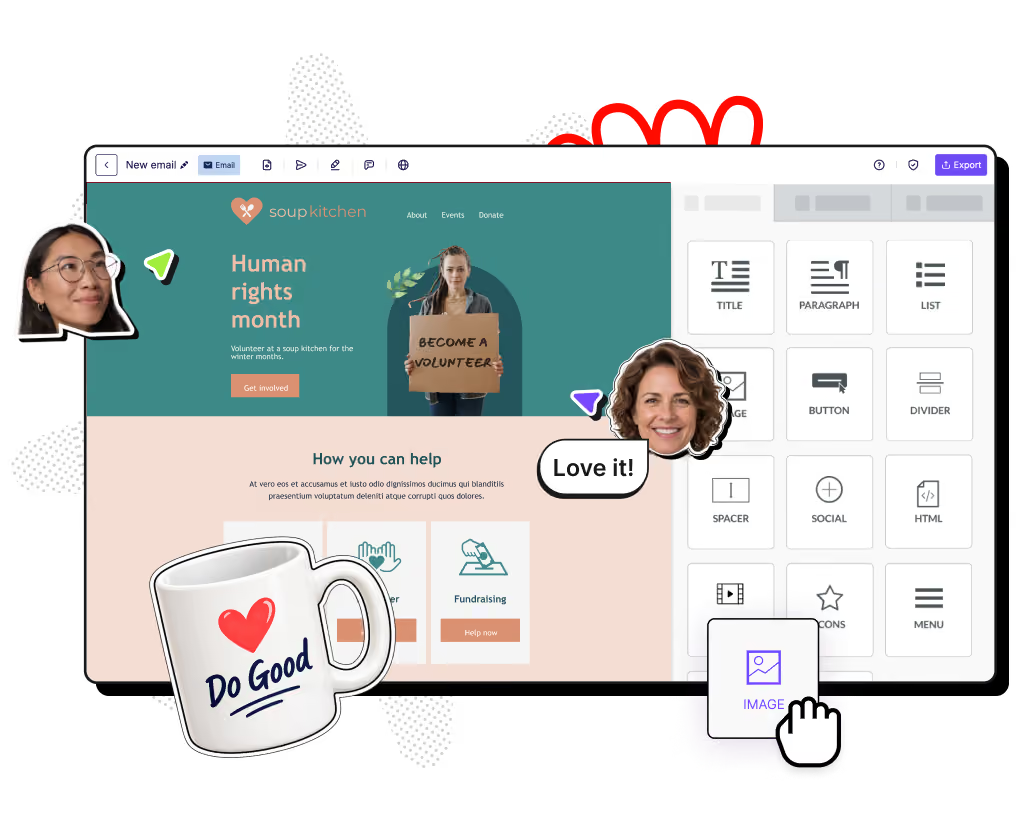
Ready to get started?
Move from idea to approved campaign faster, with your brand intact and fewer production headaches along the way. Email marketing for nonprofits does not need to be complicated.
Save up to $1,000 a year on RGE Studio
Good design tools help nonprofits do more with every campaign, without eating up the campaign budget. Through our Nonprofit Program, eligible organizations can save up to $1,000 per year on RGE Studio.
Nonprofit email marketing FAQs
How can RGE Studio support nonprofit email marketing?
RGE Studio helps your team create professional, mobile-ready, on-brand emails faster, using templates, reusable assets, collaboration tools, and workflow controls. Start from a nonprofit template or a real email in the Really Good Emails gallery, then build without touching code. Less production scramble, more consistent campaigns.
Can multiple nonprofit teams use the same email builder?
Yes. RGE Studio is built for distributed organizations, with separate workspaces for chapters, affiliates, regions, or programs. Each team gets its own users, assets, and campaigns while sharing the templates and brand styles you set centrally. Fewer bottlenecks, fewer rogue newsletters.
Does RGE Studio help maintain brand consistency across campaigns?
Yes. Shared assets, locked brand styles, approved components, and permissions keep fundraising, newsletter, and donor communications aligned with your standards. Your teams get room to build. Your brand does not wander off.
We design our emails in Canva today. Can we bring our brand into RGE Studio?
Yes, and you can keep Canva for the visual work. Our Canva integration connects the two accounts so you can pull a Canva design straight into your RGE Studio media library, no downloading and re-uploading. It's available on every plan, and there's a step-by-step guide if you want the details.
What changes is what comes out the other end. A design exported as a flat image can't be read by a screen reader, breaks when images are switched off, and leaves you no live text to edit. RGE Studio builds the layout as real HTML with live text, so it renders across clients, stays accessible, and pushes straight into your sending platform. Canva makes the graphics. RGE Studio makes the email.
For your brand, it's a setup rather than an upload. If you already have a Brand Kit in Canva, you can recreate it as Workspace Styles in RGE Studio: colors, fonts, heading formatting, plus default styles for the elements you use most. Set it once and every template your team opens starts from there, with anything that drifts caught at the review step.
How does RGE Studio use AI?
Two ways, and both leave the final call to you.
AI Co-Pilot (beta) can help generate ideas or refine content, so you start by editing instead of staring at a blank canvas. It works from the brand styles and templates you've already set up.
Our MCP Server (beta) connects RGE Studio to the AI tools you already use, so you can create, update, preview, and export emails from Claude, ChatGPT, or Copilot without leaving them. It's free to connect on every plan, and your RGE Studio roles and permissions come with you.
Can we use RGE Studio for fundraising and donor communications?
Yes. Email marketing for nonprofits usually means the same recurring campaigns, and RGE Studio covers them: fundraising appeals, donation confirmations, donor thank-yous, newsletters, event invites, and volunteer outreach. Build each one once, save it, share it with your team, and reuse it next time.
Does RGE Studio support reviews and approval workflows?
It does. Thanks to user permissions, you decide who can edit, review, and approve. Reviewers can leave comments directly on the design, even without an RGE Studio account, and you can set up multiple review steps with a different reviewer at each one. For stakeholders who prefer it, export a PDF.
Can RGE Studio work with the tools our nonprofit already uses?
Yes. RGE Studio sits above your sending platform, rather than replacing it. There are native integrations with platforms including Salesforce Marketing Cloud, Pardot, HubSpot, Marketo, Mailchimp, and Gmail, plus clean HTML export and a custom webhook connector for everything else. Your existing nonprofit email marketing software stays where it is.
Who qualifies for the nonprofit discount?
501(c)(3) organizations in the U.S., international charitable organizations, and NGOs. The discount is limited to one RGE Studio account per domain, and the account needs to use your organization's own domain. You'll find more information about the Nonprofit Program at this page.
What does the nonprofit discount apply to?
The discount applies to your annual base subscription fee on any annual plan. Usage, additional users, and additional workspaces are billed at standard rates. The full plan-by-plan breakdown is available here.
How do I apply for the nonprofit discount?
Create or use an RGE Studio account on your organization's domain, then fill out the application and attach documentation of your nonprofit status. Our team reviews it and sends you an approval email. If you are on an Enterprise plan, talk to our sales team instead, since pricing is tailored.
What can I show our procurement or IT team?
Documentation is available through our Trust Center, including a published VPAT and Accessibility Conformance Report covering both the emails you create and the builder itself. If your review process needs something specific, our team can walk your procurement or IT contacts through it directly.