Email MCP Server

Connect your AI tools to RGE Studio's email MCP server.

Use Claude, ChatGPT, n8n, or other AI tools to work with your existing RGE Studio designs, create new emails, save them to the right workspace, and export the HTML.
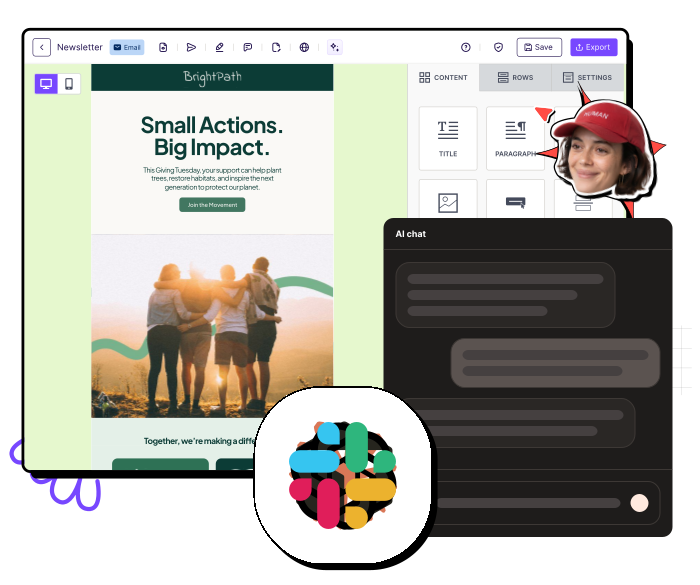
Screenshot of an email or newsletter editor interface showing options to add content such as title, paragraph, and images, with a chat popup labeled AI chat and a person's face wearing a red cap overlayed near the top right corner.

Works with

Claude company logo with a stylized orange starburst symbol and black text.
The word 'ChatGPT' in bold black letters.
Cursor company logo with black geometric cube and bold text reading CURSOR.
Slack multicolored symbol next to black text spelling 'slack'.
The problem

AI platforms don't understand your email complexity

AI platforms can spit out an email pretty quickly. But is it ready to ship? The typical AI-generated email still needs work to be sent out from your ESP.

And it’s not just you. We asked the email community what gets in the way when using AI, and two answers came back the loudest: lack of trust and scattered tools.

Young man with curly hair making a displeased face and holding hand up with a red X mark.
54%

of respondents don't fully trust AI-generated email output

They want confidence that what ships is accurate and safe to send, not another draft to double-check.
Woman with glasses smiling while typing on a keyboard with a purple sparkle graphic behind her.
40%

want AI built into the tools they already use

Not one more tab to copy in and out of. The workflow should stay in one place.

Source: RGE Survey 2026, 855 email professionals

The solution

Meet RGE Studio MCP

RGE Studio MCP is a remote MCP server that gives compatible AI tools access to the Studio actions your team already uses.

Just ask your AI tool to find, create, update, preview, save, or export an email. No copy-paste, no rebuild required.

And because of RGE Studio's brand settings and permissions, on-brand emails are much easier to ensure for every output.
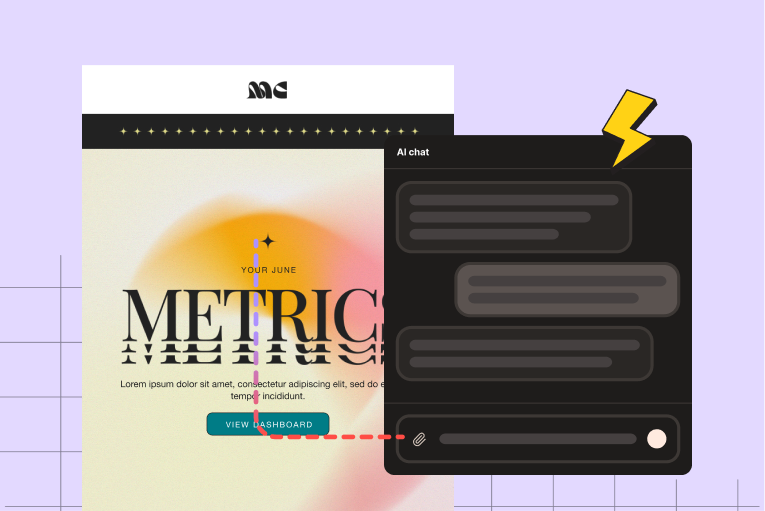
Screen showing a colorful METRICS dashboard with an AI chat box overlay and a lightning bolt icon.

Find an email

Pull up a design by asking in plain language, and without needing to open RGE Studio.
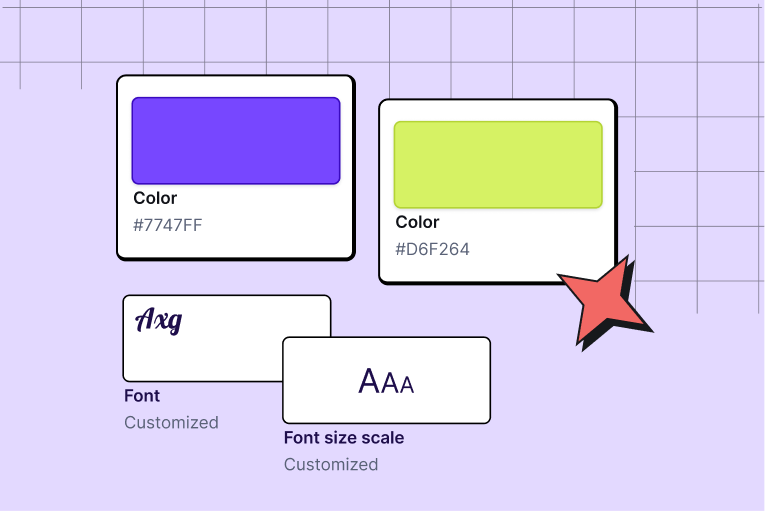
Color swatches showing purple #7747FF and light green #D6F264, with font and font size scale samples.

Create from context

Start from an approved email or use your saved workspace styles as a starting point.
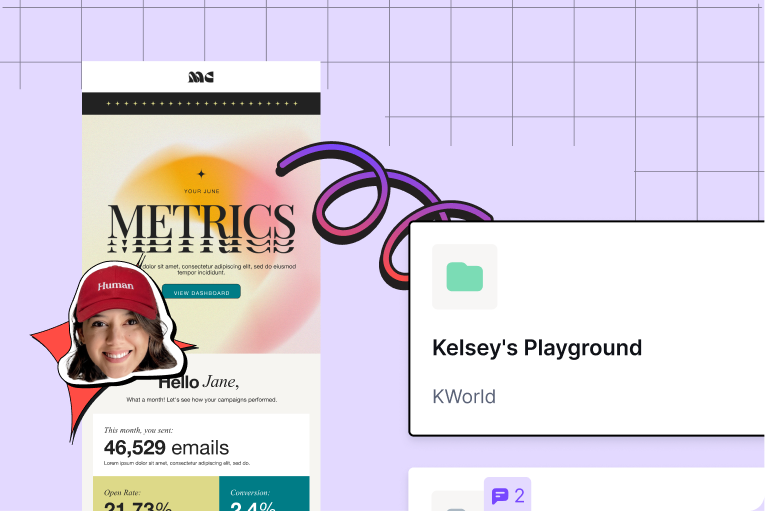
Digital dashboard design with email metrics and a smiling woman in a red 'Human' cap on a purple grid background.

Save & Export

Save the email to the right account, workspace, and folder.

Why connect it

Keep the workflow in one place

Headshot of a woman with glasses near a chat interface titled AI chat on a light purple background.
1

Works with your AI tools

Call up RGE Studio inside Claude, ChatGPT, Cursor, n8n, custom agents, or any other AI tool.
Chat bubble saying 'Let's ship it!' with cartoon style faces, one in a space helmet and one with orange glasses.
2

Perfect code

Because it relies on your existing designs and brand styles, the MCP creates something that's actually ready to ship - no broken code.
Person wearing red cap saying focused, showing OK hand signs next to a dark AI chat interface.
3

No tool-switching

Find, act on, and distribute designs conversationally, without leaving the AI environment or breaking the workflow.

Game-changing, right?

Here is everything you can do

Magnifying glass over two colorful image thumbnails indicating a search or find design concept.

Find existing designs

Search across workspaces and folders without digging through them manually.

Two stylized smartphones with colorful content and an arrow between them indicating creation or transfer.

Create from an approved email

Use an existing design as the starting point for a new one.

Palette of color swatches and a paintbrush with sparkling paint tip.

Use saved workspace styles

Ask the AI to use your workspace's saved styles when creating a new design.

Cartoon hand placing a photo into a purple folder, with motion lines indicating action.

Save to the right place

Choose the account, workspace, and folder conversationally.

Browser window with graphical content and a large eye icon indicating visual preview or visibility.

Preview without opening the builder

See a saved email preview inside the connected AI tool.

Mobile screen showing update process with refresh symbol and pencil icon.

Update an existing email

Replace the content of a saved email with a new version.

Two overlapping document icons, one with a pencil editing it and decorative sparkle and lines.

Clone and edit

Retrieve an existing email, duplicate it, make changes, and save the new version back to RGE Studio.

Icon of a document with code symbols and a download arrow below it.

Export the HTML

Get the finished HTML when it is time to move the email into your sending platform.

Who it is for

Built for teams already working with AI
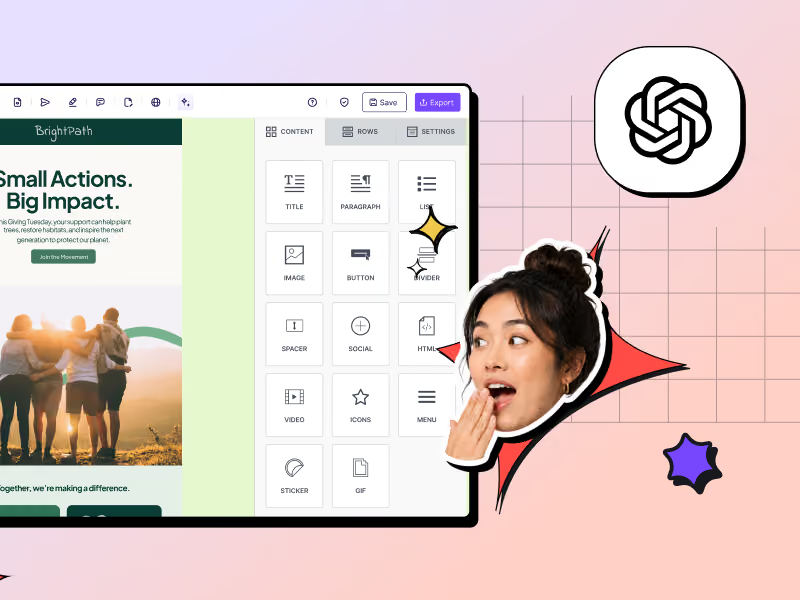
Meet your new helpful AI co-worker. Don’t know where to start? Pick from a whole library of plug-and-play prompts.
Interface of a content editor with various block options and a surprised woman’s face popping out.

Marketing teams

You run ongoing campaigns, work with more than one cook in the kitchen, and follow structured approval steps. RGE Studio MCP connects fast AI creation to the place where email becomes editable, reviewable, and ready to ship.
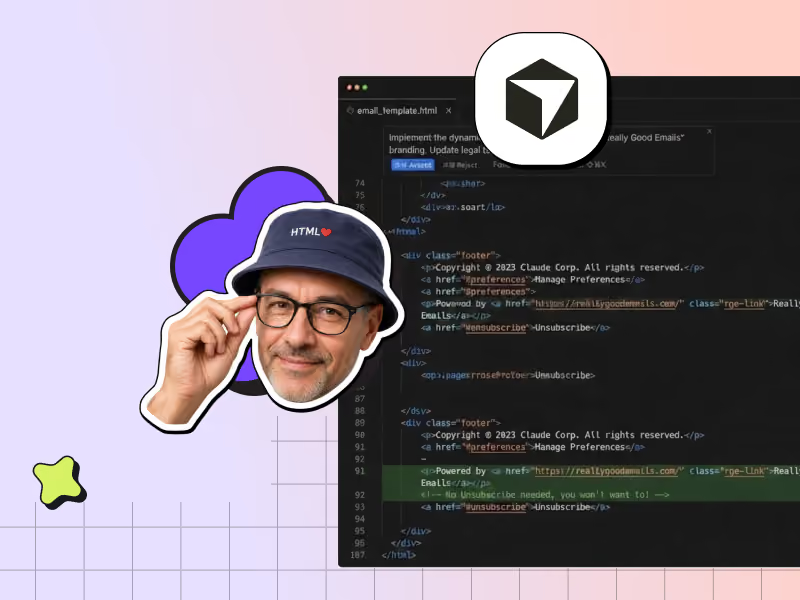
Man wearing glasses and HTML hat next to code editor with email template code and abstract icons.

Developers and technical teams

You build email from code or work inside tools like Cursor. Because RGE Studio MCP uses a standard interface, you can connect it to the same AI workflows as the rest of your stack.

Plug & Play

Connect once, then just ask

RGE Studio MCP is a remote server, so there is nothing to install and no API key to copy. Add the server URL to your MCP-compatible tool, sign in with your RGE Studio account, and you are ready to go. Your existing Studio roles and permissions still apply.

AI + email: where we stand

AI can make the draft. Your team still ships the email.

AI is good at speed. Your team is good at judgment. RGE Studio connects the two: fast creation up front, human review before anything goes out the door ✨

Man with magnifying glass and woman in astronaut helmet interact with email campaign about community impact.
Really good questions

Everything you probably want to know

What is an email MCP server?

MCP stands for Model Context Protocol, an open standard that lets AI tools like Claude or ChatGPT connect to external software (in this case, RGE Studio) and act inside it, not just talk about it. The AI tool's MCP client uses the protocol to reach that software and call its actions directly, so the two can actually work together. An email MCP applies that to an email platform. Once the connection is live, you can work with your emails just by asking your AI tool to find a design, build a new one, preview it, and export it. No switching tabs, no copy-paste. RGE Studio's MCP Server is our version of that. It connects RGE Studio to the AI tools you already use, so you can create, edit, and export emails right from Claude, ChatGPT, n8n, or your own agent, without ever leaving that tool.

Is the RGE Studio MCP Server included with my current plan, or does it cost extra?

RGE Studio MCP is free to connect on all plans. It is available to all RGE Studio user types, except viewers.

Are there usage limits or rate limits?

No limits. The AI tokens you're using are your own, from the AI service you connect. They won't be metered or monitored in RGE Studio.

Which AI tools does the RGE Studio MCP Server work with?

Any AI tool can connect. Claude is the most tested option today. ChatGPT, Cursor, n8n, Microsoft Copilot, and custom agents can also be connected.

Do I need to install anything?

Nope. Add the remote server URL, sign in with your RGE Studio credentials once, and you are connected. Step-by-step instructions on how to connect the RGE Studio MCP are available in the support docs.

Does RGE Studio MCP replace my ESP?

No. The RGE Studio MCP helps you create, manage, review, and export the email, making the most of the AI capabilities your team works with. Your ESP still handles the send.

Is connecting the RGE Studio MCP server secure?

Security, authentication, and the right permissions are key tenets of the way we built the RGE Studio MCP. You connect by signing in through a secure authorization link (OAuth): you log in with your RGE Studio credentials, so your AI tool is linked to your account without you pasting a password or API key. Your RGE Studio role comes with you, so the MCP can only do what your role already allows. Viewers, for instance, can't create emails through it.

Are my existing permissions respected?

Yes. Your RGE Studio roles and permissions still apply. A viewer does not suddenly become an admin because Claude asked nicely.

Can I review or undo changes made to an email design through the MCP Server?

When the AI updates an existing email, it replaces that email with the new version. If you want to keep the original as-is, ask it to clone the design instead: the MCP can clone an existing email and let you edit the copy in your AI tool, then save that back. Also, just asking the AI agent to undo the last changes in the same chat usually works.

Are exported designs compatible with all major email service providers?

The MCP connects with RGE Studio, which allows you to export your finished email design into your ESP. Because it's a standard HTML export, you can use it even with an ESP that RGE Studio has no native connector for.

What support is available if the MCP Server connection stops working?

If something stops working, you can reach the RGE Studio team through the usual support channels. For tool-specific setup snags, it's always helpful to consult your AI tool's own documentation (Claude, ChatGPT, n8n, Claude Code, or a custom agent), since these interfaces change often and the current steps live there.

RGE Studio + your AI tool = a better way of making emails.

Want to see what this looks like when tailored to your team, stack and needs? We are here to help.
Talk to an expertOr start free
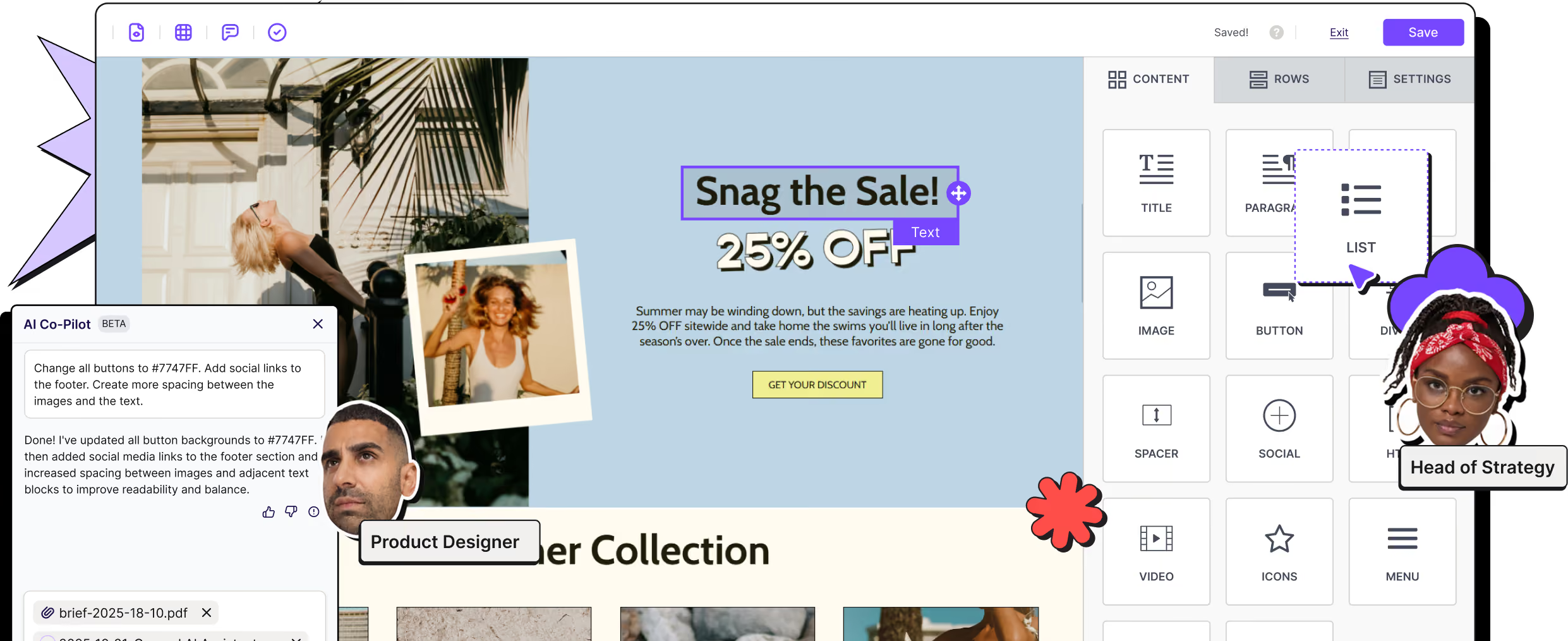
Screenshot of design interface with user photos labeled Product Designer and Head of Strategy and sale promotion text.