Design in Canva.
Build in RGE Studio.
The RGE Studio + Canva integration is built for teams that want to move fast, stay on brand, and eliminate unnecessary friction from their email design workflow.


No more design bottlenecks
Design assets scattered across tools slow every campaign down. RGE Studio brings your Canva work into the same place where emails get built and approved, so the whole team pulls from one source.
Seamless collaboration
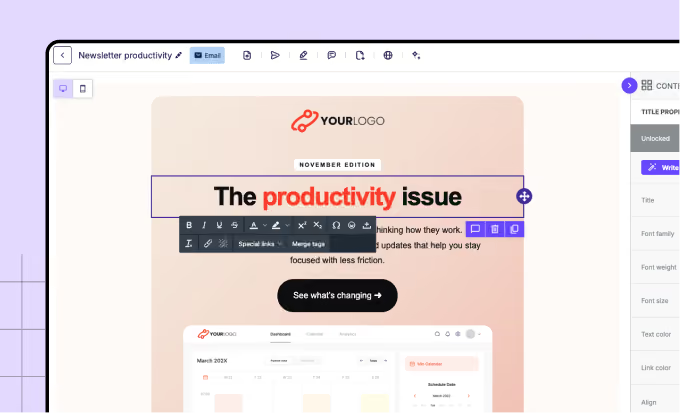
Canva designs are saved inside the RGE Studio workspace, so everyone on your team can find the right assets without hunting through folders or chasing a download link.
Always on-brand emails
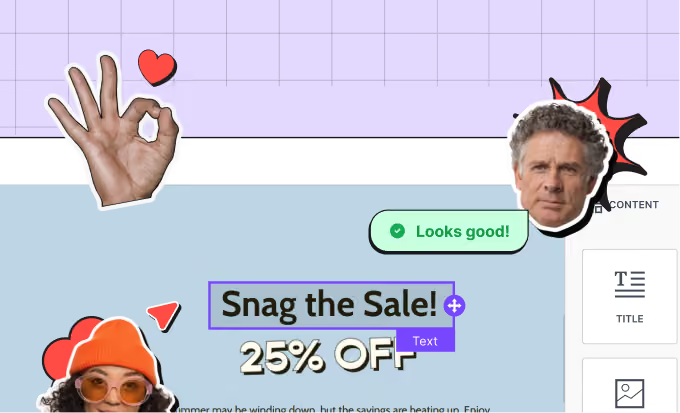
Whether you’re managing one brand or many, you can rest assured that every email looks and feels like you. Shared styles and reusable content keep campaigns consistent as the team grows.
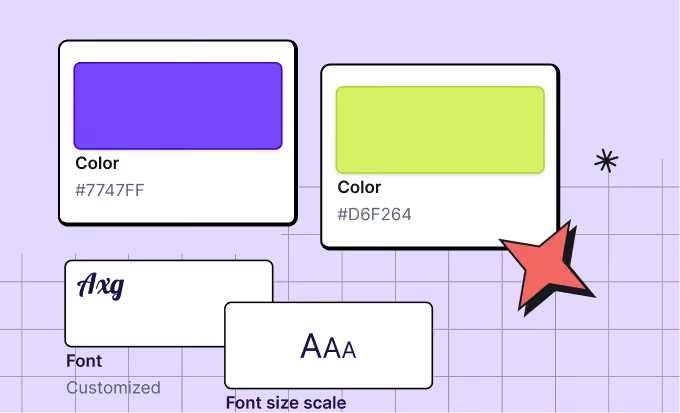
Beautiful designs
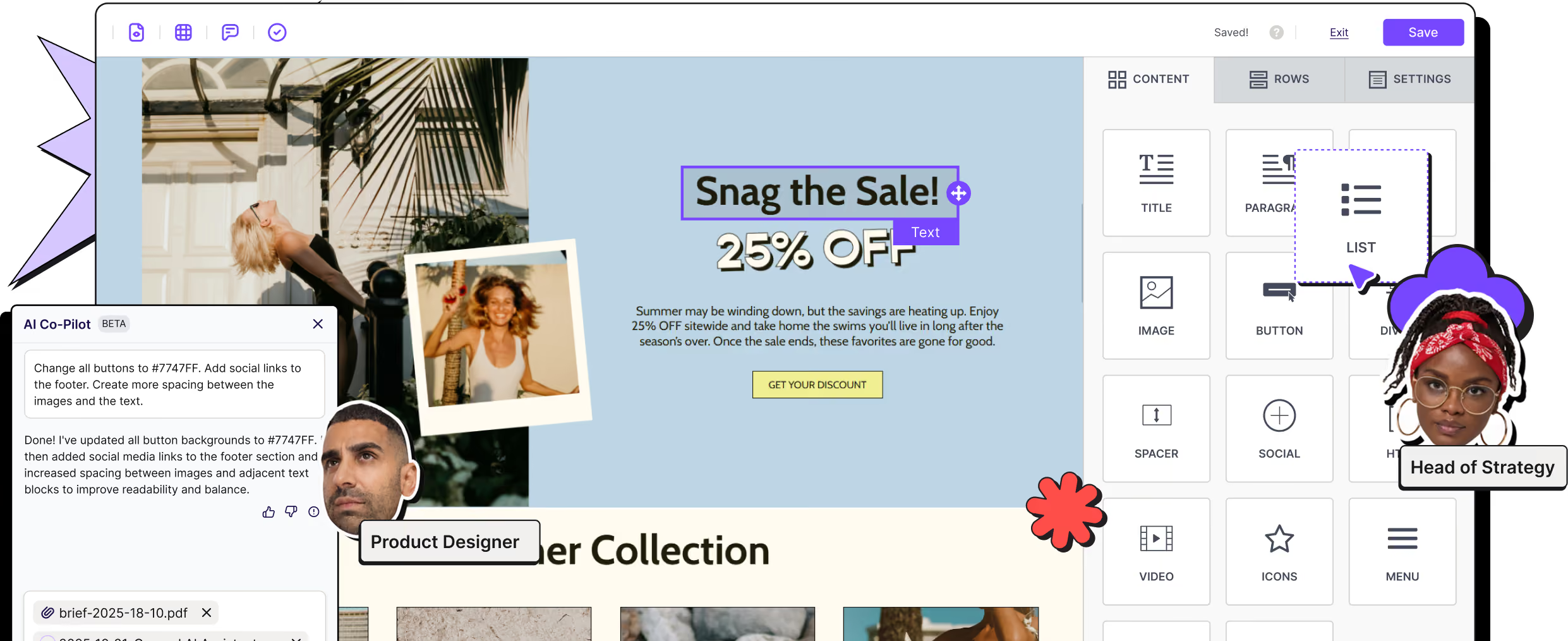
Canva designs paired with RGE Studio’s drag-and-drop builder empower everyone to create visually rich emails. Mobile Design Mode makes sure they hold up on a phone too.
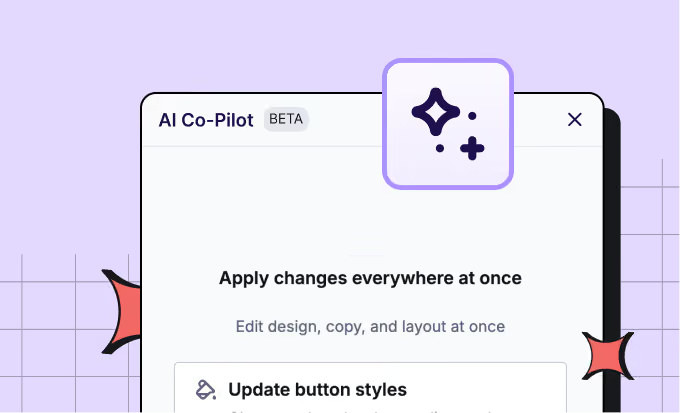
AI, where you already work
Connect your favorite AI tools via RGE Studio MCP, or use the AI Co-Pilot to draft campaigns, rewrite existing copy, or improve designs with a prompt. No switching tools.
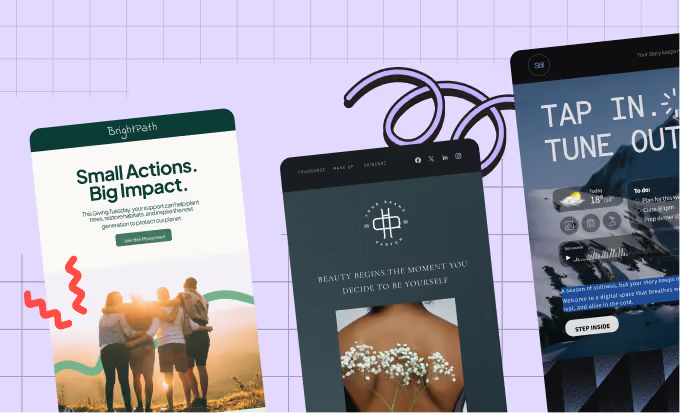
Start with 1,600+ templates
Drop your Canva artwork into a template that already works. Choose from 1,600+ ready-to-use designs, customize them, brand them, and reuse them across campaigns.
How the RGE Studio and Canva integration works
Connect the two once, and your Canva work is available wherever you build. No downloading, no re-uploading.
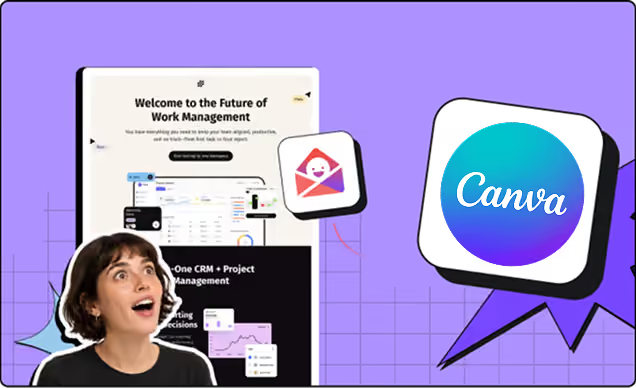
Import without downloading
Bring designs you’ve created in Canva straight into your workspace’s File Manager, with no exporting to your desktop and uploading them again.
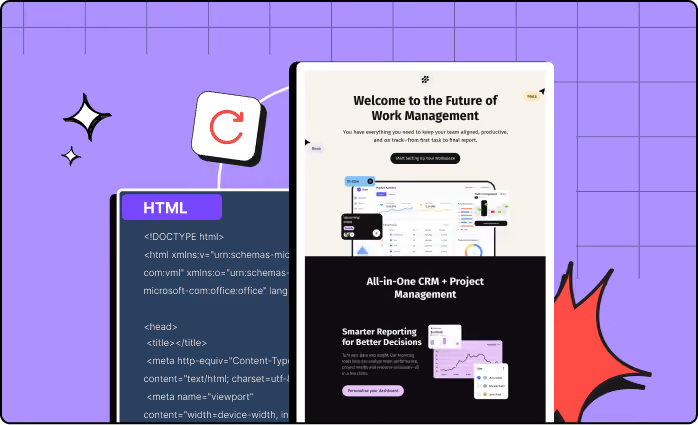
Use them anywhere
Once your Canva designs are in the File Manager, they’re available across every email and landing page you build in RGE Studio.
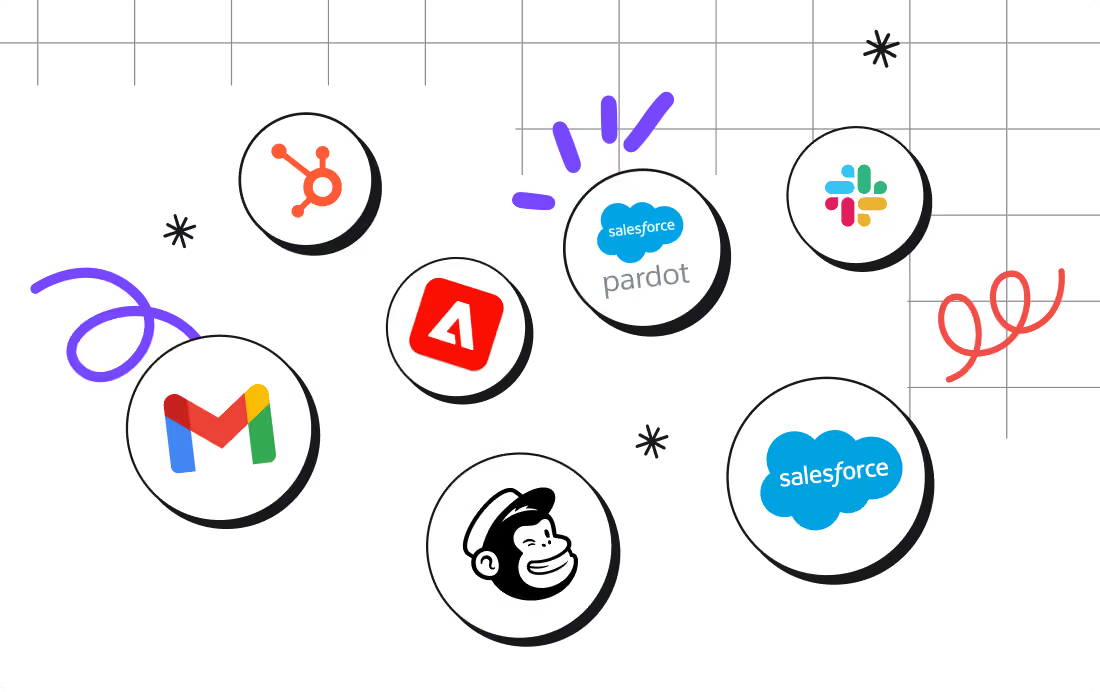
Push your content to more of your favorite platforms, with one click
Canva is one of the many integrations available across all RGE Studio plans. Once your email is built, push it straight to the platform you send from.
From idea to ready-to-send in hours, not days
Talk to us to discover how RGE Studio and Canva make designing on-brand communications effortless for your team.