The flexible
Gmail email editor
Save time without sacrificing design, with RGE Studio and Gmail on your side. Sending stays with Gmail.
RGE Studio handles the design, no HTML required, so what lands in your drafts is already on-brand.



Always send on-brand emails with Gmail and RGE Studio
A quick note works fine in Gmail’s compose window. A designed, on-brand email needs more than that. That’s what RGE Studio is built for: the finished email lands in Gmail as a draft, ready to send.
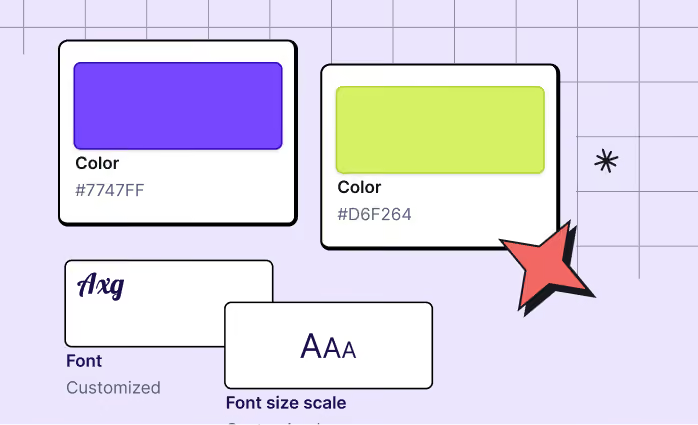
Take control of your email design
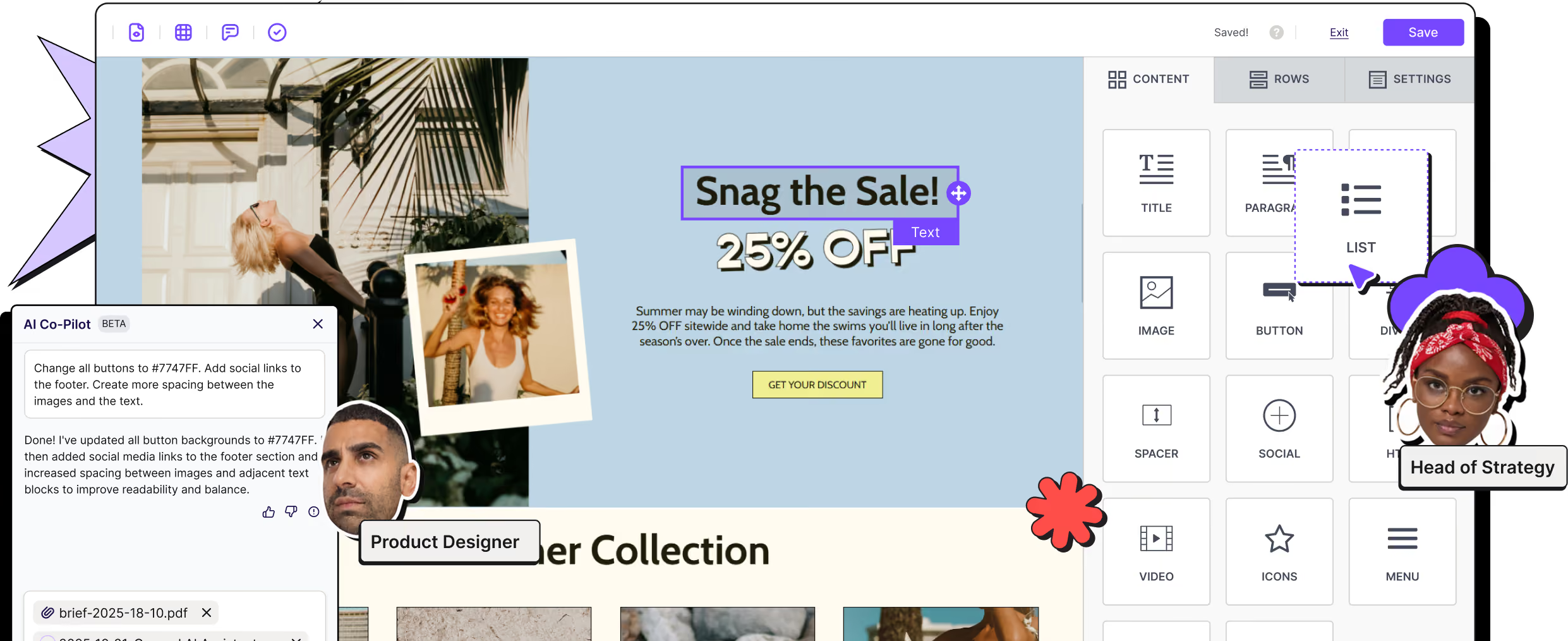
No HTML knowledge needed. Personalize text and colors, add images, videos, polls, and GIFs, and build layouts that would take hours to hand-code.
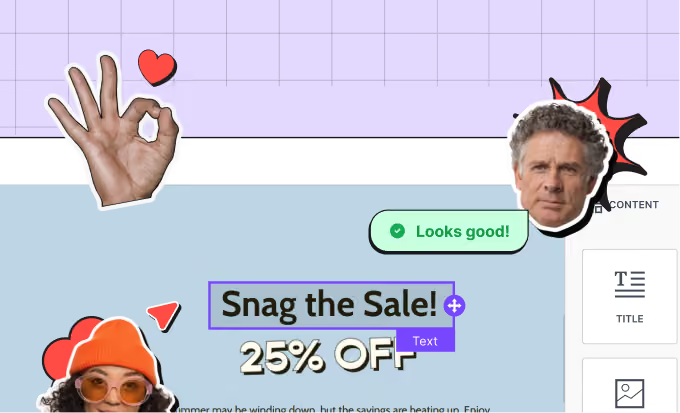
Collaborate with your team
Collaborate seamlessly by designing, writing, and gathering content-specific feedback in a single app. Add comments to specific elements and tag colleagues or clients.
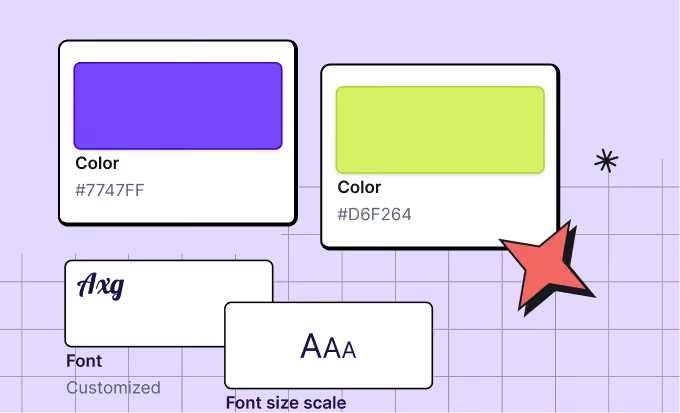
Empower anyone to create standout emails
Build mobile-optimized emails. Customize content, element position, text size, alignment, and more. For emails sent from Gmail, simple layouts hold up best, since Gmail’s composer can strip some mobile code.
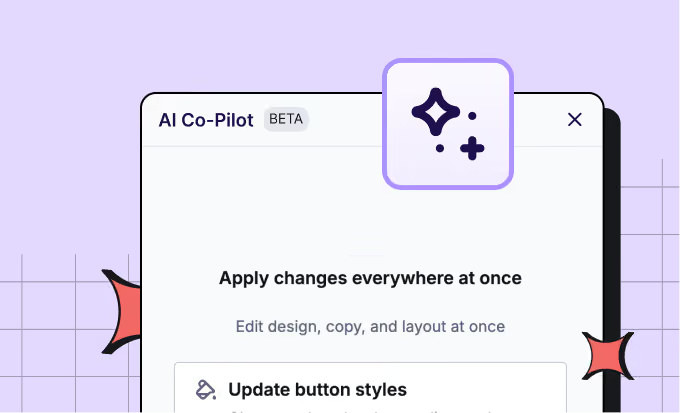
Let AI handle the blank page
Draft a campaign, rewrite existing copy, or improve a design with a prompt thanks to AI Co-Pilot. Already have an AI tool your team likes? Connect it through RGE Studio MCP.

Free email templates for Gmail
Save time, get inspired. Create high-quality, on-brand emails effortlessly. Choose from 1,600+ occasion-specific templates, then drag, drop, and customize to perfection.
Two paths into Gmail
Push it through the connector, or import it from Gmail with the add-on. Use one or both, whatever fits your workflow.
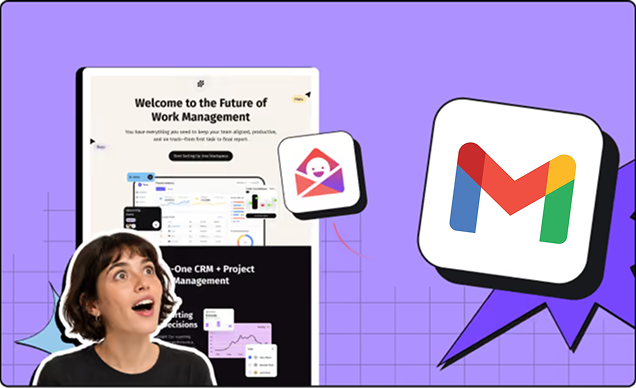
Connect once, export any time
Link your Gmail account whenever works for you, before or after you start designing. Choose Gmail as the destination and the email lands as a new draft in your account, ready to send.
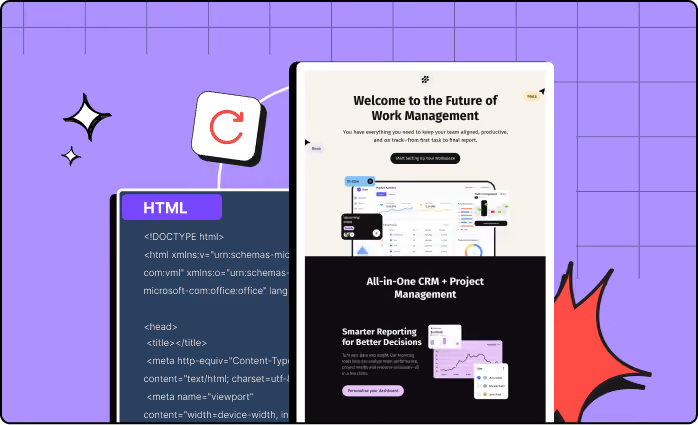
Or use the Gmail add-on
Prefer to work from Gmail? Install the RGE Studio Templates add-on and import your designs straight into the compose window. Available on paid plans.
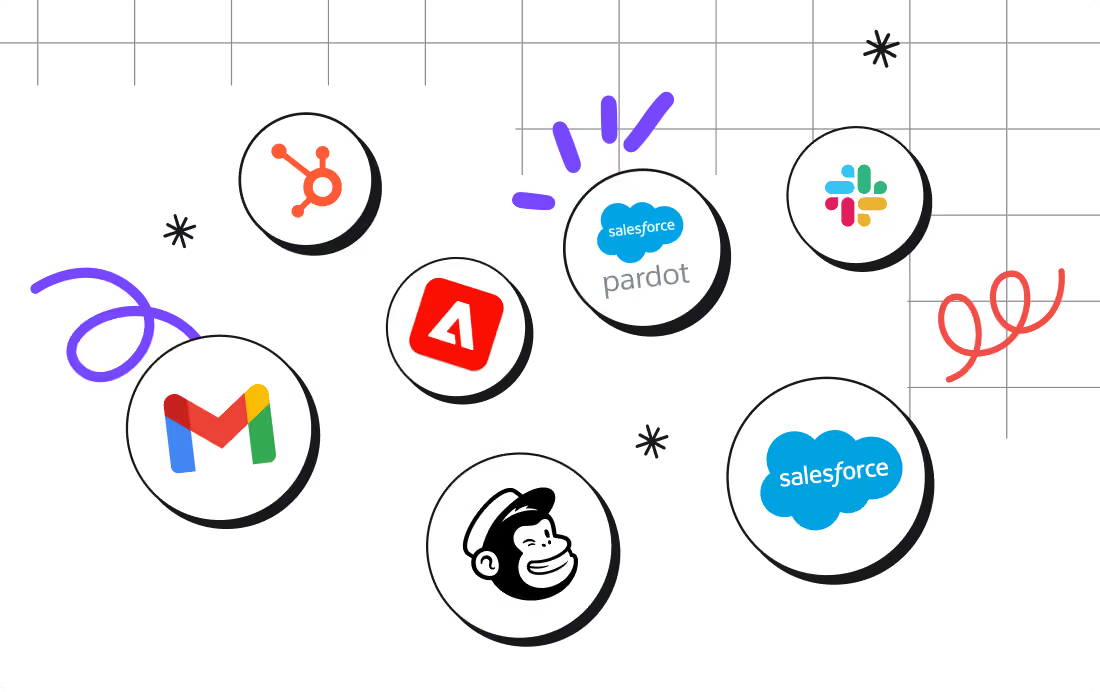
Push your content to more of your favorite platforms, with one click
RGE Studio's native Gmail connector is one of the many one-click integrations available across all plans. If you're running Gmail alongside other platforms, RGE Studio connects with those too.
Ready to get started?
RGE Studio helps teams move from idea to approved campaign faster — with brand consistency, accessibility support, and workflow control built in. Then export straight to Gmail as a ready-to-send draft.