The ultimate email builder
for Outlook Web
Use RGE Studio’s Outlook Web integration to create engaging, responsive emails and send them straight to your Outlook drafts.
Outlook is where you send from. RGE Studio is where the email gets built: properly designed, responsive, and on brand, without touching HTML.






Your email marketing, upgraded for Outlook Web
Outlook’s compose window is fine for a quick note. It was never meant for a designed, responsive email. RGE Studio picks up from there, then hands the finished email to Outlook Web, ready in your drafts.
On-brand, with no coding
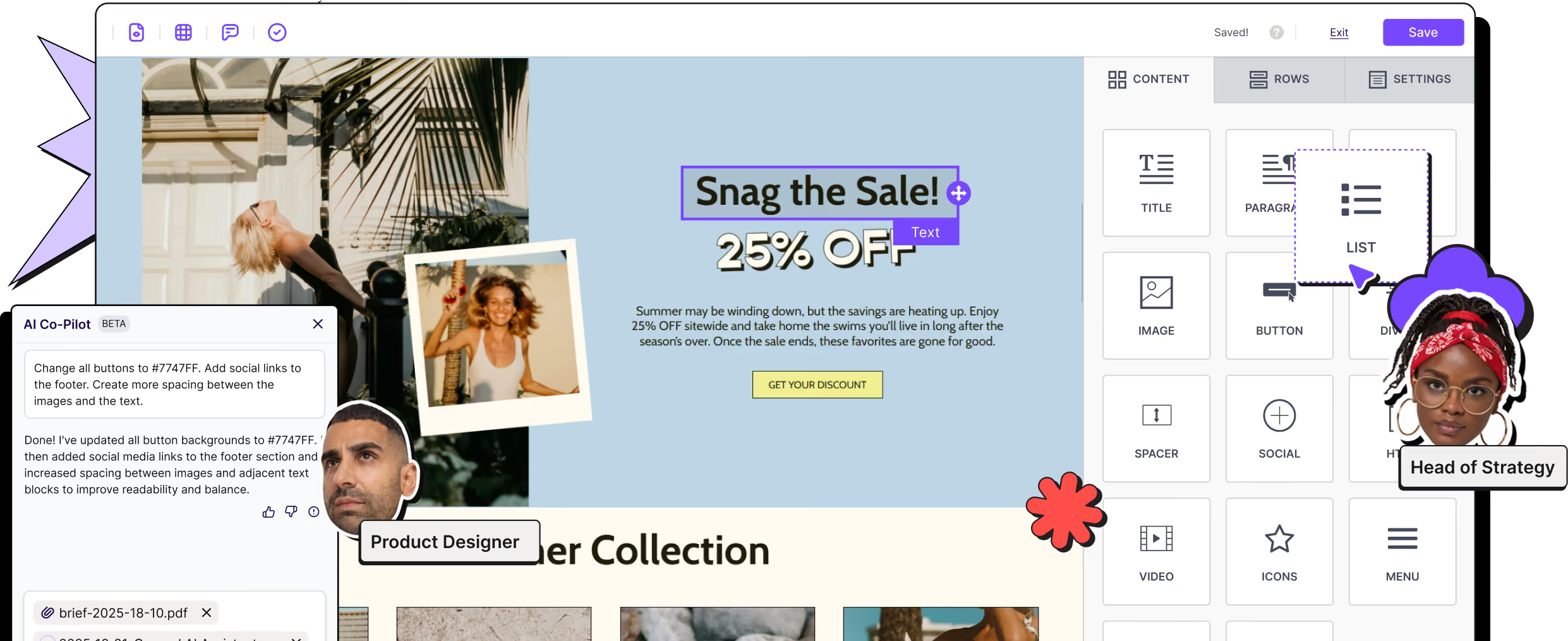
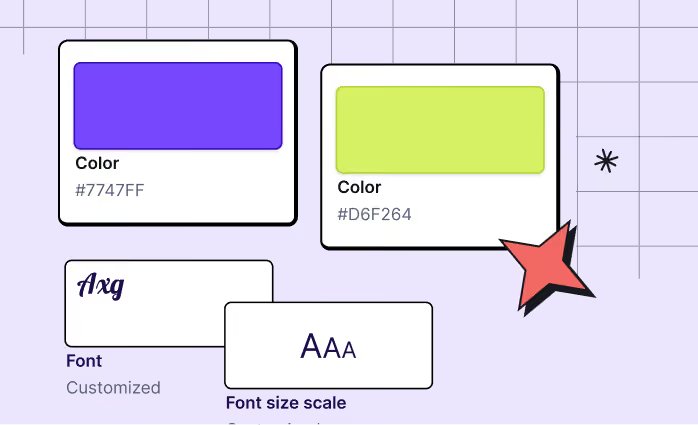
Effortlessly customize your emails with RGE Studio’s user-friendly builder. Personalize text, colors, and more. Add images, videos, polls, and GIFs, and build layouts that would take hours to hand-code.
One workspace, every review
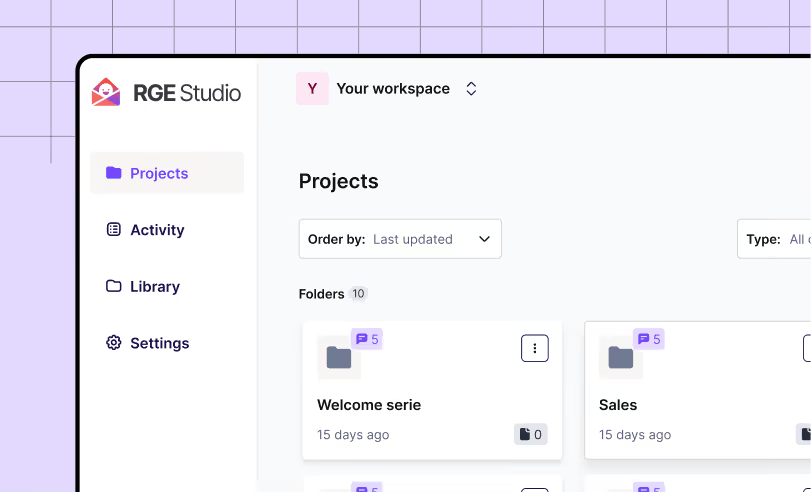
Collaborate seamlessly by designing, writing, and gathering content-specific feedback in a single app. Add comments to specific elements and tag colleagues or clients for change notifications.

Built for every inbox and screen
Build mobile-optimized emails with RGE Studio's Mobile Design Mode. Deliver engaging and consistent email experiences on any device.
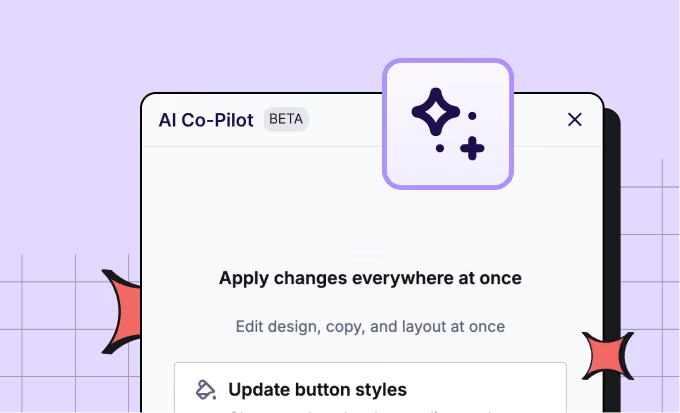
AI built into the builder
Draft a campaign, rewrite existing copy, or improve a design with a prompt without switching tools, thanks to AI Co-Pilot. Already have an AI tool your team likes? Connect it through RGE Studio MCP.

Easy-to-use email template designer
Design visually captivating emails effortlessly without coding knowledge. Match your brand's identity for a consistent and engaging user experience.
Get it into Outlook Web, your call
Push your email through the connector, or export it and bring it into Outlook yourself. Use one method or both, and switch whenever you like.
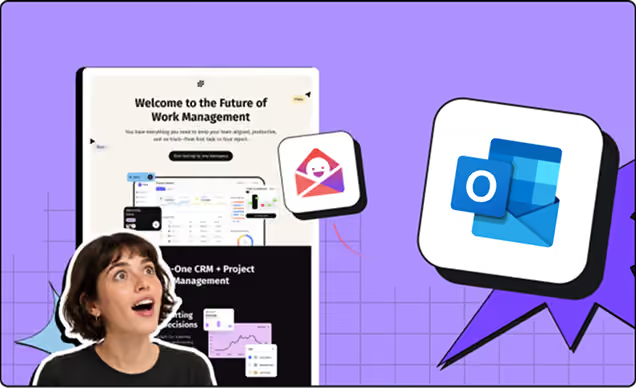
Connect and go
Link your Outlook Web account any time, before you start designing or once you’re done. Pick Outlook Web as the export destination, and your email lands in your Drafts folder within seconds.
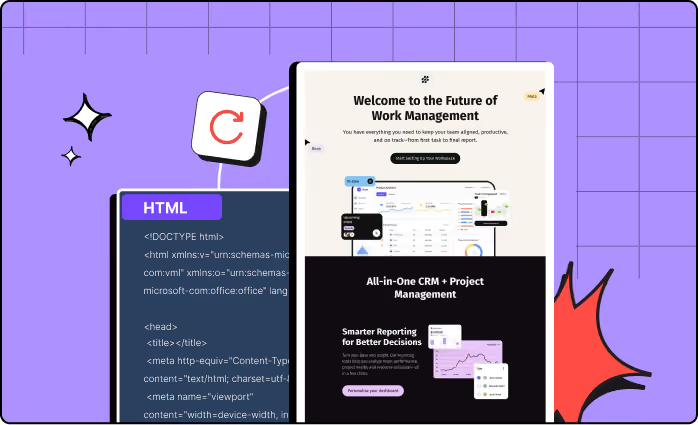
Using Outlook on desktop?
Export your design as a ready-to-open Outlook file with the Outlook App connector, then open it in your desktop app.
Push your content to more of your favorite platforms, with one click
RGE Studio's native Outlook Web connector is one of the many one-click integrations available across all plans. If you're running Outlook alongside other platforms, RGE Studio connects with those too.
Ready to get started?
RGE Studio helps teams move from idea to approved campaign faster — with brand consistency, accessibility support, and workflow control built in. Then push straight to Outlook Web.