The go-to email builder
for SendGrid
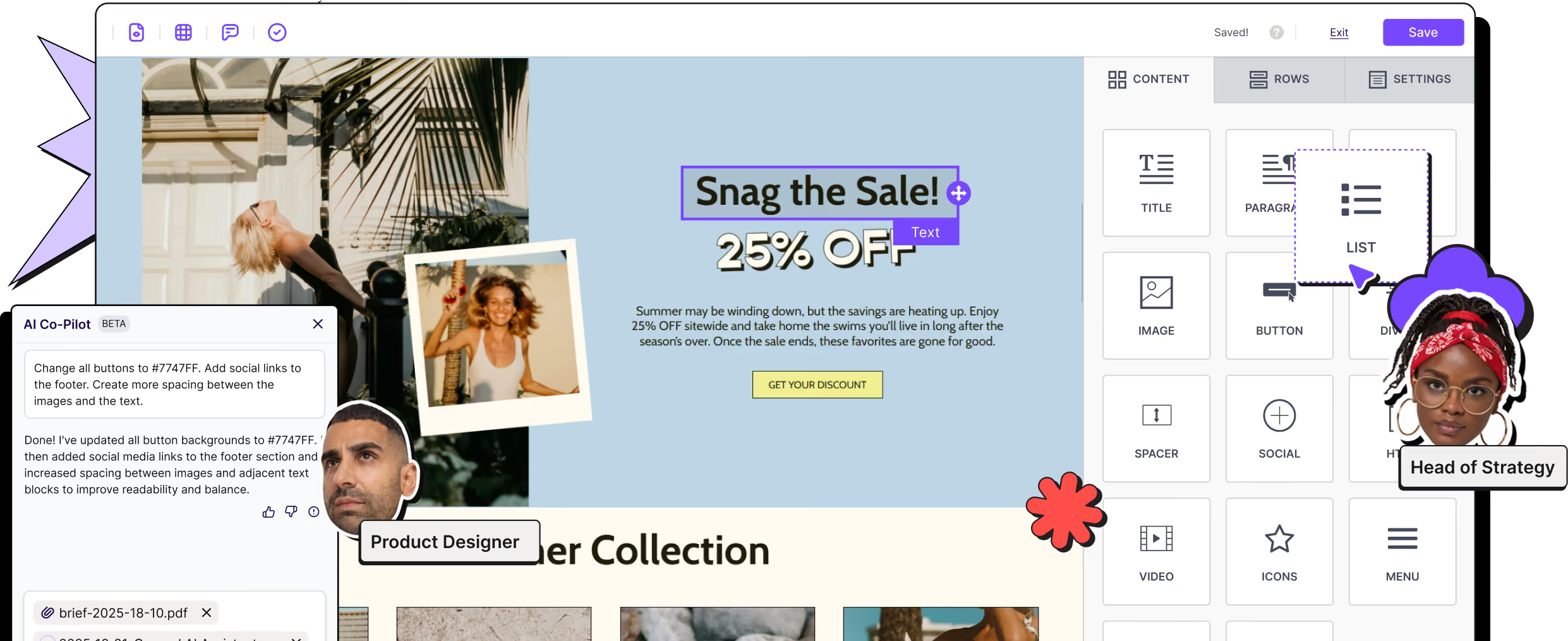
Design high-quality, high-performing emails and export them to SendGrid.
Keep SendGrid for infrastructure, deliverability, and scale. Use RGE Studio for the part that slows teams down: creating professional, on-brand emails together.





Supercharge your email marketing with RGE Studio and SendGrid
SendGrid is built for delivery at scale. Designing the email itself is another job entirely. RGE Studio fills that gap, then hands off the finished, production-ready email to SendGrid.
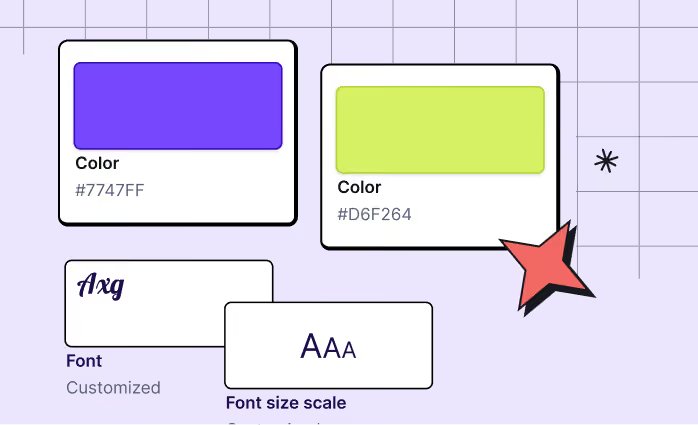
Endless possibilities while staying on-brand
Effortlessly customize your emails with RGE Studio’s user-friendly builder. Build layouts that would take hours to hand-code.

Collaborate with your team
Collaborate seamlessly by designing, writing, and gathering content-specific feedback in a single app. Assign distinct roles to empower your team and streamline approvals.

Design mobile-responsive emails in hours, not days
Build mobile-optimized emails with RGE Studio's Mobile Design Mode. Customize content, element position, text size, alignment, and more.
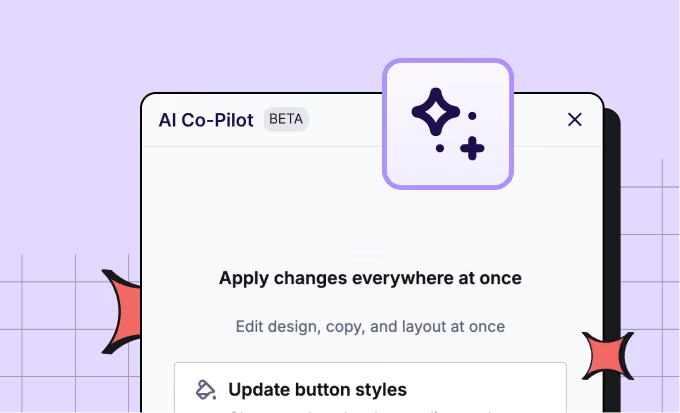
Let AI handle the blank page
Draft a campaign, rewrite existing copy, or improve a design with a prompt. AI Co-Pilot lives inside the builder, so you can write, edit, and design without switching tools. Or connect your AI tools through RGE Studio MCP.

Free email templates for SendGrid
Save time, get inspired. Create high-quality, on-brand emails effortlessly. Choose from 1,600+ occasion-specific templates, then drag, drop, and customize to perfection.
Two easy ways into SendGrid
Push your email through the connector or export the HTML and bring it over yourself. Use one method or both, and switch whenever you like.

Push through the connector
Connect your SendGrid account before or after you start designing. When your email is ready, select SendGrid as the export destination, and it appears in your account within seconds.
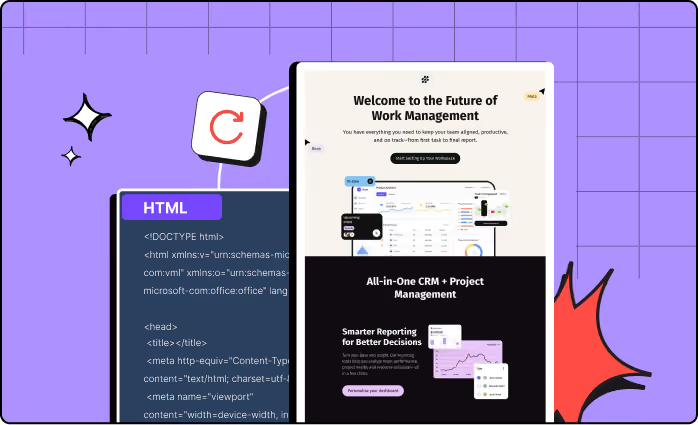
Export clean HTML
Prefer the hands-on route? Export production-ready HTML and paste it into SendGrid’s Code Editor yourself.

Push your content to more of your favorite platforms, with one click
RGE Studio's native SendGrid connector is one of the many one-click integrations available across all plans. If you're running SendGrid alongside other platforms, RGE Studio connects with those too.
Ready to get started?
RGE Studio helps teams move from idea to approved campaign faster — with brand consistency, accessibility support, and workflow control built in. Then push straight to SendGrid.