

Modular design: How to boost productivity and create better emails
Boost productivity and create better emails with modular design. Streamline your email creation process!

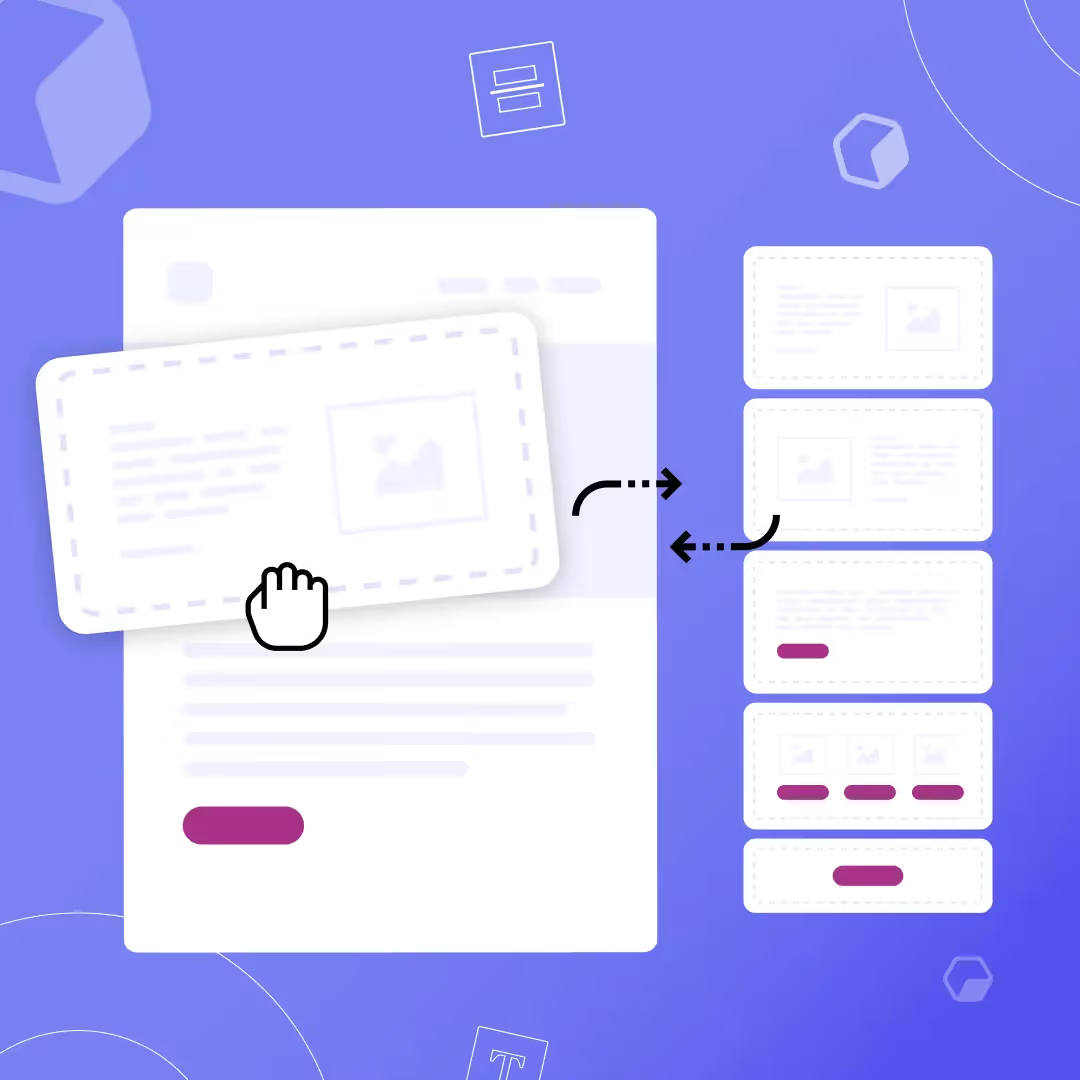
Email continues to reign as the most powerful communication channel for your marketing campaigns. With ROIs at nearly $42 for every dollar, reaching your audience through email is your best move right now. But many marketers still shy away from email because it doesn't seem as time-efficient as social media posts. How can you scale your email marketing campaigns faster? The answer lies with a quick, reliable design system called modular design.
What is modular design?
In email, modular design is a system of creating content-filled building blocks to stack and arrange in your emails. Its flexibility gives you the freedom to customize your email template without changing your blocks. It's like playing a game of Tetris — you stack content-filled blocks within an email template to ultimately scale your email marketing campaigns:
- Template: A compilation of modules that are tactically placed to design an email campaign. Templates may change depending on the goal of each email.
- Module: The module is where the content lies. These blocks contain HTML text, videos, CTAs, and other content, serving different purposes and rearranged or stacked depending on the email being sent — typically one for header, footer, primary content, social media links and other content.
Out with the old: Traditional email design is outdated
Traditional email templates aren't commonly used anymore. Using these templates throws more work on your plate — you need to add, delete and reposition elements each time, making your entire design process error-prone and slow-paced. Their lack of brand consistency also gives off an unprofessional appearance, which could lead your emails straight to spam. Modular design cuts your design time in half by standardizing module components so you can rearrange and use them over and over again, and they're perfectly optimized for mobile due to their regulated structure.
Benefits of modular design
Brand consistency
Keeping your image, logo, brand colors and other brand components consistent from email to email is difficult if you're starting from scratch every time. Modular design breezes past this by allowing you to set and save brand assets to reuse with each new email.
Personalization
Modular design provides the right mix of images and text in emails, giving room for more personalization. Each module can include personalized copy to better connect with your audience.
Easier design process
The modules you create are easily stackable, like Tetris blocks you can drag and drop into each template you create. You're essentially creating a design library filled with modules you'll reuse and place into templates.
Saves time
A traditional layout often requires an extensive email brief and can take hours to create, leaving no time to implement new, bold creative elements or run multiple A/B tests. With modular design, you can flexibly arrange modules and quickly tweak blocks for each new email.
Low cost
Traditional email templates need to be purchased since they're unique to each campaign. Modular email templates provide flexibility to rearrange components, so you only need one template to apply to every campaign.
Switch to a modular design for email
Brainstorm your module library
Categorize your modules by primary, secondary, and tertiary content, depending on where they sit in your modular email template:
- Primary modules: Contain the table of contents and header.
- Secondary modules: A subscriber's main focus for clicks — the headline, main text, main images, CTAs.
- Tertiary modules: Contain the social links, quotes, event announcements, emojis, surveys and other closing components.
Categorize by campaign
Take your outline a step further and plan where modules will fit in each upcoming email campaign. Ask yourself how you can categorize these emails, how you want to personalize modules for each campaign, and what subscribers love about your current emails and what sections need improvement.
Implement a modular design strategy
Make the module design process more efficient by standardizing your brand specifics, determining if it's an image-heavy or text-heavy email, optimizing for mobile design, knowing your purpose for sending the email, and understanding which sections will be personalized to subscribers.
Create email modules
Producing a library of modules will fast-track your design process. Follow your outline and fill your modules with content that suits your needs.
Test your modular designs
The ready-to-go module library you created will also give you more time to test your emails. Initiate multiple A/B tests and gain feedback faster, then tweak elements within modules and send again to decide what works best for your subscribers.
Try out modular design
Adopting a modular email design strategy is undoubtedly the most efficient way to create responsive emails. Test your designs on your audience and implement a core set of modules to reuse and rearrange for each email campaign you send.
Articles to wet your whistle


.jpg)

Subscribe to our newsletter.
Dive into the world of unmatched copywriting mastery, handpicked articles, and insider tips & tricks that elevate your writing game. Subscribe now for your weekly dose of inspiration and expertise.