

7 Design Tips for Birthday Emails
Explore the best year in review emails of 2017 for inspiration and innovative email designs!

Do you send birthday emails to your customers? Birthdays offer a great opportunity for engagement. Readers love to know you're thinking of them. And they're always on the lookout for good deals, especially when it's their special day! According to Experian, birthday emails are high-performing email campaigns:
- Birthday emails have a 481% higher transaction rate than promotional emails.
- Birthday emails generate 342% higher revenue per email than promotional emails.
- Birthday emails have 179% higher unique click rates than promotional emails.
Seize the opportunity to associate people's feel-good moments with your brand. Here are our top 7 tips for designing a memorable birthday email.
Tip #1: Update your calendar
First things first: if you don't know your subscribers' birthdays, you need to figure that out. Send a quick email to your customers asking for their birthday so you can send them a special gift. People like free stuff, so most readers will be motivated to open this email and check it out.
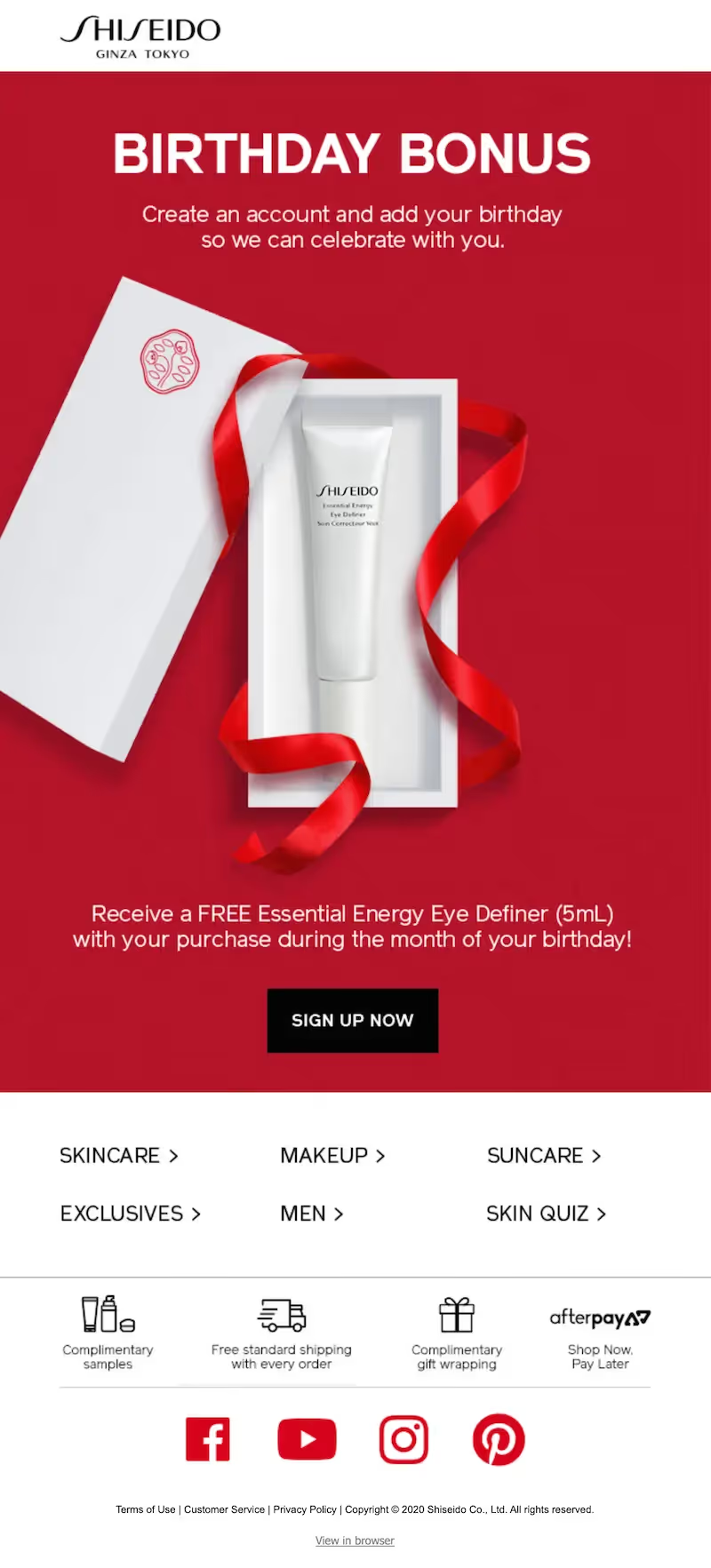
However you collect your subscribers' birthdays, do it in a way that's festive and fun. And when their birthday comes around, deliver what you promised you would.
Tip #2: Do something different (with color)
Birthdays are an opportunity to do something out of the ordinary with your email design. But "out of the ordinary" doesn't have to mean complex or costly. Changing the color scheme of the email, for example, is a simple way to show the reader that the day (and the email) is special.
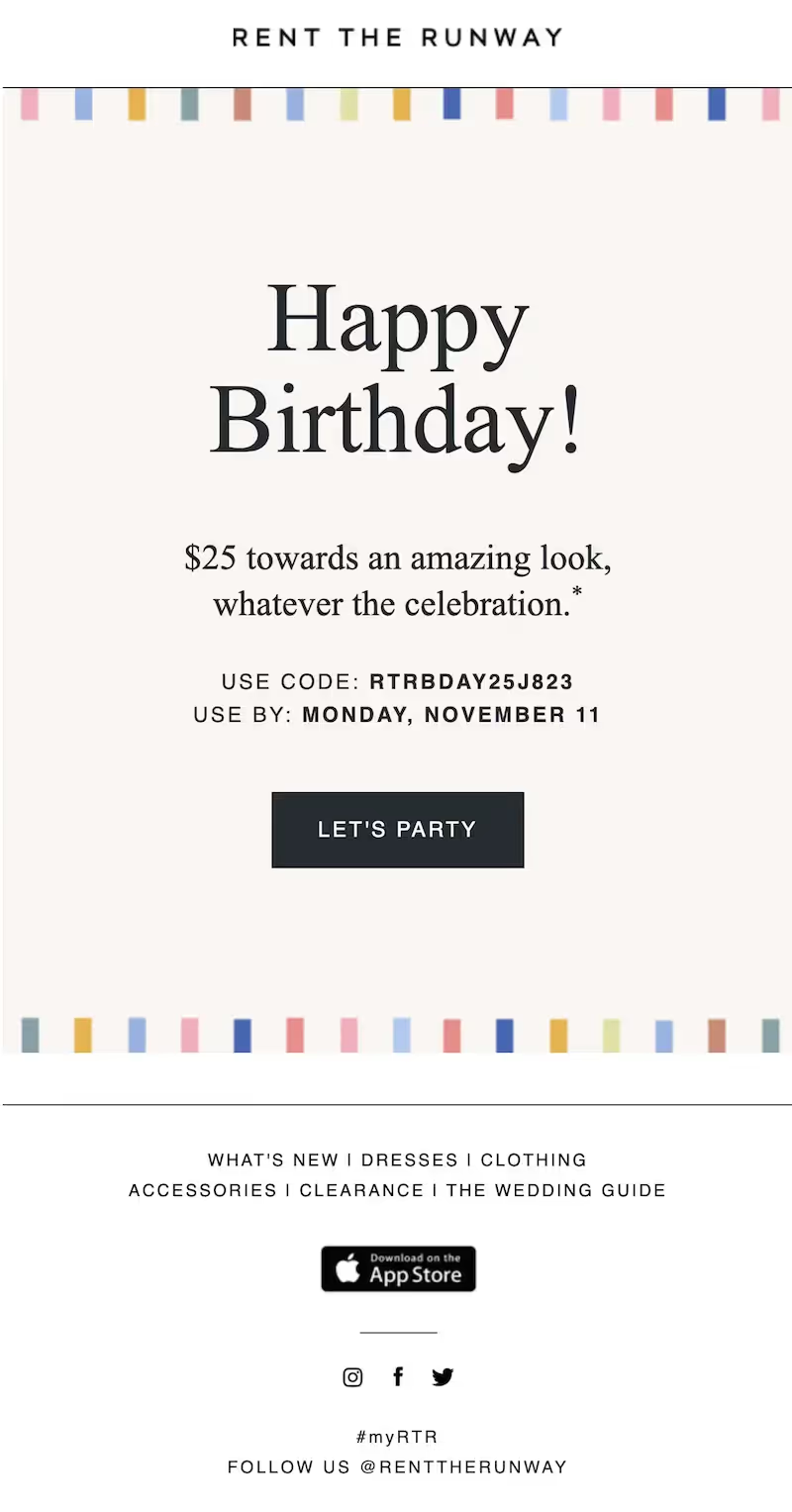
Brands often rely on product images and graphics to make a statement in emails, but color is a simple way to liven up a message — without throwing off your image-to-text ratio or increasing your email size. Plus, HTML colors render across all inboxes (unlike images), take up less than one line of code, and are easy to set up.
Tip #3: Address your reader by first name
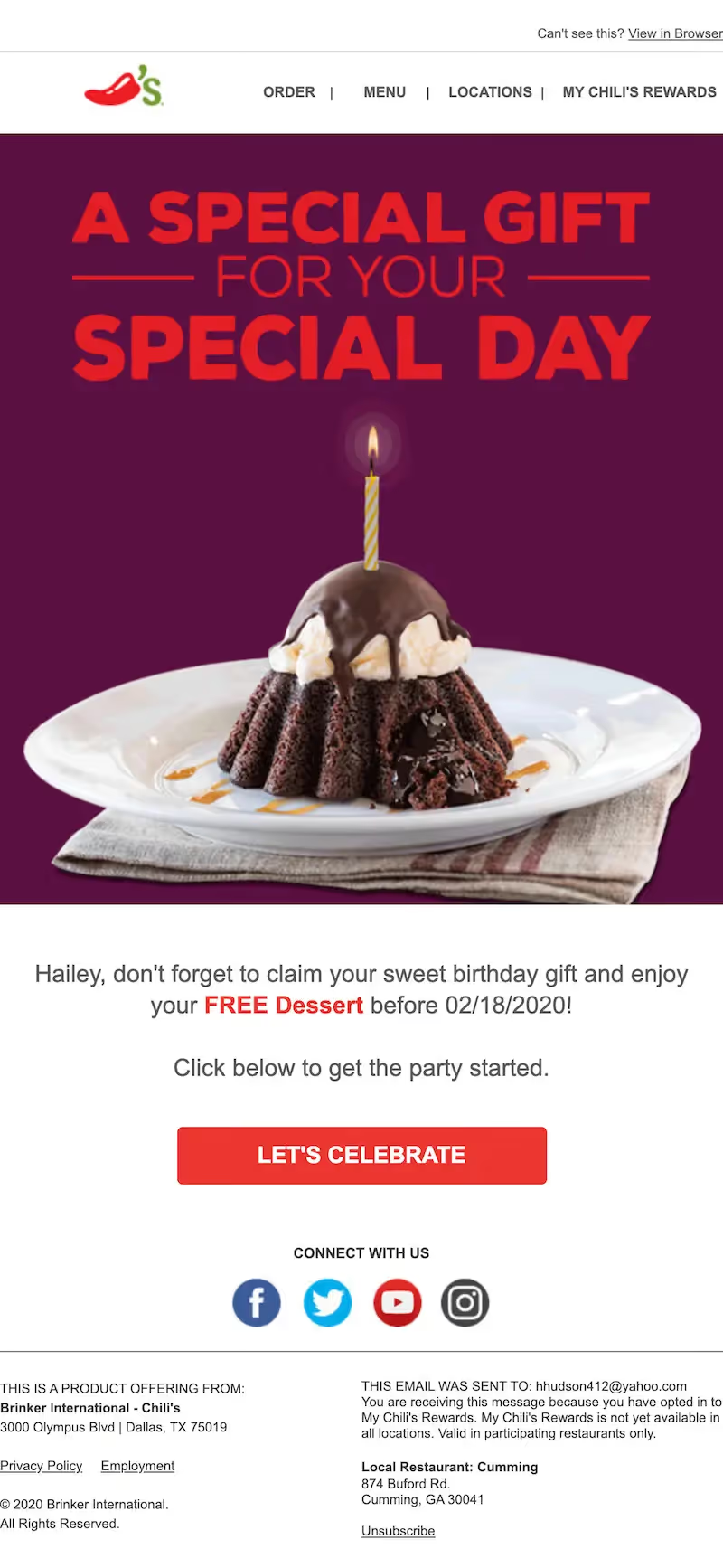
Birthday emails should be personal. After all, it's the recipient's special day. One way to connect with birthday recipients is by using their name in the email.
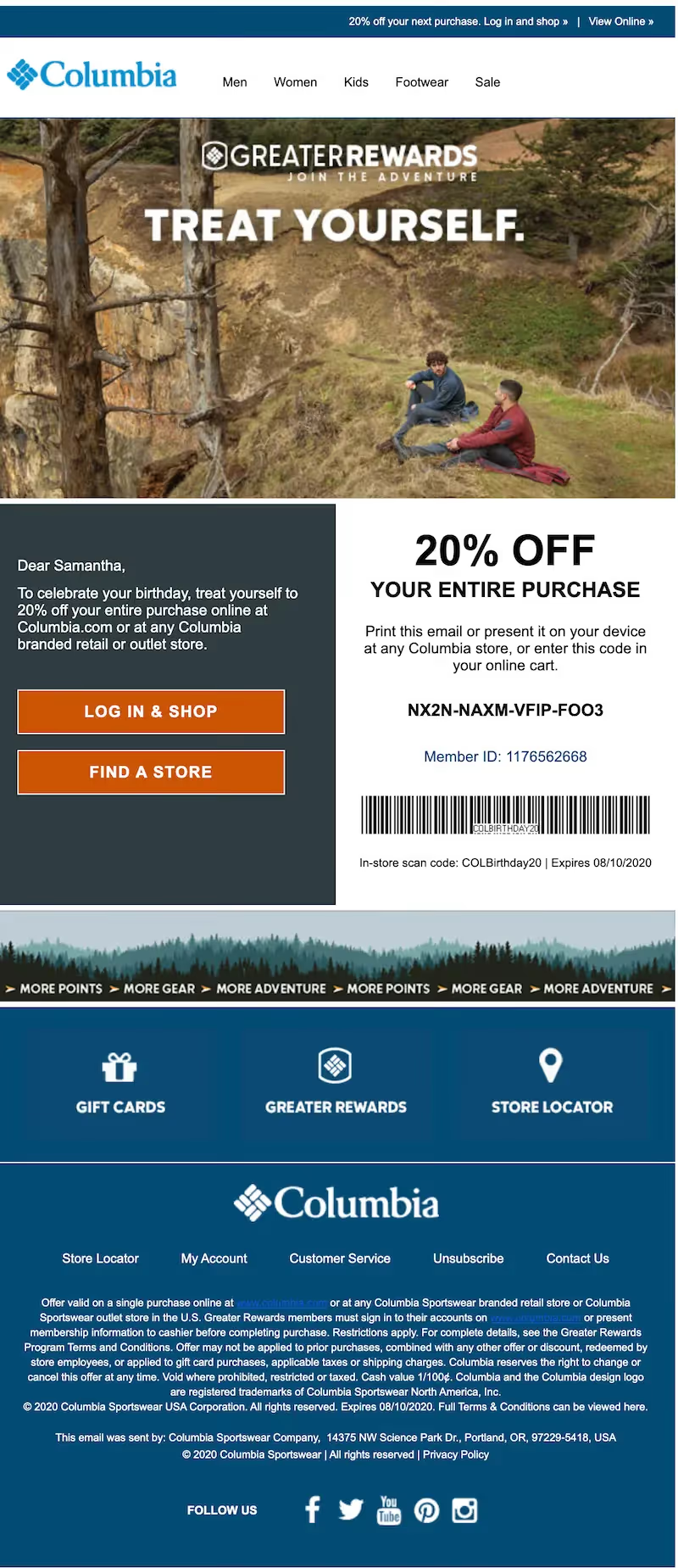
Not only is the recipient's name included, but it stands out. When the email is opened, the reader's eyes are likely to land on their name, which will make them more inclined to continue reading.
Tip #4: Make your promotion super easy to read
Many brands offer readers a birthday promotion — a gift that encourages them to continue shopping the brand. But don't make readers hunt to find the deal! If one is being offered, put it front and center.
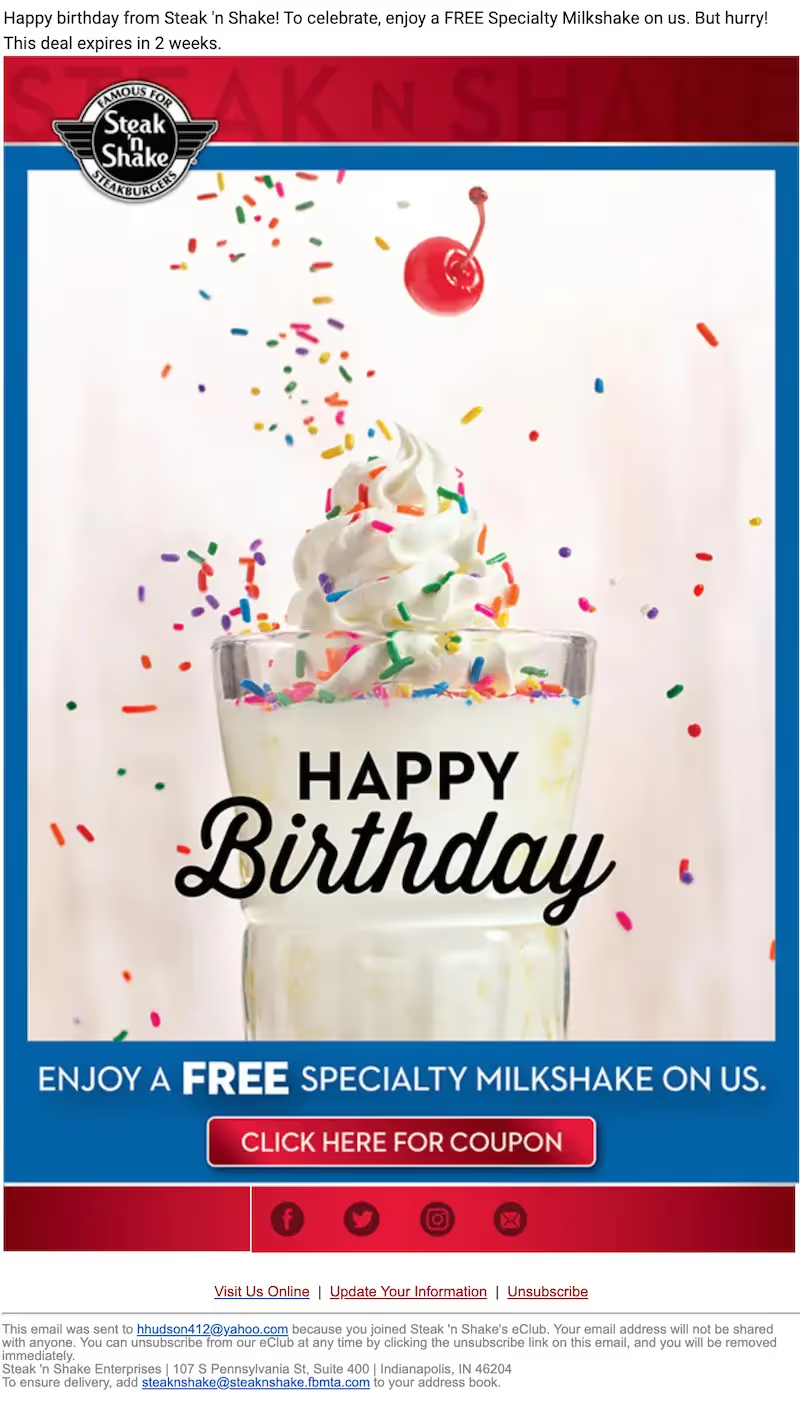
Thanks to the giant image that takes up almost the entire email, it's pretty clear what you're being offered. Plus, the text at the bottom is large, which makes reading a breeze.
Tip #5: Choose the best CTA button color
There isn't always a "best" CTA button color — but if we had to choose, it might be blue. An analysis showed that more emails had a blue CTA button than any other color, possibly because blue is popular as a favorite color among men and women.
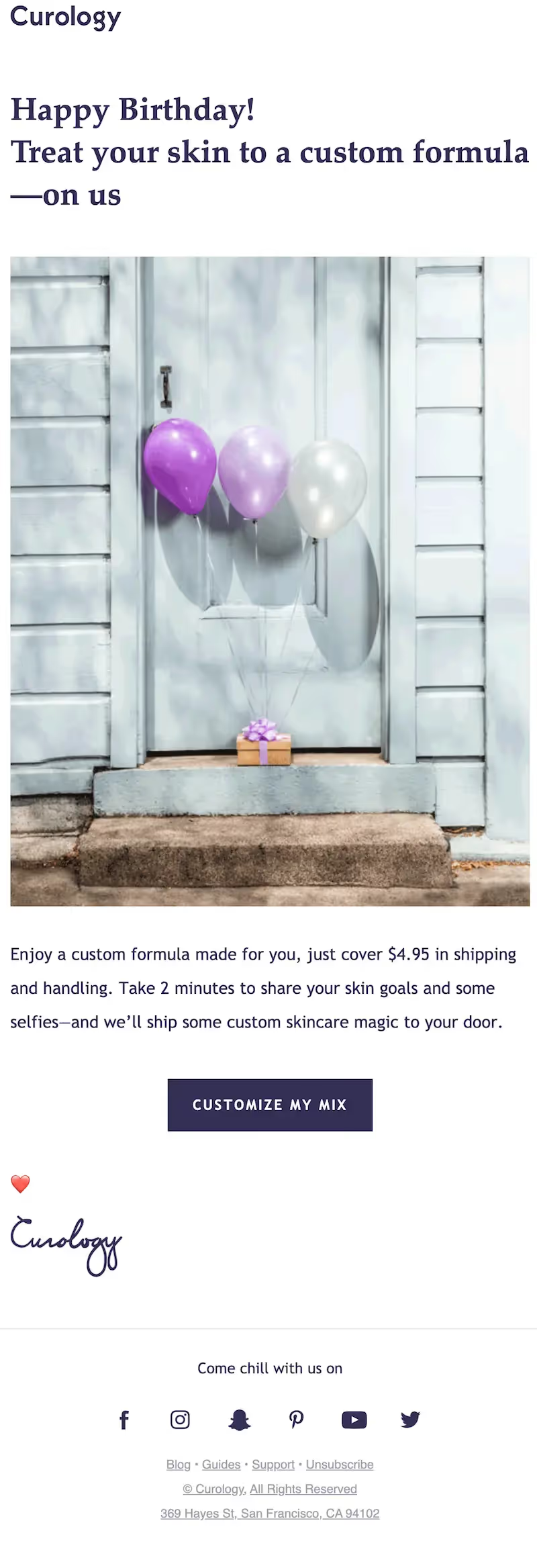
Blue is the brand's color, but it also stands out really well against the white background. And the CTA button is a nice tap-friendly size.
Tip #6: Send more than one email
One way to help increase engagement for your birthday email is to send more than one. A single email can get lost — especially because people tend to be busy on their birthdays. Creating a simple email stream increases your opportunity to connect. A week prior to the recipient's birthday, send a simple email inviting the reader to celebrate, then send another on the actual birthday with the same image, same CTA button and slightly modified text.
Tip #7: Automate your birthday emails
Automation is an essential tool for any email marketer's toolbox. And when it comes to birthday content, automation is even more important. Unlike other holidays, birthdays are scattered over the entire year. Get around this time-sucking problem by automating your birthday emails. Email service providers offer automation options that are perfect for customer birthdays.
Wrap up: Birthday email templates
Design birthday emails for your customers with a drag-and-drop HTML email editor. Then automate your birthday email content so it sends without a second thought.
Articles to wet your whistle


.png)
Subscribe to our newsletter.
Dive into the world of unmatched copywriting mastery, handpicked articles, and insider tips & tricks that elevate your writing game. Subscribe now for your weekly dose of inspiration and expertise.