

Email Design: 9 Best Practices for 2026
Get best practices for email design in 2026. Improve email effectiveness and engagement!

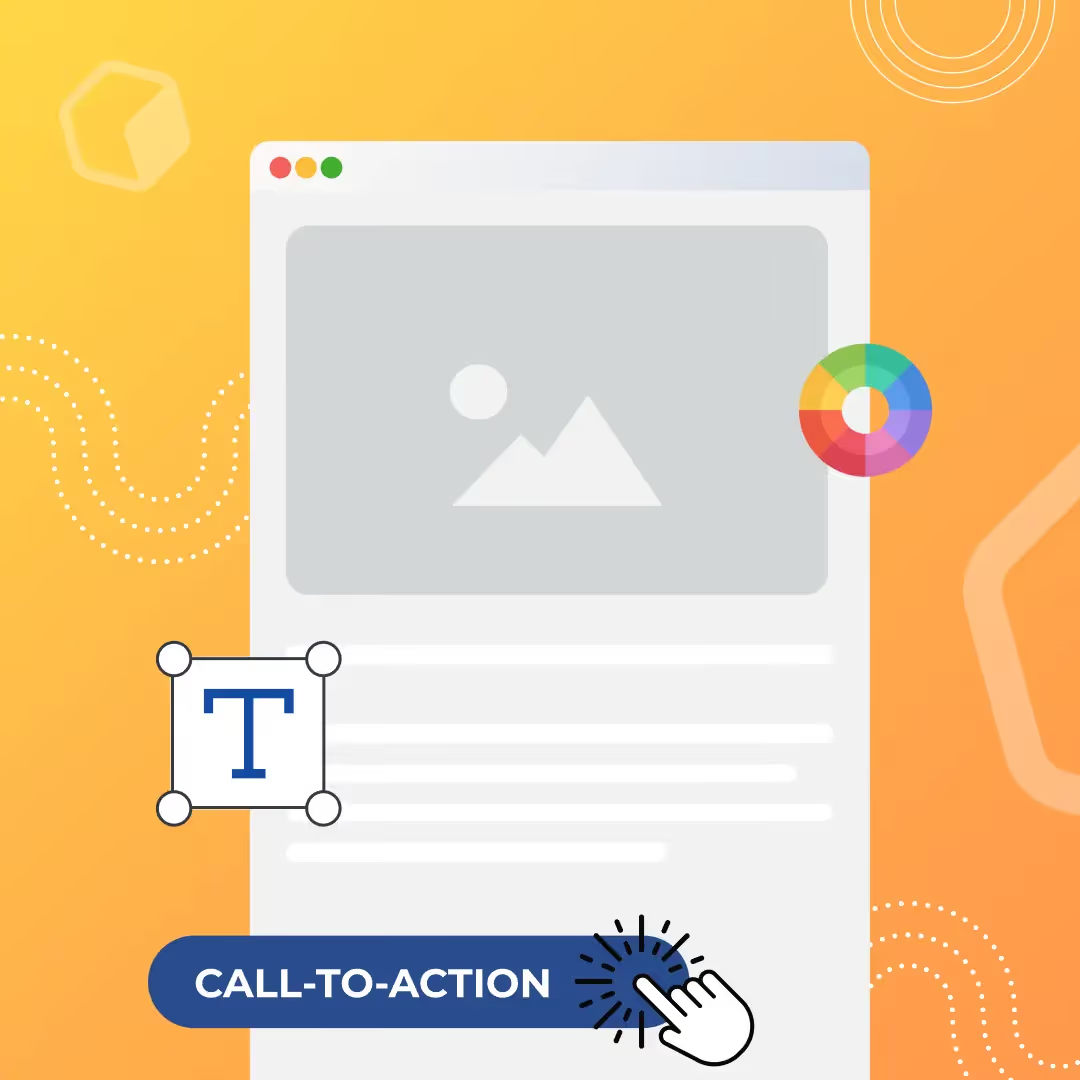
Never overlook the value of your email marketing strategies. While some may say email is dead, the data shows otherwise. Over 306 billion emails were sent and received every day worldwide, and it continues to be one of the most effective communication channels available to marketers. Now is the time to level up your email design. Design components make your email more engaging, with the power to increase both open rates and click-through rates. Quickly enhance your emails and increase your open rates with these 9 email design best practices:
1. Optimize for mobile
We love to stress this best practice because it's so vital to creating your best email design. About 50% of email opens occur on mobile devices. This means responsive email designs are no longer a "nice to have" — proper rendering is a must. Bonus design best practices for smaller screens:
- Minimalistic design (no complex headers, extra CTAs, or clutter)
- Large, easy-to-view content
- Clickable links and bullet-proof buttons
- Small image file sizes (allow for quicker load times)
- High-contrast design for mobile screens set to low brightness
- Proper balance of images and plain text (ALT text used for images)
2. Format text to improve readability
If you send newsletters, feature launch emails, or other text-heavy emails to subscribers, you'll want a consistent, balanced approach to formatting text:
- Stick to 1-2 email-safe fonts. Arial, Georgia, Verdana and Helvetica are popular email-safe fonts — reliable, classic, and easy to read.
- Include headers. Headers establish structure and break up sections of content.
- Use short paragraphs and bullets. Make your email content scannable by giving readers short bits of information.
- Don't over-format. A minimalistic approach to body copy is best for readability.
3. Don't underestimate color
In email, color is used to call attention to content, reinforce your brand identity, improve content organization and more. Background colors are a great way to organize content in email — they render across all inboxes (unlike images) and they're easy to implement. Try these quick tips:
- Labels. Organize long emails with eye-catching color tabs.
- Match photos. Grab attention with a monochromatic color scheme.
- Divide content. Use colorful lines and background colors to get organized.
- Photo collage. Break up images with blocks of color.
- Text. Use a high-contrast color other than black, like blue or grey.
- Links. Step away from that boring blue and create branded links.
- CTA buttons. Make sure they stand out more than any other message component.
4. Create bold CTA buttons
All effective marketing emails have a call-to-action. Whatever your CTA, it's the driving force behind the entire email campaign. The best way to optimize CTAs is to form them into buttons, written in HTML (bulletproof buttons) so they always render across all inboxes. Best practices:
- Write action-oriented, personal and compelling copy for your button.
- Check that your button visually pops out.
- Make sure the color of the button is different than your email background and the copy inside the button is different than the button color.
- Keep the style simple. Avoid gradients and multiple colors.
- Place your button in an easy-to-find spot that fits organically in the story of your email.
5. Make sure your message can be read with image-viewing turned off
It's tempting to build your email as one big image or as a series of images, but doing so means you'll risk encountering a number of inbox and mobile rendering issues. Skip the image-only email and follow these design best practices: don't rely on images to be the only visually interesting part of your email, find a proper balance of live text and imagery, and bulletproof your buttons.
6. Be selective with social media buttons
Social media buttons are secondary calls to action that invite readers to follow your social accounts or share your content. Because they aren't usually as important as your email's central CTA, they shouldn't compete with your main content — place them in the header or footer, and choose no more than two sharing options if included in the body.
7. Incorporate dynamic content
Animated GIFs are big contributors to increasingly sophisticated visual storytelling in email. To maximize their effect: make sure your GIF serves a purpose, position GIFs to lead subscribers directly to your CTA, always use ALT text, communicate your message in the first frame, and don't send out a huge file size. Countdown timers are another great way to call attention to special emails and compel readers to act — position your timer at the top of your email with some padding.
8. Enhance your footer
Even though they come last, email footers shouldn't be overlooked. They're often where readers go to find details about your brand, additional perks, and social media links. If you're sending commercial emails, anti-spam laws typically require: a link to unsubscribe, a link back to your site, your mailing address, and a contact email address. Before stuffing your footer with information, evaluate what makes the most sense to include and go with a minimalistic approach.
9. Don't get clipped
Message clipping is especially common for Gmail users, where HTML emails larger than 102 KB get trimmed (and the Gmail app for iOS clips messages larger than 20 KB). Prevent clipping by optimizing for mobile — don't overload your emails with content, and use a mobile responsive design tool to prevent clipping.
Create for long-lasting success with great email design
Enhancing your email design will provide your subscribers with a better understanding of the value you bring to their lives. While email design trends and best practices are constantly evolving, staying up to speed will result in increased email opens and higher conversion rates.
Articles to wet your whistle

.jpg)
Subscribe to our newsletter.
Dive into the world of unmatched copywriting mastery, handpicked articles, and insider tips & tricks that elevate your writing game. Subscribe now for your weekly dose of inspiration and expertise.